Polished catalog photo refinement

Product Photo Beautifierfor a More Premium Finish

Enhance a catalog photo with cleaner detail, more considered texture, and a commercial treatment ready for ecommerce or campaign use.

Upload a catalog photo, refine its treatment, and check the finished output.

Watch beautification source image
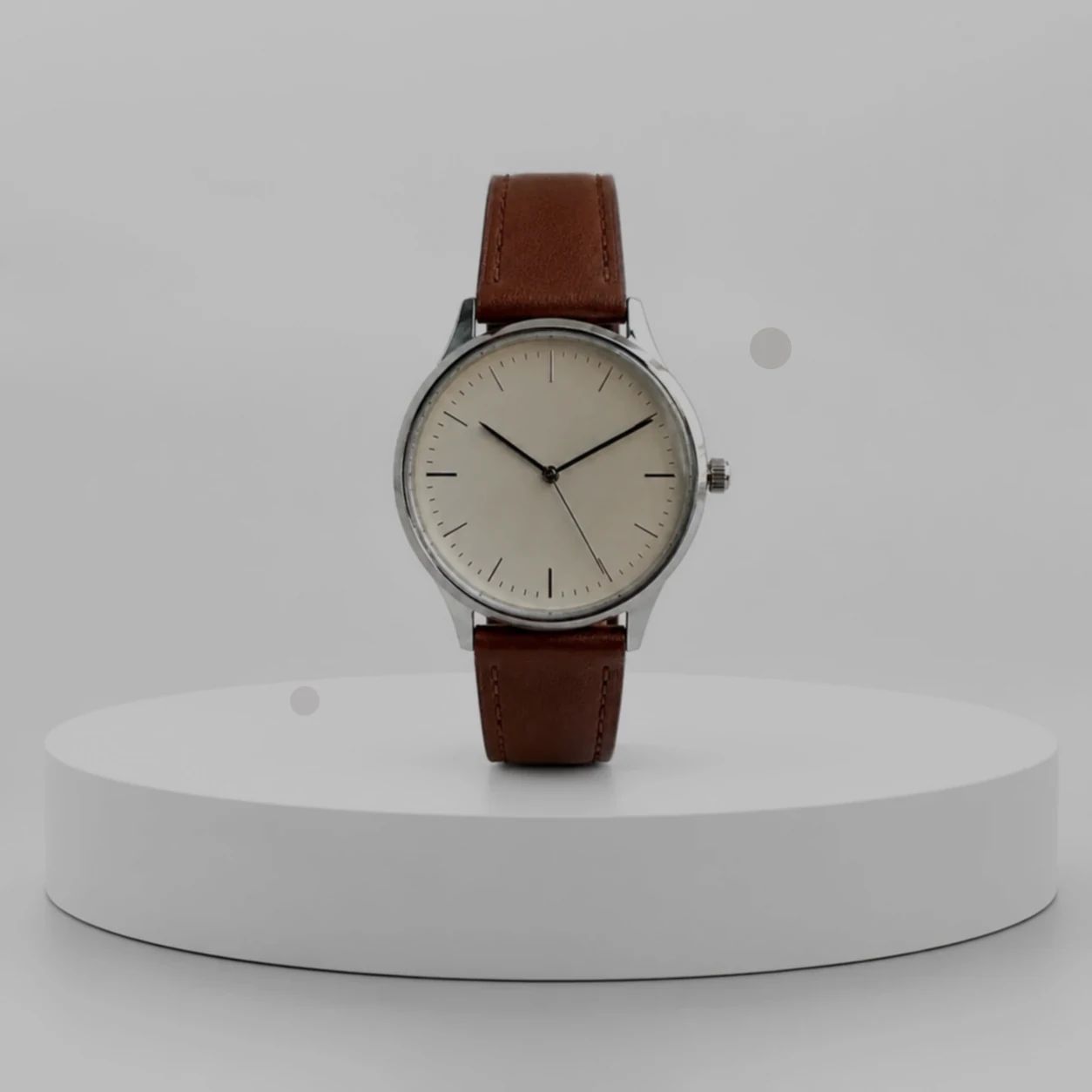
Original
Watch beautification edited result
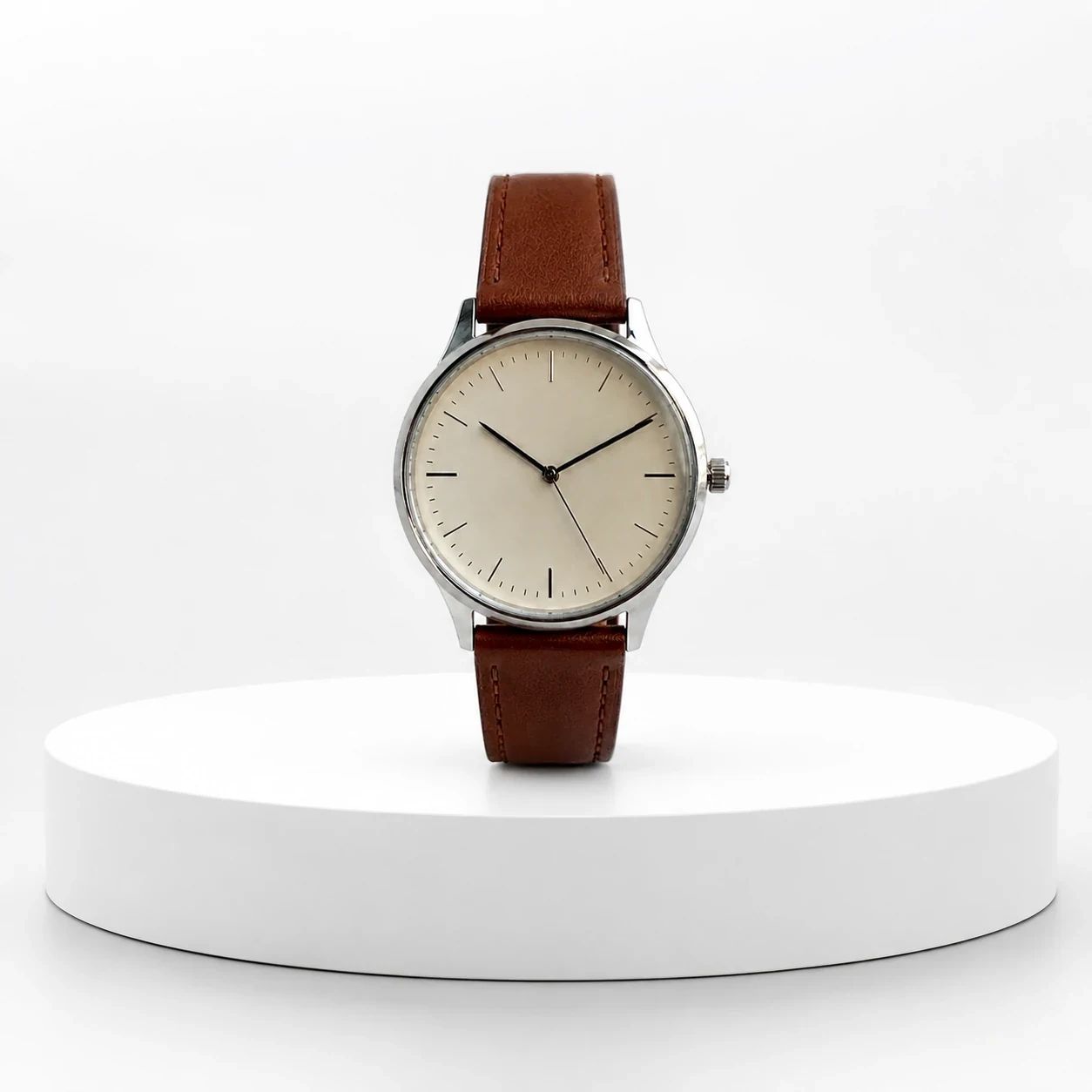
Beautified
Watch beautification result detail
Detail

Beautifier examples

Catalog Photo Refinement from Original to Polished Finish

Product Photo Beautifier work is a finishing workflow, not a substitute for checking the merchandise itself. These examples show how an original photograph can be refined toward a cleaner commercial direction for ecommerce and campaigns. Compare each result with the original, decide whether the chosen treatment suits the brand and destination, and inspect every sales-critical detail before a deliverable is approved for publication.

Watch beautification source image

Original catalog photo

Begin with the clearest available catalog source and identify the details that must remain understandable in the finished frame. Before refinement, note important labels, colors, materials, proportions, and surface features so a reviewer has a practical basis for comparing the result with the original file.

Watch beautification edited result

Beautified result

Use the beautified result as a candidate for a more polished catalog rendering, then compare it with the original. Review item shape, brand marks, packaging copy, color, texture, and any distinctive feature that a shopper, client, or internal reviewer needs to recognize before moving the frame into production.

Watch beautification result detail

Cleaner detail

A cleaner visual direction can bring merchandise materials, controls, finish, or styling into clearer focus for a storefront or campaign layout. Inspect fine details at the size where customers will see them, and check that the composition still communicates what the item is without relying on an overly small or cropped view.

Watch beautification edited result

Premium treatment

Choose a retouched treatment when it supports the brand's intended tone across listing pages, ads, social creative, or launch material. Check the chosen crop, background relationship, lighting impression, and item detail against the original. A refined frame needs review in its real placement before it becomes an approved commercial deliverable.

Use cases

Catalog Photo Beautification for Store and Campaign Work

Use photo beautification when a clear original photograph needs a more considered visual direction for a store, catalog, or campaign. The workflow can help a team evaluate cleaner detail, surface treatment, and overall polish, while the publishing decision remains a review of the actual frame. Start from the destination, preserve a reference to the original, and make sure the finished deliverable communicates the real item appropriately.

Storefront updates

Refresh listing cards and detail-page photography when a consistent, more considered finish supports merchandising. Review the item at grid size and at the larger detail-page size, checking labels, color, materials, proportions, and key features against the original before a storefront update is published.

Catalog quality

Use a repeatable review approach across a catalog so photographs share an intentional level of polish without losing category-specific merchandise information. Compare each completed file with its original, then check crop, scale, background, packaging detail, and visual consistency together before releasing a collection update.

Launch creative

Prepare launch creative when a catalog photograph needs to carry a message in ads, social posts, or announcements. Review the file in each intended aspect ratio, confirm the item remains clear beside text or calls to action, and verify that merchandise details, branding, and the chosen visual direction are appropriate for the campaign.

How it works

Beautify a Product Photo in Three Steps

A useful Product Photo Beautifier workflow begins with a catalog photo that is clear enough to evaluate. Generate a refined treatment, then treat the result as a candidate that needs a direct comparison with the original. Check the output at its display size and in its intended placement so commercial polish does not obscure item details, brand requirements, or the purpose of the frame.

  1. 1

    1. Upload a catalog photo

    Choose a catalog photograph where the item, its shape, and important details are visible. Keep the original photo available for review. Avoid assuming that a severely blurred, tiny, clipped, or heavily obscured frame will provide enough information for a reliable commercial evaluation.

  2. 2

    2. Generate an enhanced version

    Generate a retouched version to explore a cleaner, more polished catalog treatment for the intended storefront, catalog, or campaign. Use the result to assess direction, not as an automatic approval. The original photograph, item material, crop, and placement all affect whether a treatment is suitable.

  3. 3

    3. Check the result

    Check texture, labels, color, shape, proportions, and brand-critical details before publishing. Compare the frame with the original, then test it in the actual listing card, ad, or page layout. Rework or select another result when the chosen output does not clearly communicate the item for its intended use.

Built for polish

Product Photo Beautifier for a Finished Commercial Look

A photo beautifier can support a more finished composition for commercial photography, especially when a team needs to evaluate visual polish across multiple surfaces. Use it alongside a practical review process: identify what must remain true to the original, inspect the chosen result, and verify how it reads at the intended size. The goal is a clearer catalog view that fits the assignment, not a uniform treatment.

01

Cleaner merchandise detail

Use a refined catalog photo to assess whether key materials, surfaces, and features receive clearer visual emphasis. Compare texture, small construction details, controls, printed copy, and logos with the original at a useful review size. A more polished impression still needs confirmation that the item information shoppers rely on remains understandable in the intended placement.

Watch beautification edited result

02

Premium presentation

Develop a polished visual direction for storefront and campaign photography when it aligns with the category and brand tone. Review the composition, background, color, lighting impression, and crop alongside the original. Check the finished export in its destination format, because placement changes how treatment reads.

Watch beautification result detail

03

Detail check

Make checking part of the finishing process by examining labels, brand marks, color, shape, texture, and proportion before the deliverable is used. Inspect fine print and distinctive features at the displayed size, not only in preview. Select another result or revise the original when the commercial treatment makes the item harder to assess accurately.

Watch beautification edited result

Ecommerce categories

Catalog Photo Enhancement Across Ecommerce Categories

Each category has different visual details that merit review. A more polished presentation can support confident merchandising, but it should be evaluated against the specific item, original photography, brand rules, and channel requirements. Use these category notes as a practical inspection guide, then approve only the chosen output that communicates the item clearly enough for its destination.

Beauty serum in a coral studio setting

Beauty and skincare

Present beauty and skincare packaging with a more considered finish while checking label copy, pumps, caps, reflective surfaces, item color, and material. Compare the finished frame with the original and inspect the crop used by the store. Small packaging details can matter to a shopper even when the overall frame feels cleaner.

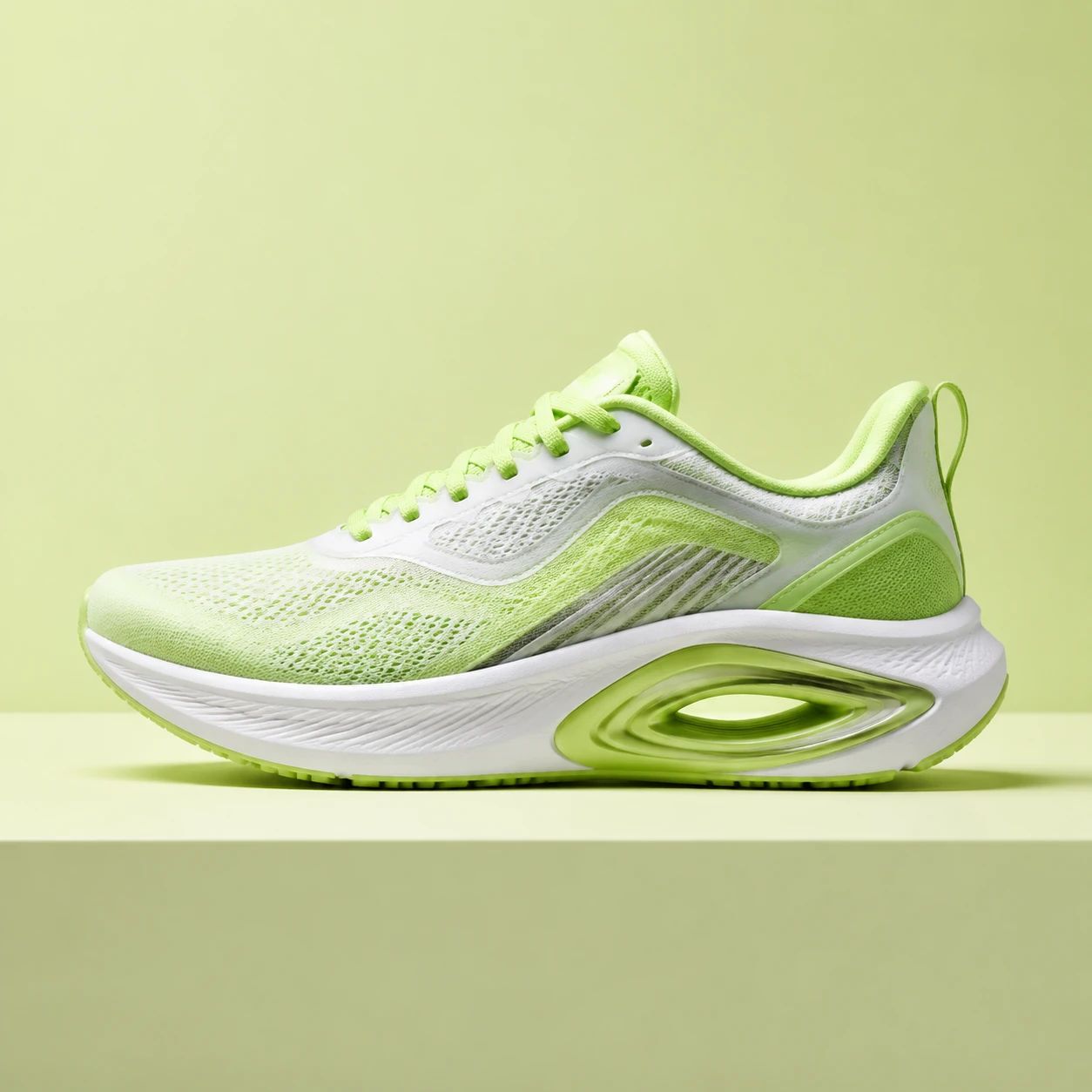
Sneaker in a lime studio setting

Footwear and fashion

Refine footwear and fashion photography when a clearer silhouette, texture, or surface treatment supports merchandising. Inspect stitching, laces, seams, hardware, color, material, and proportions against the original. Review the export in each chosen crop so the treatment does not hide distinguishing features or make the item difficult to compare.

Packaged food product in a linen setting

Food and drink

Give food and drink catalog photography a cleaner campaign-ready treatment while preserving visible packaging and serving context. Check printed artwork, lids, glass, reflections, item color, and food appearance before approval. Consider the destination carefully, because a catalog listing and a lifestyle promotion can require different crops and information.

Headphones in a cobalt product setting

Consumer electronics

Use a refined treatment to make consumer electronics form and material easier to understand on sales surfaces. Review controls, ports, cables, logos, finish, proportions, and key technical details against the original. Test the frame at the storefront or campaign size before relying on it to communicate device features.

FAQ

Product Photo Beautifier FAQ

Practical guidance for selecting original catalog photos, reviewing a refined treatment, and deciding whether a photograph is ready for ecommerce or campaign use.

What does a photo beautifier do?

A photo beautifier helps explore a cleaner, more polished visual direction for a catalog photograph. It can be useful when preparing ecommerce, catalog, or campaign creative, but the result needs review against the original. Check that the item, its important details, and the intended brand direction remain understandable before any frame is published.

Which catalog photos are a good starting point?

Start with the clearest original photo available, where the item shape, color, and important features are visible. Keep enough resolution and surrounding context to inspect the finished frame. Be cautious with tiny, severely blurred, tightly cropped, or obscured items, because they can make it harder to assess labels, materials, proportions, and sales-critical details.

Does beautification guarantee factual fidelity?

No. Treat every result as a candidate that needs a direct visual comparison with the original catalog photo. Inspect color, labels, logos, shape, texture, proportions, and distinctive features before approval. The appropriate review level depends on where the frame will appear and what information a customer or reviewer needs to understand from the completed deliverable.

Can I use a beautified file for ecommerce?

You can evaluate a beautified file for ecommerce, then review it in the actual sales context. A marketplace tile, detail page, catalog grid, and promotional banner can need different crops, scales, and detail levels. Confirm current channel requirements yourself and check that the chosen output still shows required packaging, branding, and item characteristics clearly.

Can I use it for campaign or social creative?

A refined catalog photograph can be a useful starting point for campaign, social, or launch creative when the visual direction fits the brief. Place the file beside the actual message, call to action, and crop before approval. Review item visibility, brand marks, color, texture, and the relationship between the subject and any surrounding text or design elements.

What should I inspect before publishing?

Check the exported frame against the original for labels, logos, color, shape, texture, material, proportions, and other brand-critical details. Inspect at the displayed size as well as a larger review size. Then test the file in its intended placement. A result that looks polished on its own can still be unsuitable when cropped, compressed, or placed in a catalog grid.

Can I add style direction to the workflow?

Use the available workspace controls to guide the result toward the treatment you need, then review the finished frame carefully. Describe the intended commercial context and keep the original nearby for comparison. Do not assume a chosen direction will be appropriate for every category, brand, or channel without checking the actual output in its intended layout.

Will the item always look the same after refinement?

Do not rely on an automatic promise that every feature will remain unchanged. Review the specific result against the original, especially small text, logos, distinctive materials, reflective surfaces, patterned packaging, and item proportions. Choose another result or use a clearer photograph when important merchandise information is unclear or the finished treatment does not meet the assignment.

How can a team keep catalog photos consistent?

Create a repeatable review checklist covering original quality, category details, visual direction, crop, background, labels, color, materials, and intended placement. Review a set of catalog photographs together before a catalog or campaign update. Keep the original file with the approved version so future reviewers can compare decisions and maintain a consistent commercial standard across a collection.

What should I do when a result is not suitable?

Identify the exact issue first: merchandise details are unclear, the crop is weak, the style does not fit, a label changed in appearance, or the output does not work in its destination. Try another result or begin with a clearer reference photo, then compare again at display size. Do not publish the file until it communicates the item appropriately for its intended use.

Refine Your Next Catalog Photo

Use the Product Photo Beautifier to refine a catalog photo toward a cleaner ecommerce or campaign treatment, then review the chosen result with the original photograph at hand. Inspect item details, brand requirements, crop, and the real publishing context before approval. A thoughtful comparison helps ensure that a polished visual direction still communicates the item clearly for its intended audience.

Start with a clear catalog photo, choose a visual direction, and review the finished output in its real sales or campaign placement.

Watch beautification edited result