Keep the subject in focus

Background Blur

Blur a photo background to bring attention to a product, portrait, or key visual detail.

Upload a photo. Blur the backdrop. Keep the subject clear.

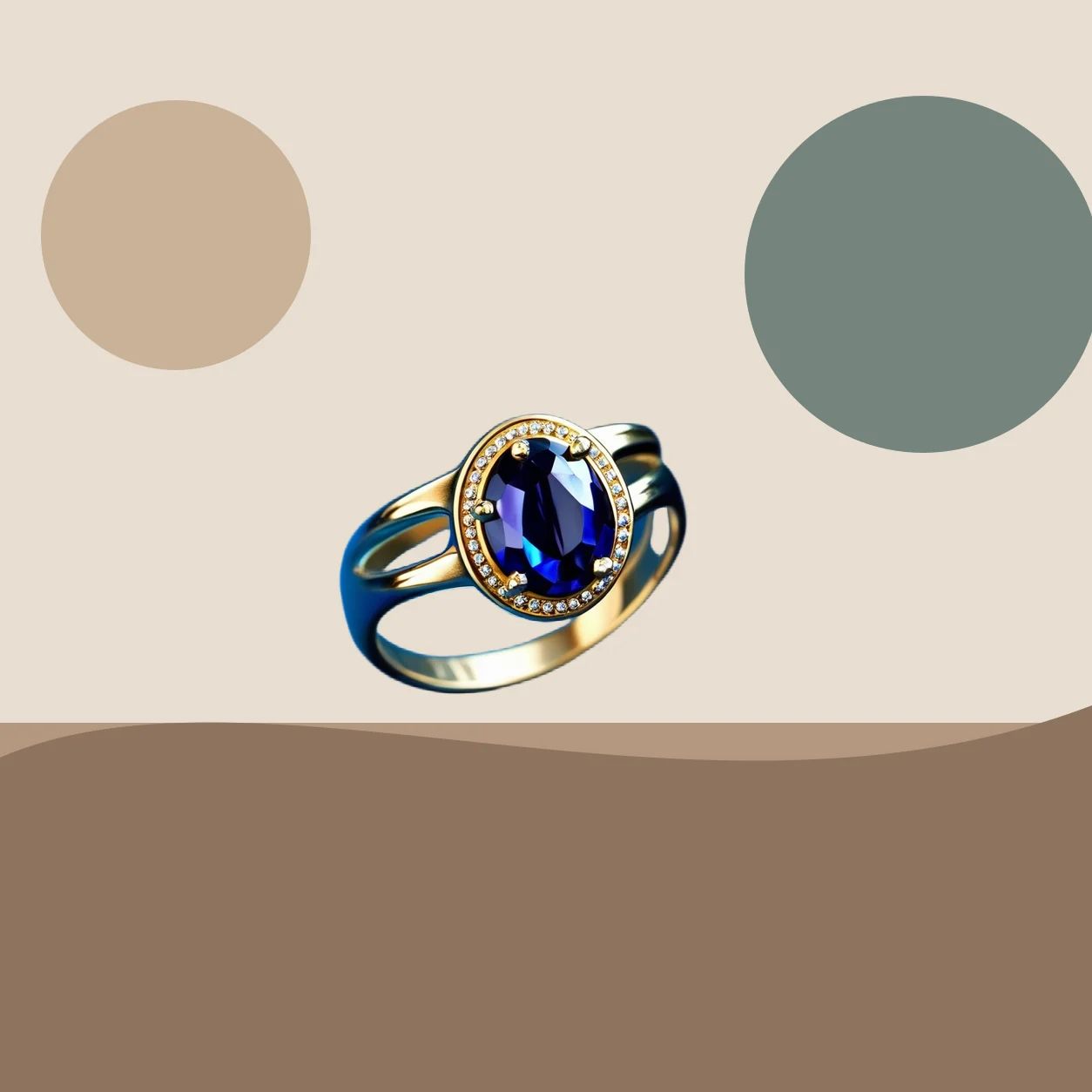
Ring background blur source image
Source
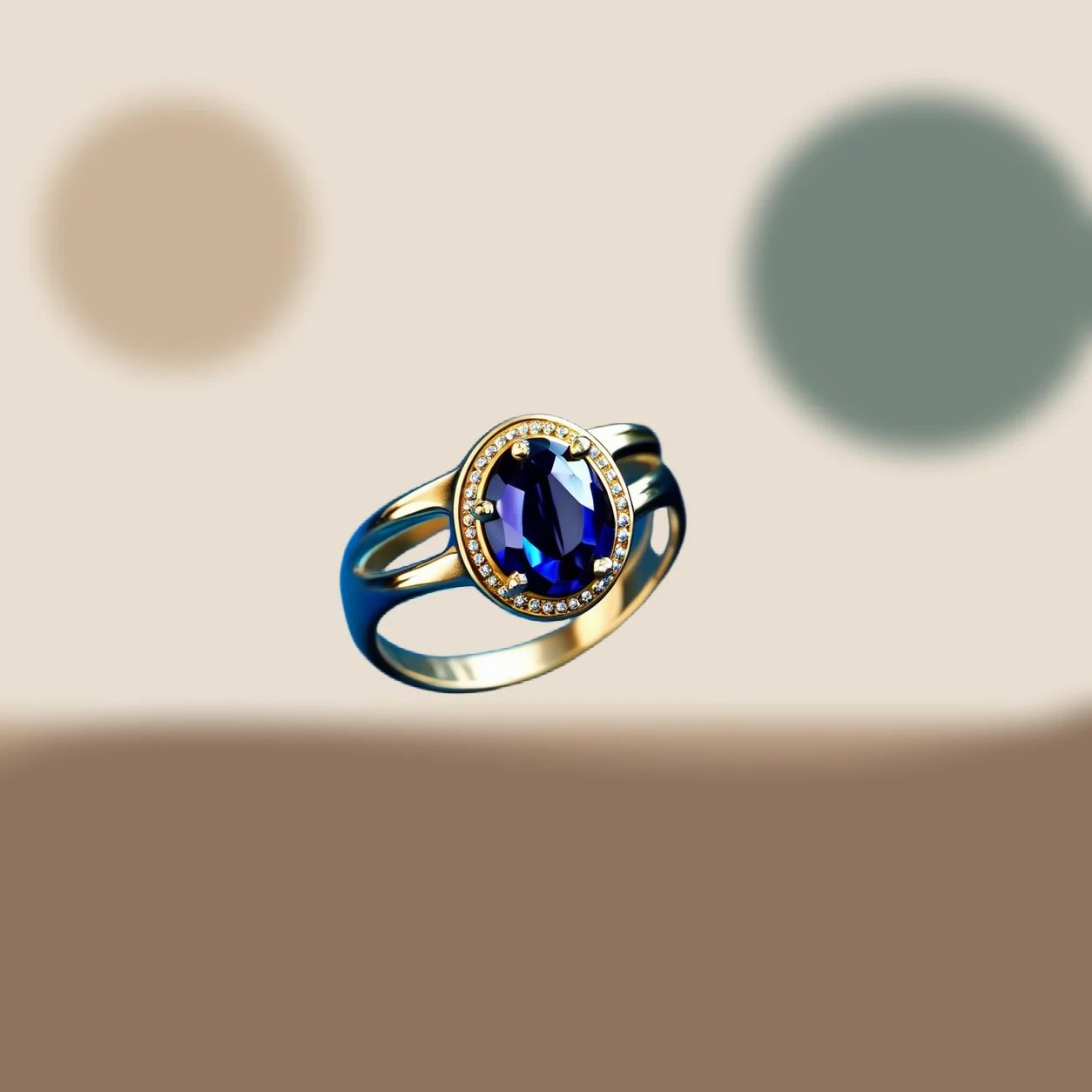
Ring background blur edited result
Result
Ring background blur result detail
Detail

Blur examples

Background Blur Examples

Background blur changes the visual relationship between a subject and its setting. These examples show a softer surrounding area used to reduce competition around packaging, a person, or a campaign detail. Treat each result as a composition to review: compare the subject with the source, check the crop at its published size, and decide whether the remaining context still supports the message you need to communicate.

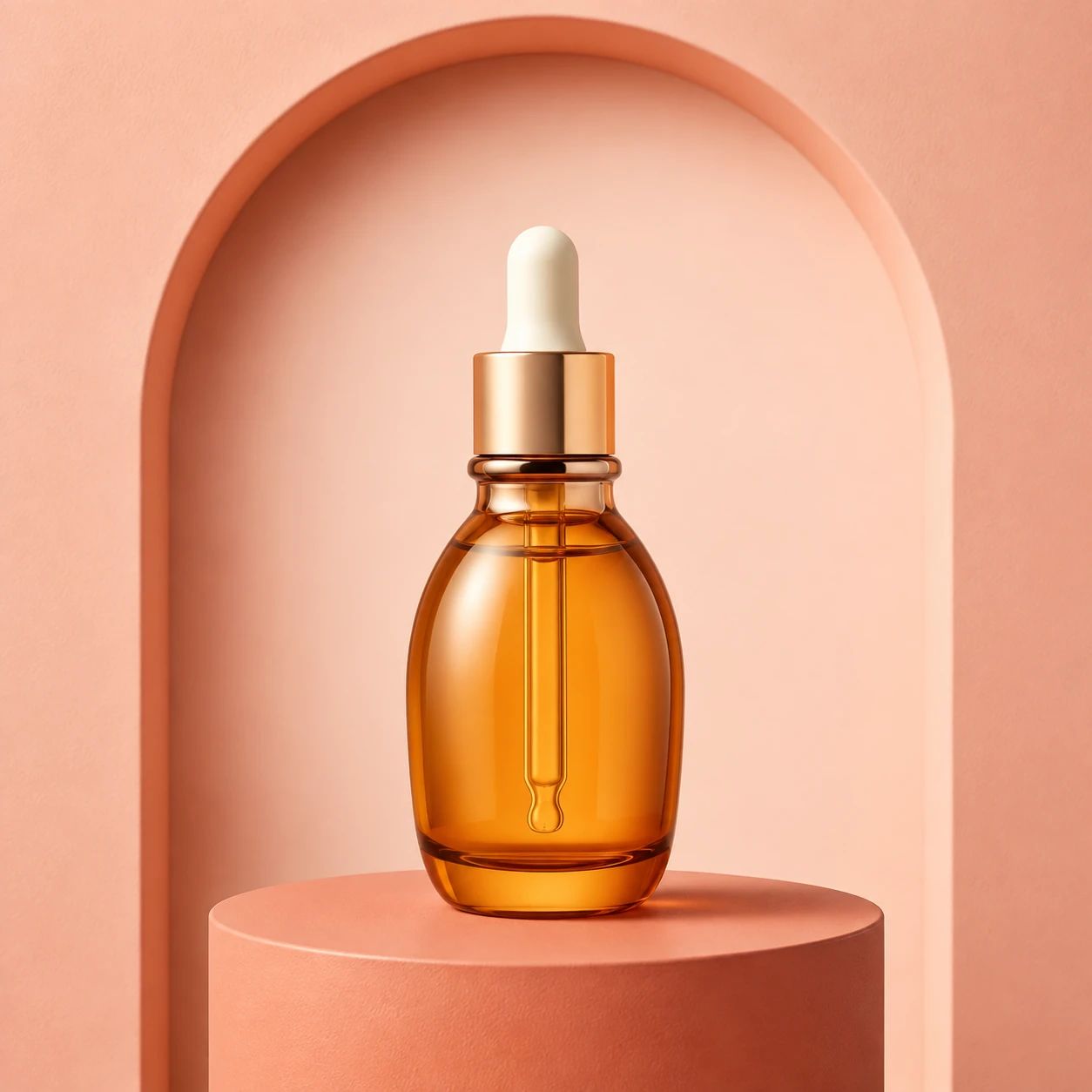
Skincare product with a softly blurred lifestyle background

Skincare focus

Use a gentler surrounding scene to keep skincare packaging, label hierarchy, and product shape easier to notice. Before publishing, compare fine print, cap edges, reflective surfaces, and the visual distance between the item and its setting with the source photo.

Headphones separated from a softly blurred setting

Electronics detail

A softer background can make headphone form, materials, and key design details easier to scan in a product image. Review the ear cups, headband, cables, logos, and any small features that shoppers need to understand before the asset moves into a listing or ad.

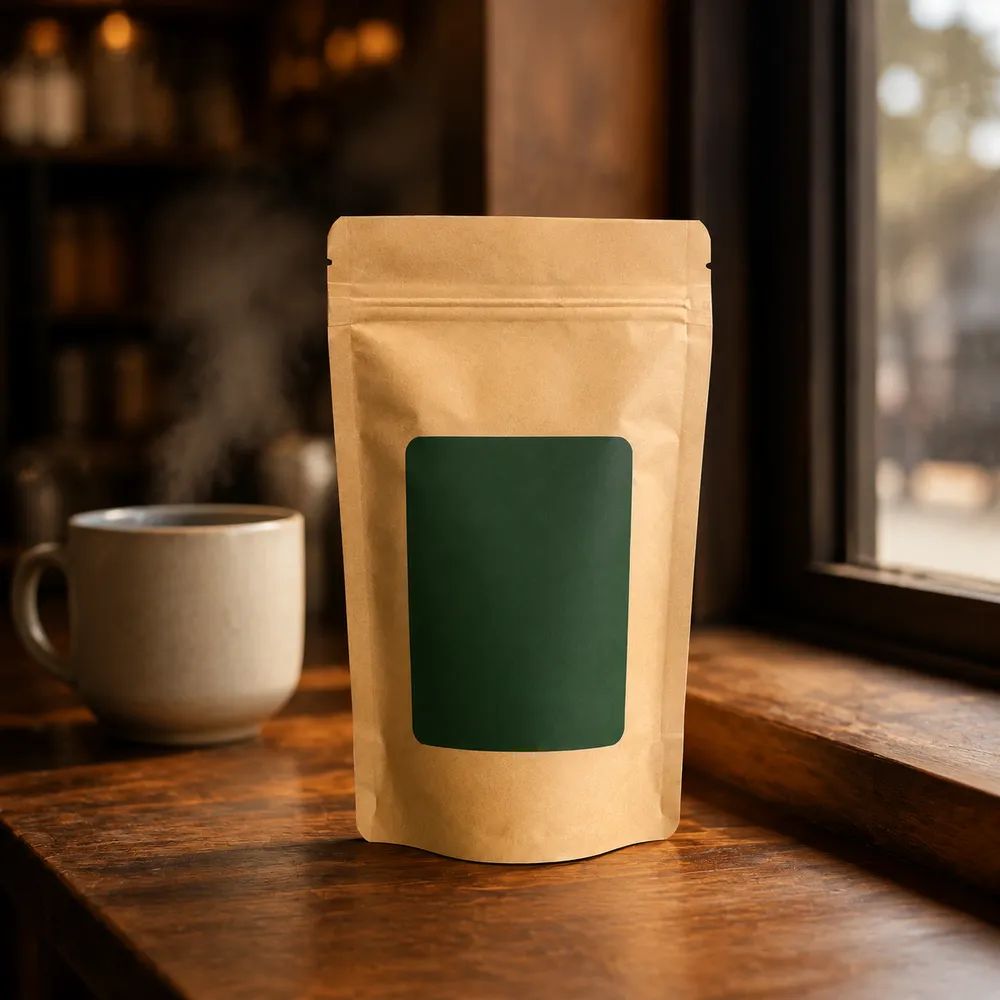
Coffee product with background depth

Coffee lifestyle

Keep a coffee scene recognizable while giving the package or serving detail more visual priority. Check the subject boundary, text on the pack, color balance, and how much of the table, cup, or environment remains useful for the intended lifestyle message.

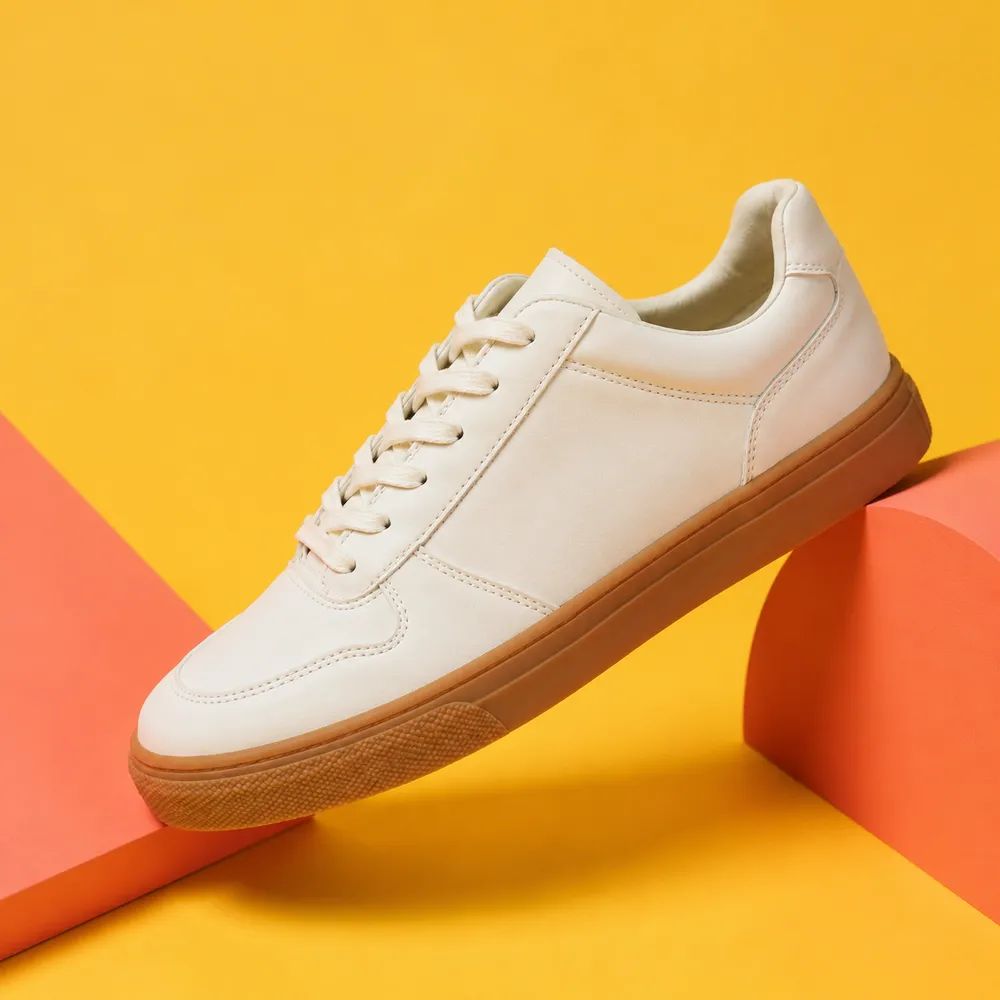
Sneaker campaign image with subject focus

Sneaker campaign

Use background blur to guide attention toward a sneaker's silhouette, color, and material in a campaign composition. Review laces, sole edges, stitching, logos, and the final crop at the dimensions used by the storefront, social post, or paid placement.

Use cases

Blur a Photo Background for Products, Portraits, and Campaigns

Choose background blur when the original setting provides useful context but competes with the product, person, or visual message. It can support a focused product photo, a portrait with fewer distractions, or a campaign frame with a clearer hierarchy. The right amount of softness depends on the source and destination, so review the result in context rather than expecting one treatment to suit every image.

Product photography

Use a softer backdrop in product photography when the room, props, or texture support the story but make the item harder to scan. Check that packaging, labels, color, proportions, and the product silhouette remain clear enough for the product page or sales channel where the image will appear.

Portraits

Use background blur for portraits when a visible setting is desirable but competing objects pull attention away from the person. Review hair, glasses, hands, clothing edges, and the relationship between the portrait and its remaining environment at the actual display size.

Campaign creative

Use a focused composition for campaign creative when a headline, offer, or product should lead the frame. Keep enough context to make the image understandable, then check that the subject, text placement, crop, and surrounding details work together on each final format.

How it works

Blur a Photo Background in Three Steps

A useful background blur result starts with a photo where the main subject is visible and the original setting can be distinguished from it. Generate a softer backdrop, then inspect the composition as an editorial decision rather than a fixed correction. Compare against the source, preview at the intended output size, and confirm that important product or portrait details remain understandable before publishing.

  1. 1

    1. Upload a photo

    Choose a source image with a visible product, person, or key detail and enough surrounding scene to create separation. Avoid relying on a tiny, severely blurred, tightly cropped, or heavily hidden subject when the final asset needs close product inspection.

  2. 2

    2. Blur the background

    Create a background blur treatment that places more visual weight on the main subject while preserving the setting where it supports the story. Do not assume every source will produce the same level of separation; evaluate the composition that the particular image produces.

  3. 3

    3. Review focus

    Review the subject boundary, labels, color, fine texture, hair or fabric, and visible context before using the result. Test the image in its final crop and channel format, because a detail that looks acceptable in a large preview may become unclear in a listing tile or ad.

Subject focus

Subject Focus with a Softer Background

Background blur can help establish a clearer visual hierarchy without removing the setting entirely. Use it to direct attention toward the subject, then make a deliberate quality check of the specific output. The source photo, subject separation, crop, and final channel all influence whether the composition reads clearly.

01

Product focus

Give a product more visual priority when its package, form, or surface needs to lead a lifestyle image. Review label readability, caps, edges, reflections, color, and the amount of scene detail left around the item. A softer setting can support focus, but the product still needs direct review before team approval.

Ring background blur edited result

02

Detail-led images

Use a less busy backdrop to make product details easier to inspect in a close composition. Compare controls, seams, logos, materials, cables, and small shapes with the original source. Check the final output at the size used in a product detail page, catalog grid, or campaign placement so the chosen focus still serves the shopper.

Ring background blur result detail

03

Lifestyle context

Keep enough lifestyle atmosphere to explain how a product belongs in a scene while reducing elements that compete for attention. Review the balance between the subject and the remaining environment, including props, surfaces, shadows, and color. Choose the result that supports the intended story rather than expecting a fixed visual effect.

Ring background blur edited result

Product categories

Blurred Background Ideas by Product Category

Different product categories call attention to different details. Background blur can give a product image a calmer setting, but it does not replace clear source photography, accurate merchandising, or channel-specific review. Use the category examples to plan what needs inspection, then judge the final composition against the original item and the place where customers will see it.

Beauty serum in a coral studio setting

Beauty

Use a softer beauty setting when packaging, ingredient labels, pumps, caps, and finish need to stay central. Review small copy, reflective surfaces, brand colors, and the product boundary against the source before adding the image to a storefront or promotional sequence.

Headphones in a cobalt product setting

Electronics

Give electronics more separation from a lifestyle setting while keeping device shape, ports, controls, logos, and material cues understandable. Check any small technical feature at the final display size, especially when the image will support a product comparison, catalog card, or paid campaign.

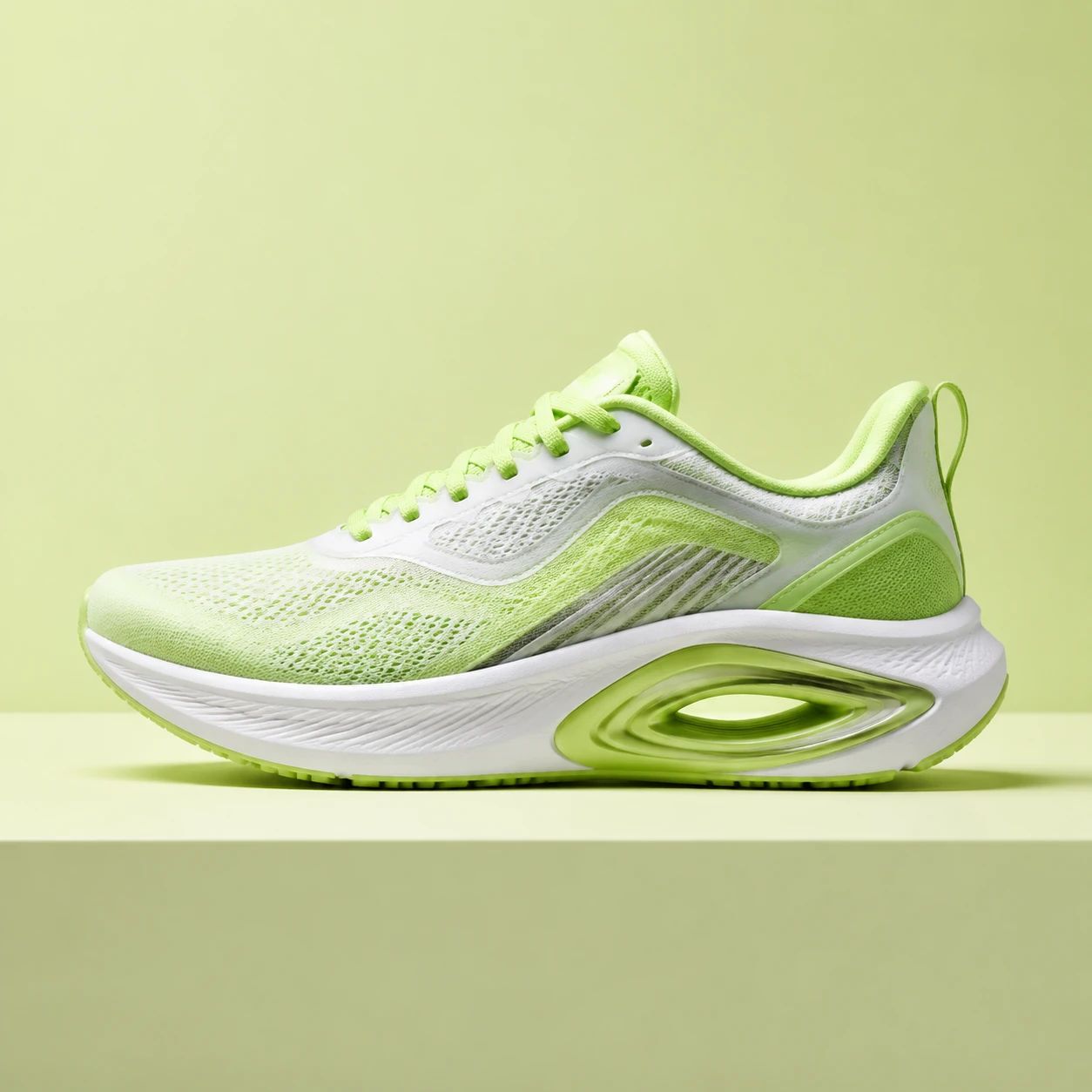
Sneaker in a lime studio setting

Footwear

Use background blur to make footwear silhouette, texture, stitching, laces, and color easier to notice in a styled scene. Compare the product with the source image and inspect the crop for missing context, altered-looking details, or a composition that no longer shows the merchandise clearly.

Packaged food product in a linen setting

Food and drink

Keep packaged food or drink central while retaining enough of a serving scene to establish mood and use. Review printed packaging, cap or lid details, food appearance, color, and the final crop. Make sure the softer surroundings still support rather than obscure the product message.

FAQ

How to Blur Backgrounds: FAQ

Practical guidance for choosing a source image, creating a focused composition, and reviewing a blurred background before a product photo, portrait, or campaign asset is published.

What photos work well for background blur?

Choose a photo where the main product, person, or visual detail is visible and reasonably distinct from the setting. Leave enough surrounding context for the composition to make sense. Clear lighting and a readable subject make review easier. Be cautious with tiny subjects, severe motion blur, dense visual overlap, or important details already hidden by the original scene.

Can I use background blur for product photos?

Yes. Background blur can help a product photo give more visual priority to packaging, form, color, or material while keeping a lifestyle setting present. Compare the result with the source before using it in ecommerce. Inspect labels, logos, proportions, edges, and any sales-critical detail at the displayed size required by the product page or marketplace.

Can I use background blur for portraits?

A softer background can reduce distractions behind a person while retaining a recognizable setting. Review the portrait at its final crop and size, paying attention to hair, glasses, hands, clothing edges, and features near the original background. Choose a result that keeps the person understandable and fits the tone of the profile, campaign, or social image.

Does background blur remove the background?

No. Background blur is a composition treatment that can make the surrounding area appear softer while the main subject receives more attention. It is different from creating a transparent cutout or replacing a scene. Review how much context remains and decide whether a softer setting, a new background, or a transparent layer better matches the destination.

Can I control the exact blur strength?

Treat the generated result as an image to review rather than a promise of a fixed blur amount. The visible effect can depend on the source photo, subject separation, crop, and scene complexity. Compare available results at the final size, then select the composition that gives the subject appropriate emphasis without losing useful context.

What should I inspect around the subject?

Check the subject boundary and all details that matter to the final use. For products, inspect labels, caps, handles, logos, seams, reflections, and color. For people, inspect hair, fabric, glasses, hands, and facial contours. Then view the result beside the original source and in the actual crop where it will be published.

Will every edge look perfect after background blur?

Do not assume every edge or fine detail will look identical in every generated composition. Closely examine areas where the subject meets the original background, especially hair, transparent material, polished surfaces, thin straps, and small text. Use a clear source image, compare against it, and avoid publishing an asset until the visible details suit its intended use.

How should I review a blurred product image for ecommerce?

Start with the destination: a catalog tile, product detail page, marketplace listing, and ad can need different crops and detail levels. Inspect the product at the displayed size, confirm that required packaging information is visible, and compare color, shape, material, and branding with the source. Check each final placement before a listing or campaign goes live.

Can one blurred background image work in every channel?

One image can be a useful source asset, but different channels may require different aspect ratios, safe areas, product scale, and messaging. Create or review separate crops for a square listing, wide banner, vertical social post, or presentation. The amount of visible context that works for one placement may not communicate clearly in another.

What should I do when the result is not suitable?

Identify the specific problem first: the subject lacks separation, a detail is unclear, the crop is weak, or the setting no longer supports the story. Try a clearer source image or use a different generated result, then review it against the intended channel. Keep the original nearby so the product, person, and important details can be checked before approval.
Bring Your Subject Into Focus

Create a background blur composition for a product photo, portrait, or campaign image when the subject needs more visual priority than its setting. Start with a clear source, evaluate the resulting balance of subject and context, and inspect important details in the final crop before you publish or hand off the asset.

Start with a clear source photo, then compare the focused composition with the original before it reaches its final channel.

Ring background blur edited result