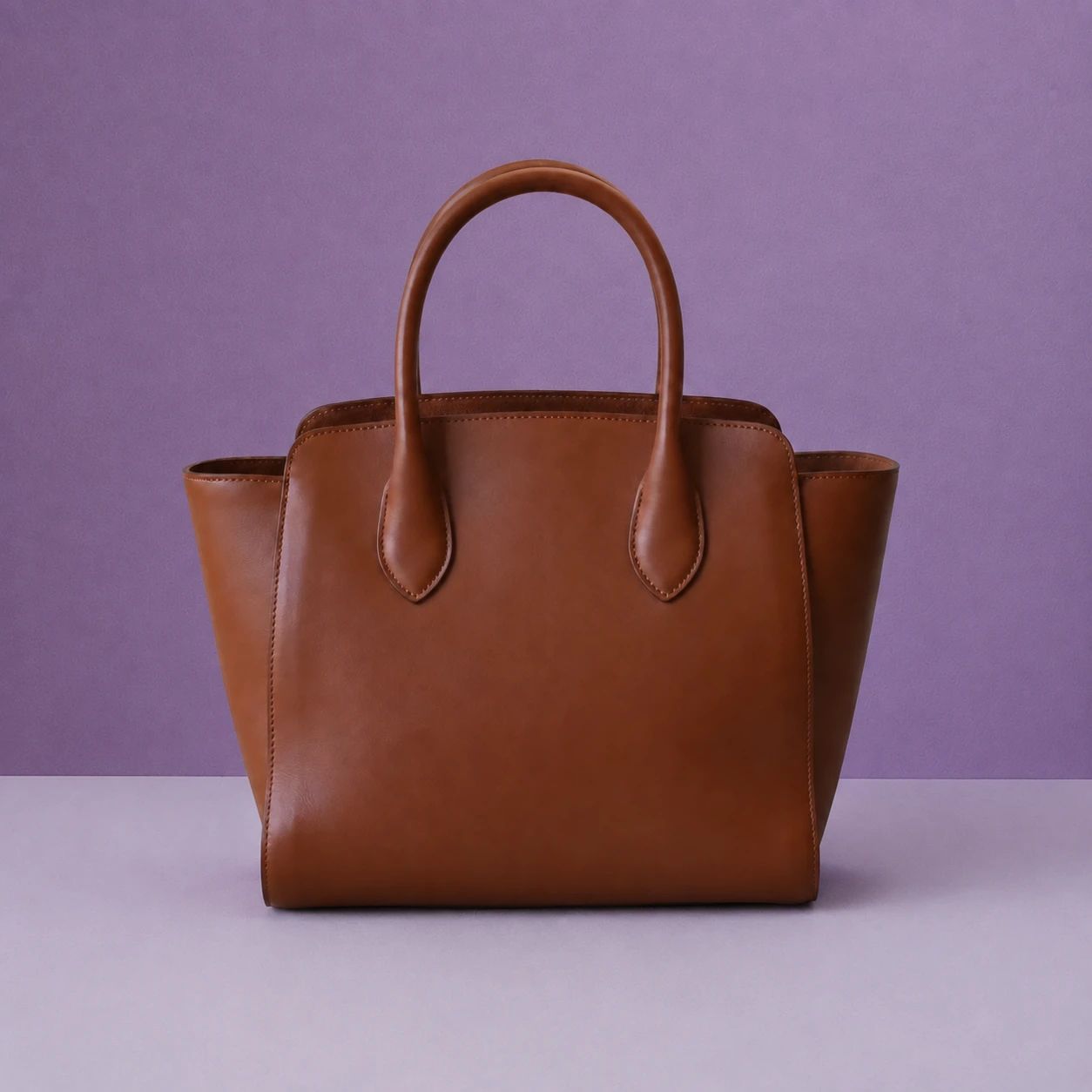
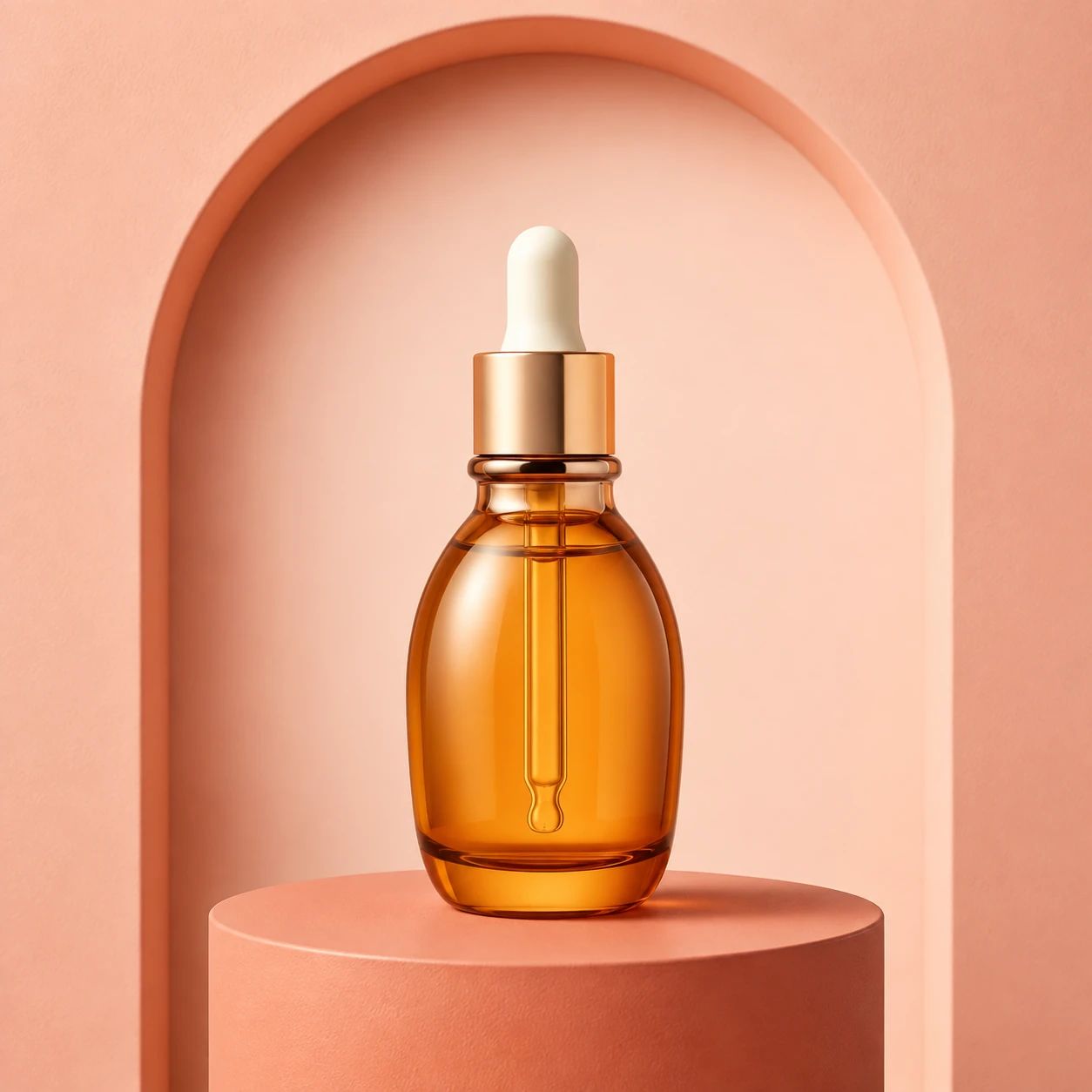
What is local recolor?
+
Local recolor changes the color or finish of a product component described in your prompt. It is useful for reviewing a targeted product variation while keeping the surrounding composition as a source reference. Start with a clear image, state the component, its location, requested color, and material, then inspect the complete output before relying on it in a listing or campaign.
What source image should I use?
+
Use a sharp image where the target component, surrounding details, texture, and lighting are visible. Keep the full product or important context in view when possible. Heavy blur, dark shadows, clipped highlights, hidden edges, or a tight crop can make it harder to assess whether the recolored output remains believable and accurate.
How should I describe the component to recolor?
+
Name the product component and explain where it appears in the image, then state its requested color, finish, and material. Mention nearby logos, labels, hardware, seams, and color-critical surfaces that should remain unchanged. Inspect the complete output carefully, especially around texture, stitching, transparent material, reflections, or strong surrounding shadows.
How should I describe the target color?
+
Name the color and include useful qualifiers such as material, finish, sheen, pattern, or whether the area is fabric, metal, plastic, packaging, or paint. State what must not change nearby. A practical visual brief is easier to review than a vague style label, but compare the output with approved color references before release.
Can I create product colorway images?
+
You can use local recolor to explore a proposed colorway direction from an existing asset. Confirm separately that the colorway is actually offered and approved for the intended market. Review product construction, material behavior, labels, and surrounding light so the image does not represent a changed color as an unintended product change.
What materials need closer review?
+
Inspect glossy packaging, glass, polished metal, transparent plastics, patterned fabrics, textured leather, wood grain, and reflective hardware closely. A color adjustment can change highlights, shadows, reflected tones, or surface texture. Compare these areas with the source at working size and at final delivery size before selecting a product image for use.
Can I keep a collection consistent?
+
Use a repeatable brief for the target product component, its location, approved color, finish, crop, lighting direction, and review checklist. Apply it to each source, then compare the collection together. Shared instructions can guide a direction, but individual products require review because their texture, geometry, reflection, and source lighting may materially differ.
Can I use local recolor in ecommerce?
+
Consider the result for ecommerce after checking the destination's current visual requirements and confirming product accuracy. Verify that the proposed color matches a real option, labels remain readable, and the product is clear at displayed size. Local recolor supports visual exploration; it does not provide automatic marketplace, legal, or brand approval.
What if the color change looks unnatural?
+
Identify the visible issue before trying again: the prompt may not describe the component's location, material, or required color clearly enough, or nearby light and reflections may need clearer context. Rewrite the prompt with more precise component, location, color, and finish details. A simpler targeted request can make the result easier to compare with the source.
What should I check before publishing?
+
Check the target color, edges, texture, material, reflections, shadows, labels, logos, product proportions, and final crop. Compare the result with the approved source and actual product reference, then check current channel rules. Route the finished asset through the people responsible for product accuracy, merchandising, and final brand approval before publication.