Original photograph
Begin with the strongest available photograph, noting where packaging, texture, edges, or small printed information are difficult to assess before you create a refined version.
Clearer commercial image detail
Improve the clarity and detail of catalog photos so listings and marketing layouts are easier to inspect.
Upload a photo, enhance its detail, and check the finished commercial draft.
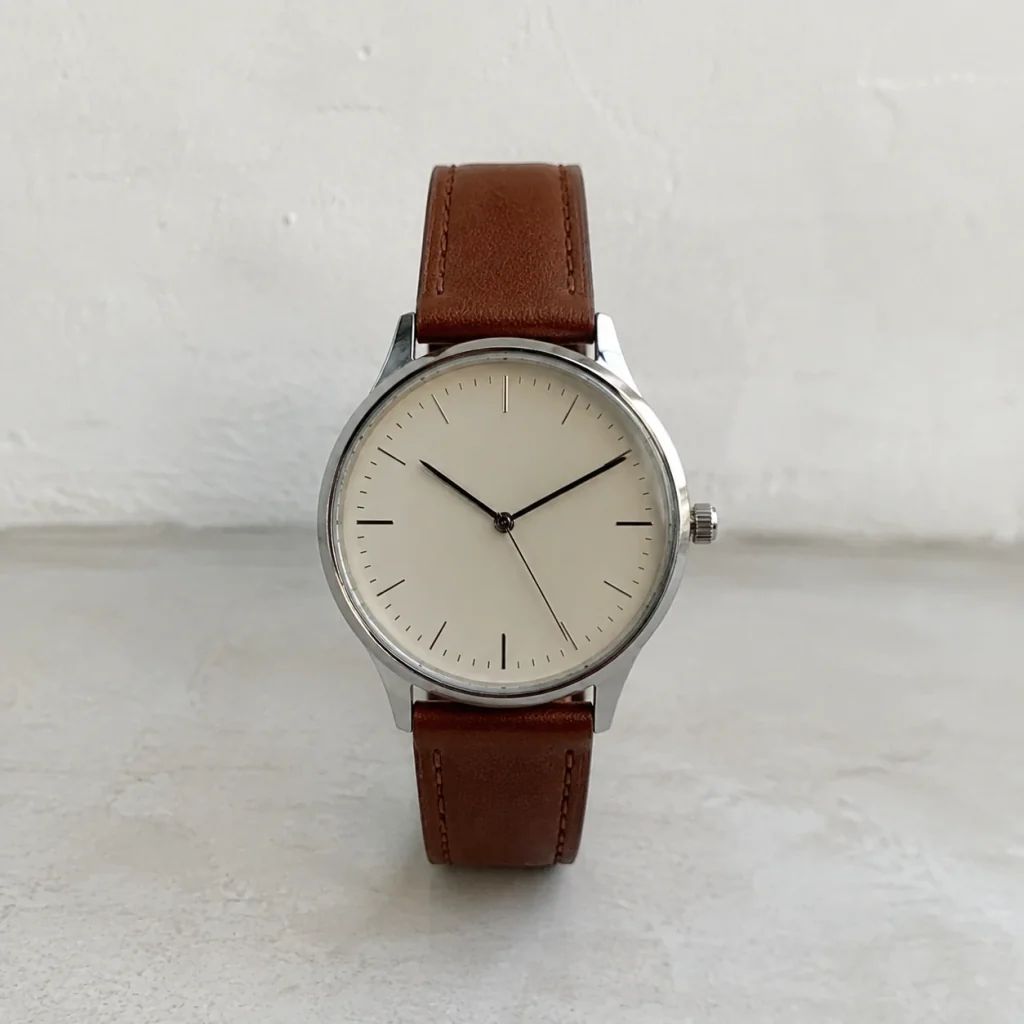
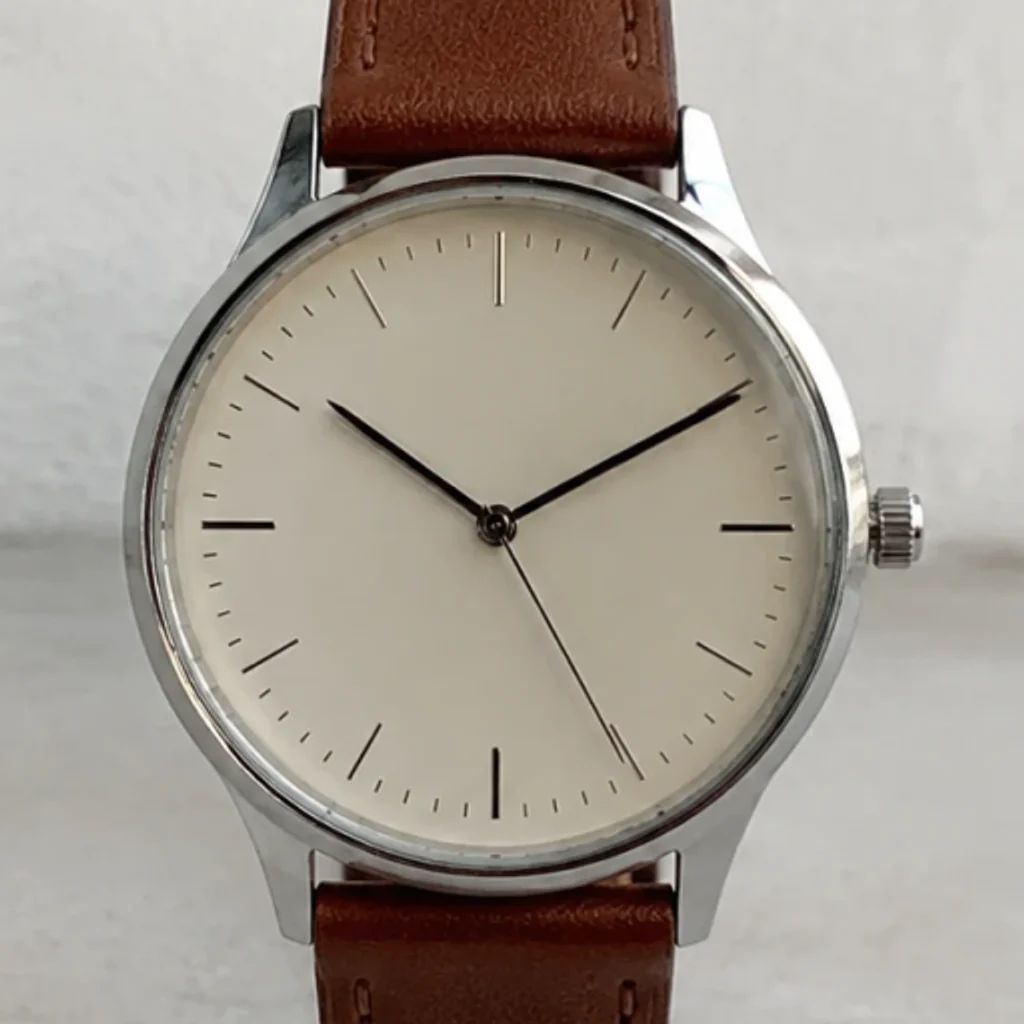
Image enhancement examples
Compare practical AI Image Enhancer directions for catalog photography, then judge which treatment keeps the item recognizable and easy to inspect in a listing or campaign layout.
Begin with the strongest available photograph, noting where packaging, texture, edges, or small printed information are difficult to assess before you create a refined version.
Use the enhanced presentation to review whether the item silhouette, label hierarchy, and important visual cues read more clearly while still matching the original and its intended presentation.
Compare material, finish, seams, and packaging areas at a useful viewing size, then decide whether the result gives a merchandiser or designer enough clarity for the planned placement.
Use a polished catalog treatment when a listing photograph needs a more consistent visual presence alongside related entries, while retaining a final review step before publication or handoff.
Use cases
Use enhancement where a customer, merchandiser, or creative reviewer needs a clearer view of the merchandise without treating the result as a substitute for checking original item information.
Improve the readability of item form, packaging, and visible details in a listing, then compare the result with the reference so shoppers receive an accurate visual representation of the item.
Bring mixed captures closer to a considered catalog presentation when they have uneven clarity, while reviewing every file individually instead of assuming one treatment suits every item.
Prepare clearer catalog visuals for campaigns, ads, and social posts where a small screen or compact placement makes labels, material, and item form harder to assess at first glance.
Start with a usable catalog photograph, create an AI Image Enhancer version with the upscale-ai model, and review whether important commercial details remain faithful enough for the destination where the deliverable will appear.
Choose the strongest available catalog or marketing photo, preferably one where the item, intended crop, and information that needs review are already visible in the reference.
The upscale-ai model can create a clearer rendering; treat the output as a working draft rather than proof that every small visual detail is correct.
Check labels, colors, materials, edges, and item proportions against approved references before publishing, exporting, or sending the file to a marketplace, printer, or campaign team.
Built for image clarity
Focus on a more reviewable commercial photograph before it reaches a storefront, catalog, or campaign, with an explicit final check for the details that matter to the merchandising team.
01
Bring more attention to item form, packaging, and visible materials when the original presentation feels soft or uneven. Review the result against the reference so the enhanced rendition supports clear merchandising rather than replacing merchandise checks for buyers and reviewers. Check how the treatment reads beside neighboring listings.
02
Inspect surface finish, texture, joins, and packaging details that affect an item's presentation at the intended viewing size. Use approved samples or the physical item to confirm any information that could influence a purchase decision or merchandising choice for customers. This supports comparison at typical storefront scale.
03
Prepare a photograph for a more consistent catalog or campaign treatment when several listings need similar visual care. Keep the final selection with the creative owner, who can compare color, crop, and item identity across the complete release set before approval. Document the chosen rationale for later reuse.
Ecommerce categories
Apply image enhancement to commercial categories where shoppers need to inspect presentation details, then review category-specific information such as labels, material, portion, or hardware before release.

Clarify packaging, finish, applicator, and label areas for beauty and skincare images, while checking ingredient claims, shade names, and regulated wording against approved brand artwork rather than relying on the generated presentation alone.
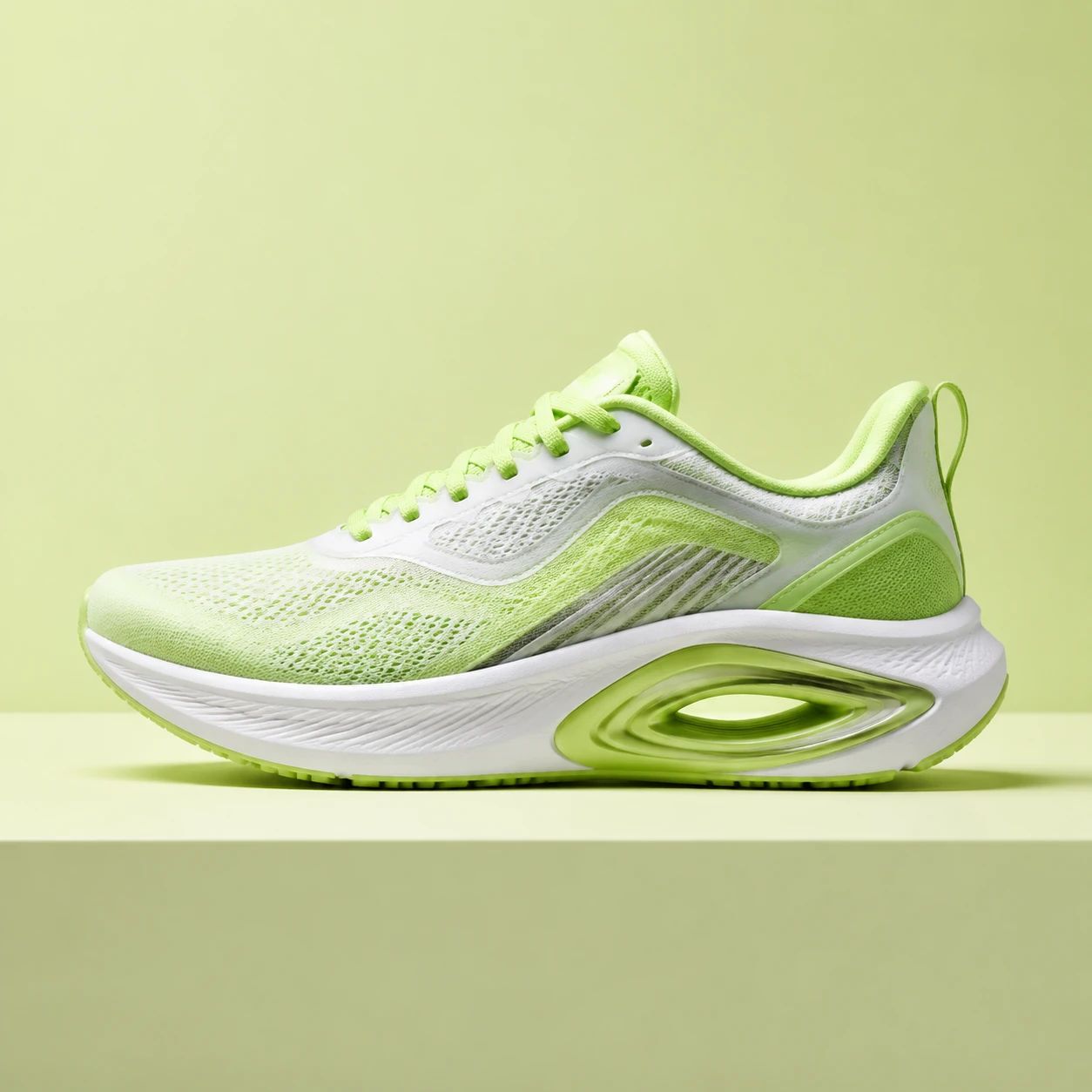
Make texture, color, stitching, and item form easier to inspect for footwear and fashion, then compare details such as logos, materials, and colorways with the original sample before the photograph joins a listing.

Keep packaging, portion cues, and merchandising details visible for food and drink imagery, while verifying ingredients, serving information, and other regulated package copy from the approved source file before publishing.

Show hardware material, device form, ports, and small visible information more clearly for consumer electronics, then verify model names, specifications, and interface details with official documentation before commercial release.
Answers about using AI image enhancement for clearer, reviewable merchandise and marketing files.
An AI image enhancer can create a clearer presentation of an original photograph so item form, packaging, edges, and surface details are easier to review. It is best used as part of a visual workflow: compare the result with approved references before placing it in a listing, catalog, or campaign.
Choose the best available reference photo where the item, intended crop, and details you need to evaluate are already visible. A well-lit, reasonably focused reference gives reviewers a stronger basis for comparison. Keep the original file or approved reference nearby for checking labels, color, and item-specific information after enhancement.
You can prepare an enhanced image for ecommerce, but review the submitted file against the requirements of the store or marketplace where it will appear. Confirm that the listing subject remains accurately represented, that required imagery rules are met, and that labels, colors, variants, and claims agree with approved listing information.
Inspect item color, labels, edges, proportions, material appearance, and any visible text before publishing. Compare those points with the original photo, approved packaging artwork, or the physical item when available. This review is especially important when a close crop, a small label, or a distinctive texture affects how customers identify the item.
They overlap, but the emphasis is different. Enhancement focuses on making a listing view clearer and easier to evaluate, while upscaling is primarily about preparing a larger pixel dimension for a planned placement. Both workflows benefit from the same discipline: start with a useful reference, run the upscale-ai model, and check the exported file before release.
No. An enhanced image can make a visual area easier to inspect, but it should not be treated as authoritative evidence for listing facts. Confirm names, ingredients, measurements, compatibility, prices, claims, and regulated wording from approved listing data or packaging files. Keep human review in the workflow whenever an image informs a customer-facing decision.
Prioritize details that identify the item or affect a shopper's expectation: logos, labels, variant colors, finishes, seams, ports, closures, and visible package copy. Also review the item outline against the reference. A focused checklist helps a team decide whether the result is suitable for a broad lifestyle placement or needs a more conservative crop.
Review several enhanced files beside their references and relevant item records, not as isolated images. Check whether the same item keeps a consistent color, crop, scale, and visual identity across listing cards, detail views, and campaign layouts. Record any image that needs retouching, replacement, or a fresh capture before publication.
Use a new photograph when essential listing information is absent, obscured, or too uncertain to verify from the original capture. An enhancement workflow can improve how a visible area presents, but it cannot replace a properly photographed label, material sample, or useful item angle. A fresh capture also gives designers more reliable options for future crops and layouts.
Before publishing, compare the enhanced output with the original and any approved merchandise references at the size customers will see. Confirm item identity, crop, color, visible text, and required marketplace rules. Then have the responsible brand or merchandising owner approve the visual, especially when it will be reused across multiple storefront or campaign placements.
Use the AI Image Enhancer to create a clearer catalog view for your next listing or marketing layout, then complete a deliberate review of the details customers and merchandising teams need to trust before publication.
Start with a reference photo, run upscale-ai, and carefully review every important item detail before release.