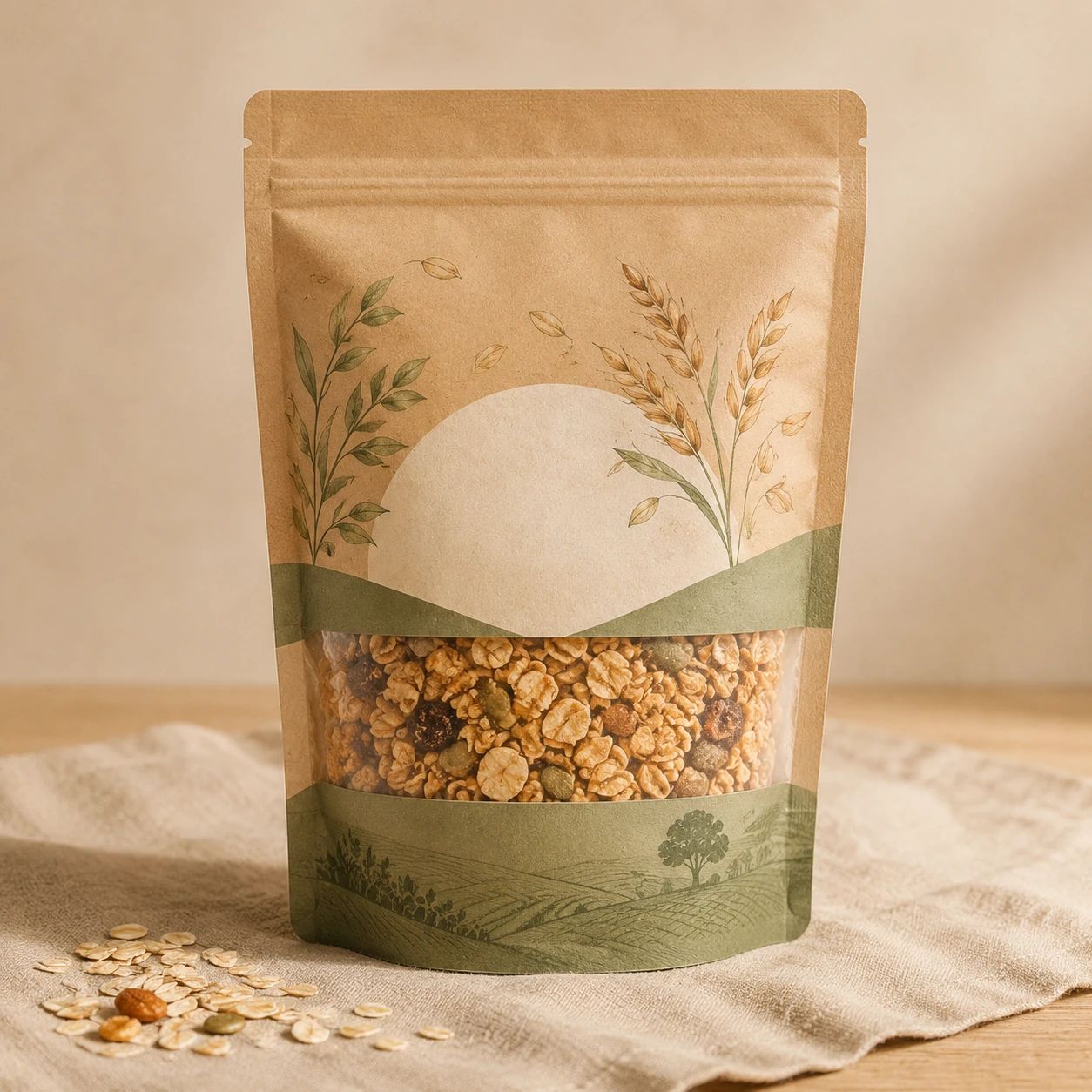
What is AI Generative Fill useful for on this page?
+
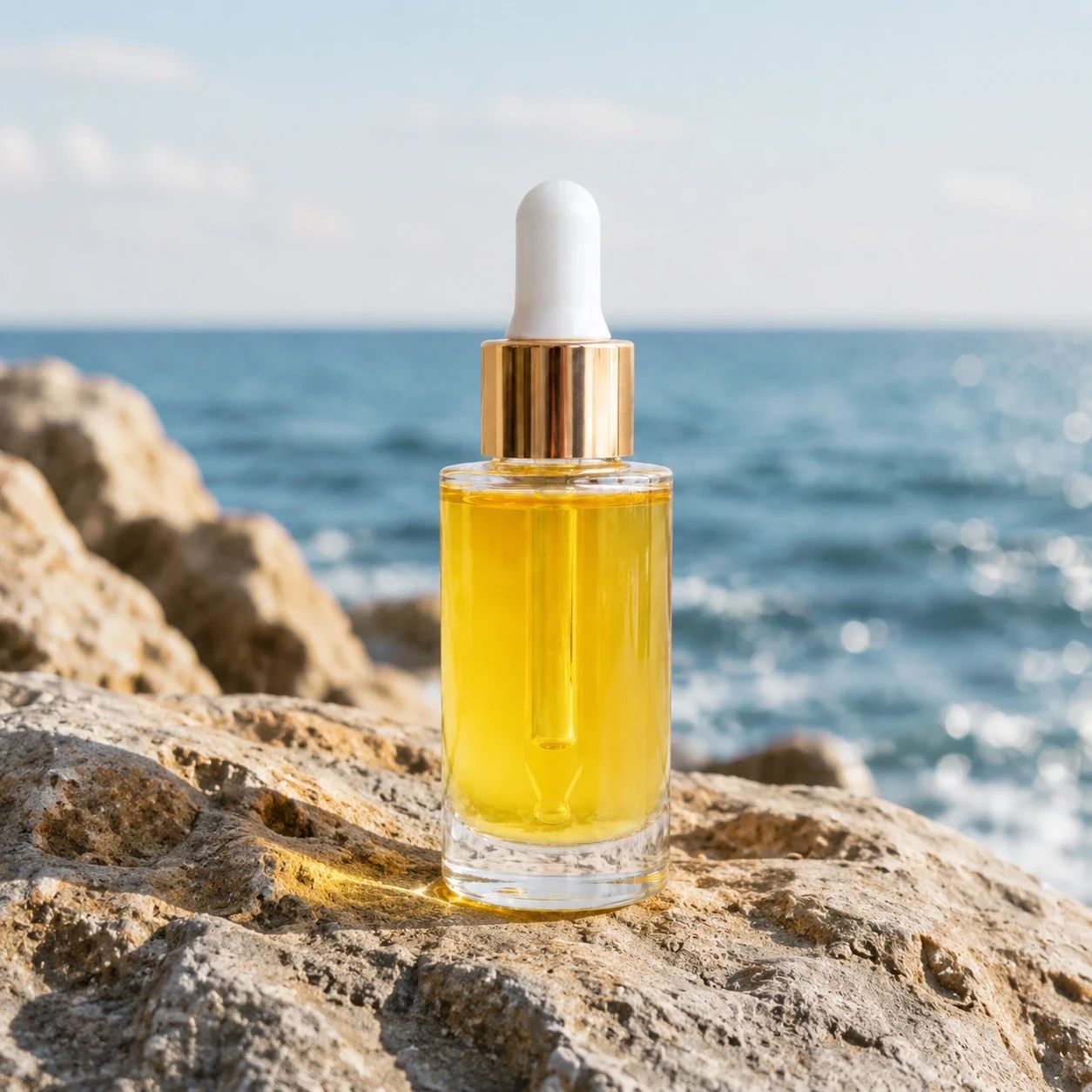
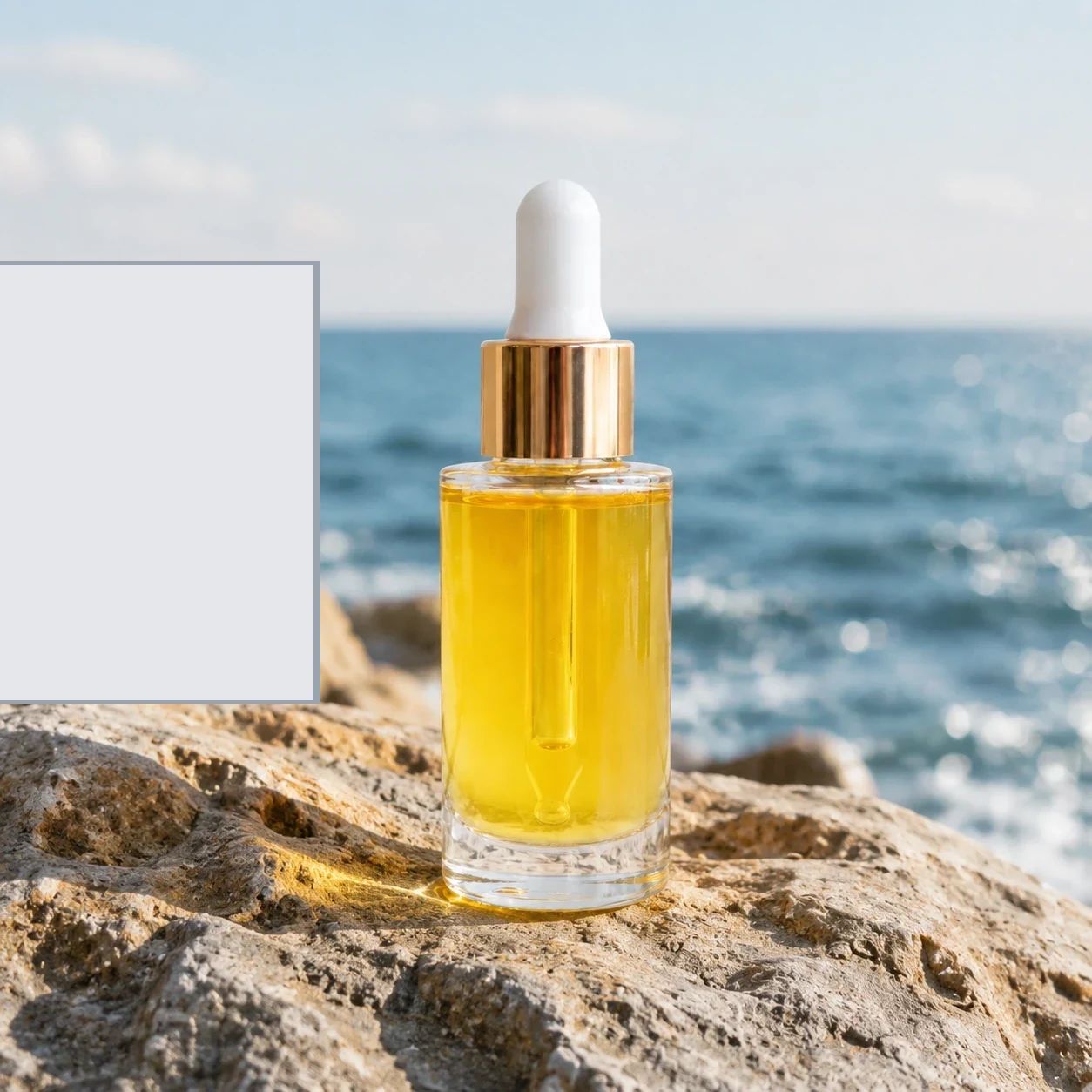
On this page, AI Generative Fill is for filling missing environmental content in a full uploaded photo. A prompt can describe a longer surface, background detail, a quieter zone for copy, or a framing cue, together with its location. Each result is an exploratory image rather than an automatic production decision, so inspect how the new environment changes the product story and overall composition.
Does this page have an area-control interface?
+
No. The workflow uses one complete photo and an optional prompt; it does not include a drawing or area-control interface. Describe how to fill missing scene content and its spatial relationship to the item, such as behind the package, below a bottle, or along one side. Afterwards, evaluate the whole generated scene, including item details and the wider setting.
How should I describe the location of new content?
+
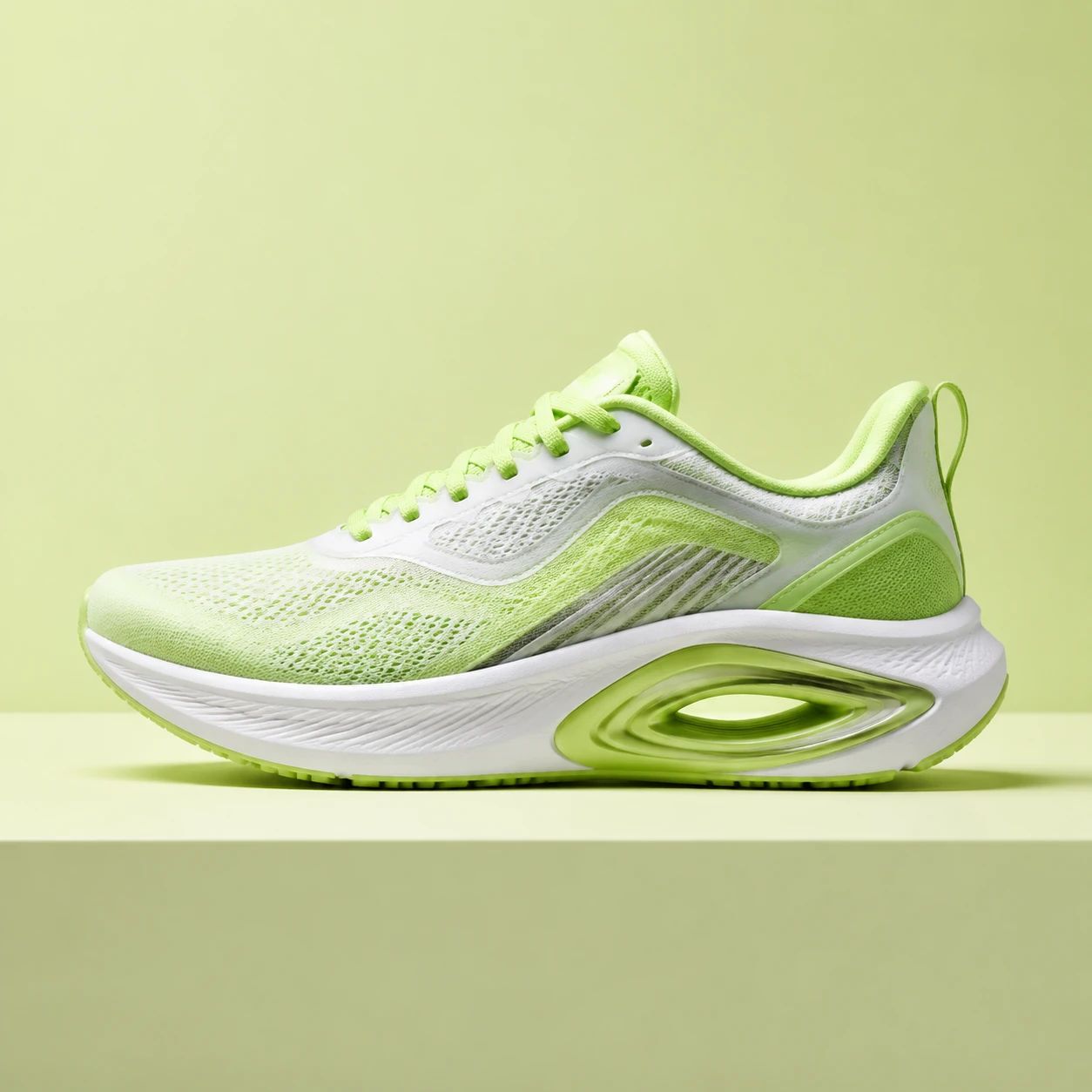
Name a clear relation to the existing composition, for example a stone surface continuing beneath a bottle, a soft wall extending behind headphones, or open background space to the right of a shoe. Include scale, distance, light, and empty space when those details matter. This makes the visual intention easier to review than a short prompt containing only a style name.
What source photo gives the best starting point?
+
Use a source where the product and existing scene cues are understandable at the target size. Visible edges, materials, shadows, and nearby surfaces offer useful context for judging a candidate. Avoid images with substantial blur, hard clipping, blocked labels, severe glare, or almost no surrounding space. The source is your reference for whether the expanded environment still communicates the product accurately.
Can generative fill create room for a headline or promotion?
+
It can help explore a quieter portion of a composition for a headline, promotion, or collection message. State the location, approximate amount of open space, backdrop character, and crop format in the prompt. Review the result at the display size used by the campaign. Confirm that text remains readable, the product remains visually primary, and the added environment does not distract from the message.
Can I use it to extend a tabletop or background?
+
Yes, surface and background extension are practical directions to explore. Describe the material, direction, depth, color, light, and position of the desired extension. Then compare the generated frame with the original for perspective, contact shadows, repeated texture, reflections, product edges, and tonal transitions. Use another source or simpler direction when the environment still feels visually disconnected from the photograph.
What details deserve the closest review?
+
Inspect the product and its meeting points with the environment: labels, logos, small text, contours, colors, finishes, handles, transparent material, reflections, and shadows. Review background lines, pattern repetition, scale, light direction, and depth across the wider frame as well. An attractive new setting is not ready for production when the product becomes unclear or the scene contains a distracting inconsistency.
Can a generated image go into an ecommerce listing?
+
Consider an image for a listing after your team has evaluated it against the current needs of that store or sales surface. Check the product presentation, required crop, category conventions, visual claims, and applicable publishing requirements yourself. AI Generative Fill can contribute to creative development, but it does not grant approval from a brand, retailer, rights holder, or destination platform.
How should a team choose between several candidates?
+
Review candidates beside the source in the same final ratio, then use a shared checklist based on the intended placement. Include product recognition, environmental plausibility, headline space, light, color, material treatment, background activity, and audience needs. Choose the option that makes the product and message easier to understand in context, rather than the one with the most dramatic environmental change.
When is new photography a better choice?
+
New photography may be the better choice when the work requires exact color, tiny packaging text, detailed geometry, complex transparent or reflective material, a verified physical location, or a specific regulated message. Generative fill can inform planning and creative conversation, but strong source photography and a deliberate final review remain important when customers must rely on precise visual information.