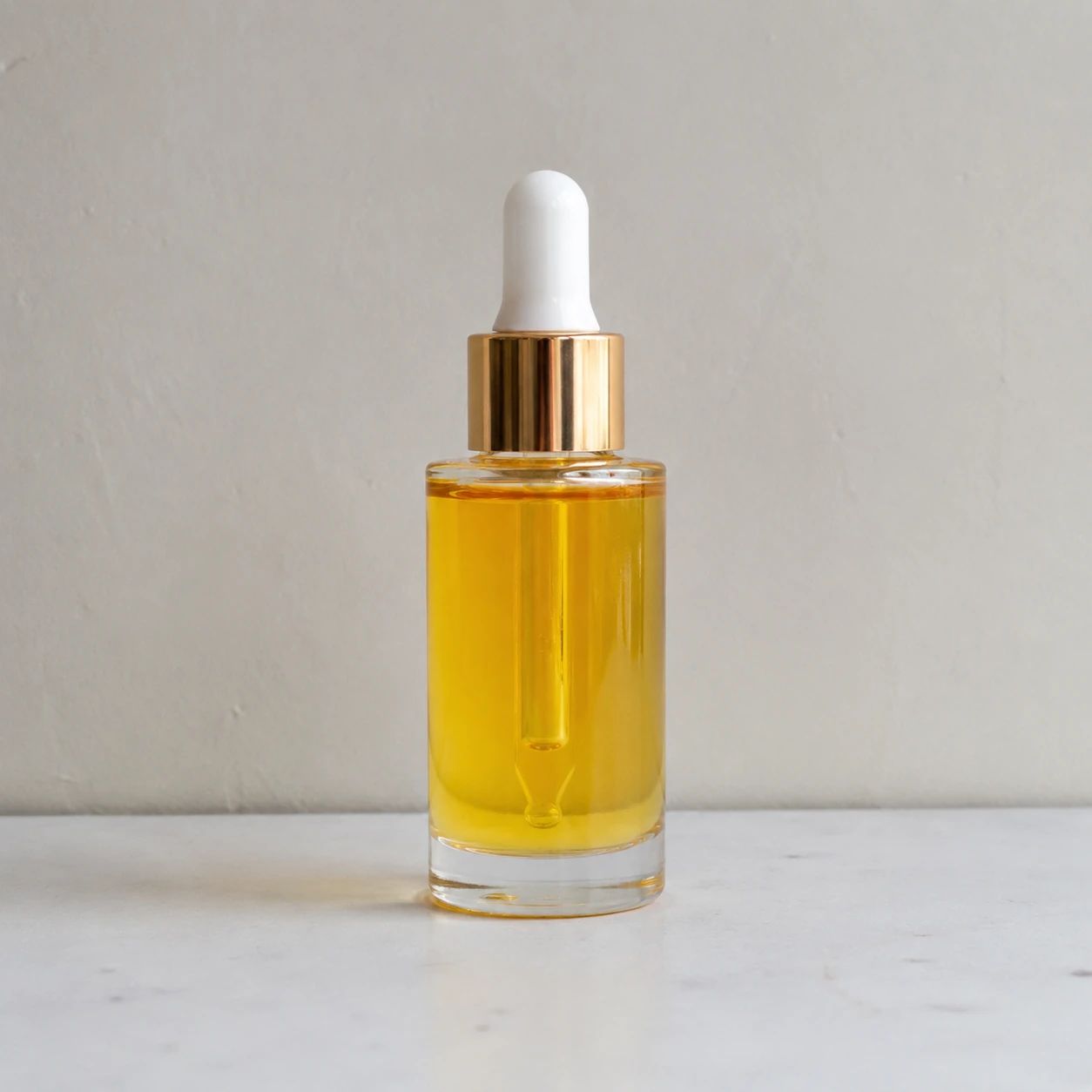
Original product photo
Begin with a sharp, evenly lit source image where the item, its silhouette, and important details are easy to inspect.
Ecommerce product photography
Replace a product's original background with a studio, lifestyle, or seasonal ecommerce scene.
Upload one product photo, describe the setting, and review the result.
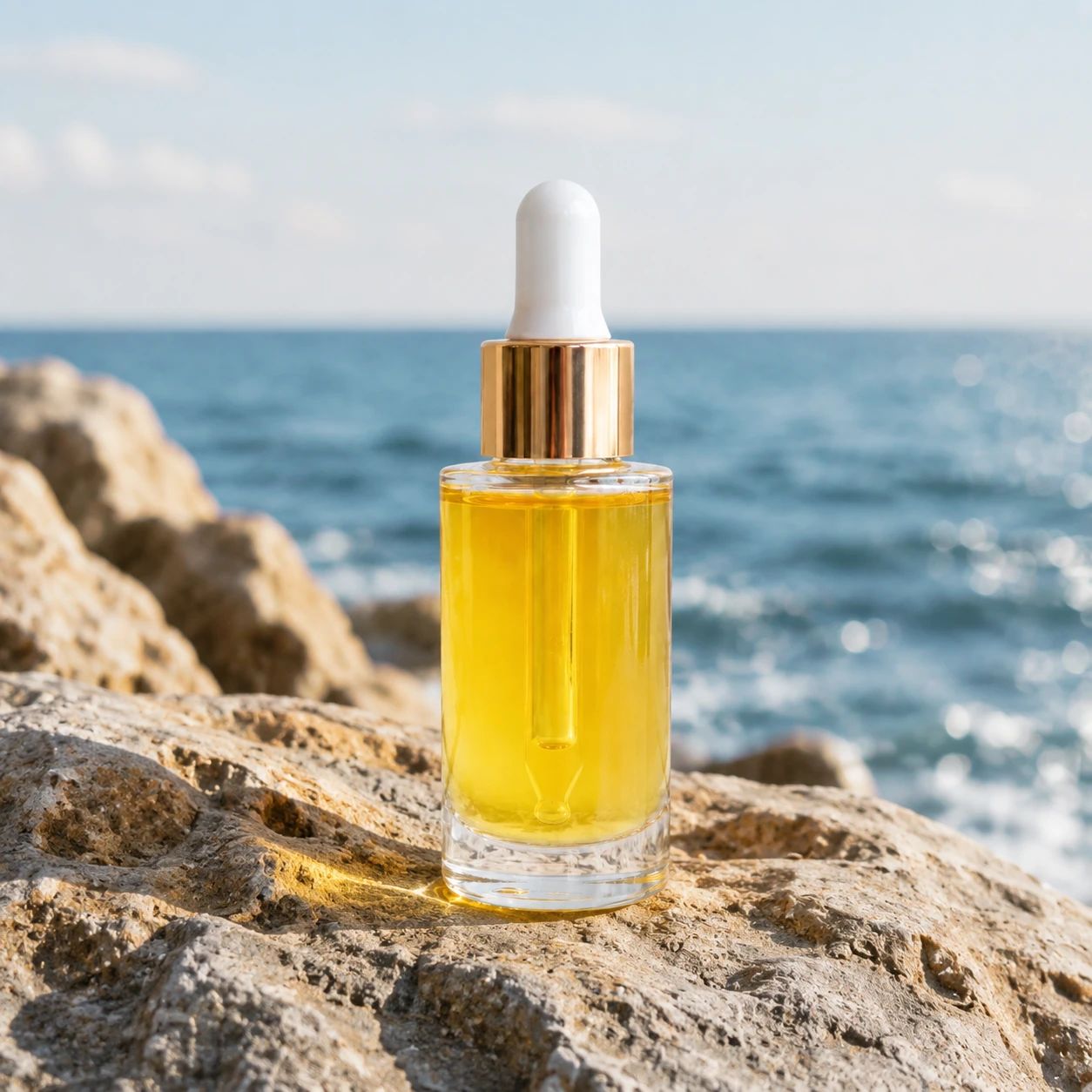
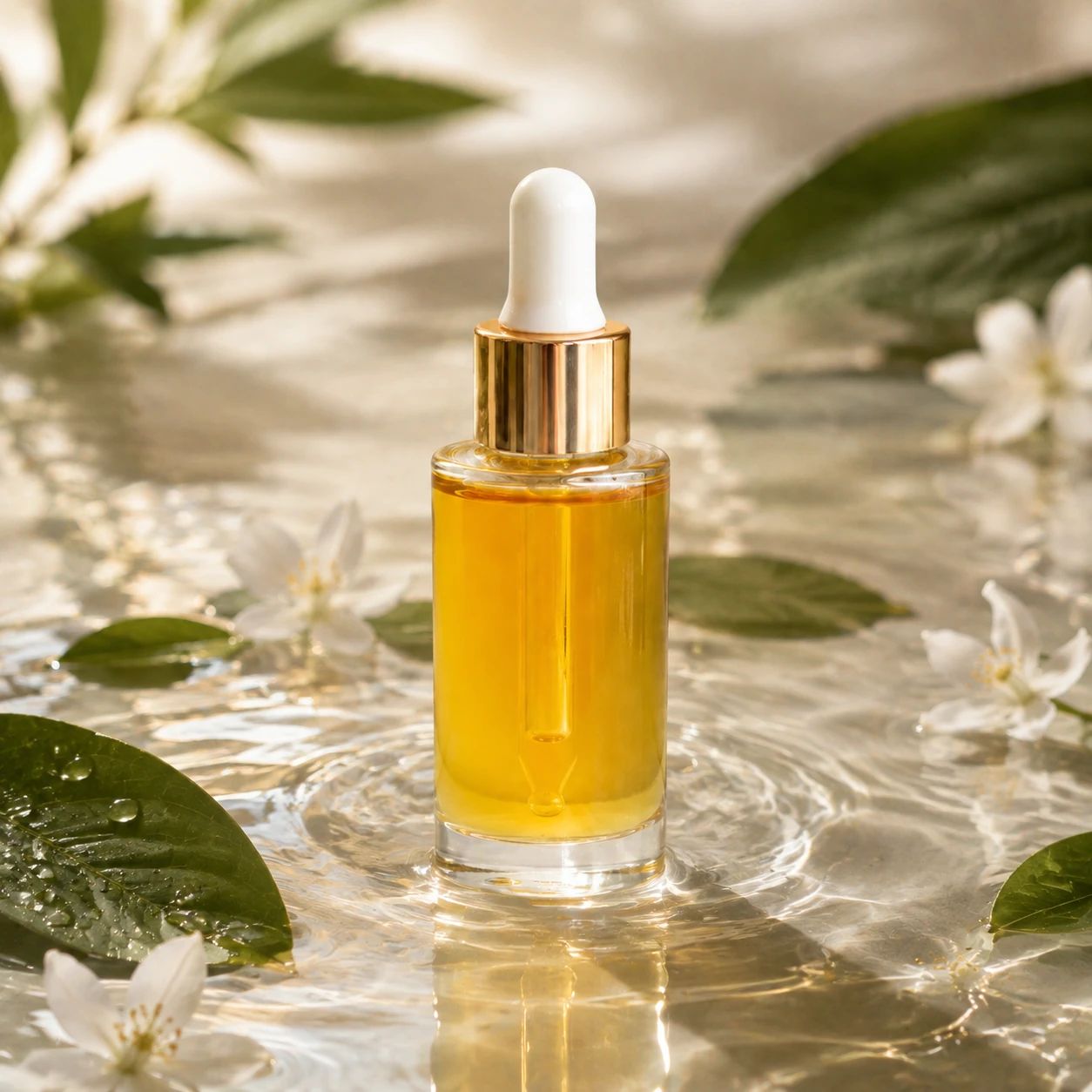
Product background replacement examples
Compare studio, lifestyle, and seasonal directions from one source image. These examples help a team decide which background supports the product, the message, and the channel before planning a new shoot or campaign asset. Use the product photos and product images as planning references, then replace a product background only after defining the placement and review criteria.
Begin with a sharp, evenly lit source image where the item, its silhouette, and important details are easy to inspect.
Use a restrained studio surface, backdrop, and shadow direction when the listing needs a focused, catalog-led composition.
Add a believable use context that supports the item without competing with its shape, finish, label, or color.
Introduce seasonal cues with measured props, color, and light so the campaign feels timely while the item remains recognizable.
Use cases
A Product Background Replacer helps choose a scene based on where people will encounter the item: a detail page, marketplace listing, paid social placement, email campaign, or seasonal collection. Each destination has its own cropping, visual-density, and approval constraints. Keep the original product photos beside candidate product images while reviewing how each background reads in context.
Use a clean background that gives shoppers room to read the product at a glance and inspect its most important details.
Build a setting with a clear story for paid social, banners, and campaign creative, then check that the product remains dominant at small sizes.
Refresh the scene for launches, holidays, or limited collections while keeping enough visual continuity for customers who recognize the product.
Product background replacement starts with a usable source photo, a specific scene brief, and a deliberate review pass. AI can help explore a background direction, but treat the first result as a draft. Compare product photos and product images against the intended channel rather than treating either as an automatic final asset.
Choose a clear, well-lit image with the full item visible. Avoid heavy blur, severe crops, reflections that hide details, or source files where the product edge already disappears into the original background.
Write a practical prompt: name the setting, surface, palette, light direction, camera distance, desired negative space, and any props that support the product without obscuring it.
Inspect the new scene at the intended crop. Refine the prompt when the composition, lighting, shadows, scale, product edge, label legibility, or color needs another pass.
Built for product work
Use the Product Background Replacer to explore studio, lifestyle, and seasonal settings for ecommerce images. Compare each result with the source, then choose the version that best fits your brand, placement, crop, and channel requirements.
01
Build a clean studio background by specifying the surface, backdrop, camera angle, light direction, shadow softness, and negative space. Before publishing, compare product edges, transparent parts, reflections, labels, and approved colors with the source. Save the chosen crop and lighting direction when a catalog needs consistent product images.
02
Plan the final placement before describing a lifestyle scene. Name the environment, time of day, materials, supporting props, camera distance, and required negative space. Check that the product remains dominant at small sizes, and compare its labels, finish, reflections, and color with the source photo.
03
Define the occasion, palette, mood, essential props, and optional decorative cues before generating a seasonal scene. Leave room for the intended crop or campaign copy, then review product scale, edges, labels, shadows, and color. Keep a quieter alternative for channels where a busy background reduces clarity.
Product categories
Use category conventions as a planning cue, not a substitute for reviewing a final asset. Product background replacement can emphasize material, use occasion, or season, but the chosen scene should still match your brand, source image, and channel specifications. AI may suggest visual directions; compare product photos with product images before selecting a background for a live placement.
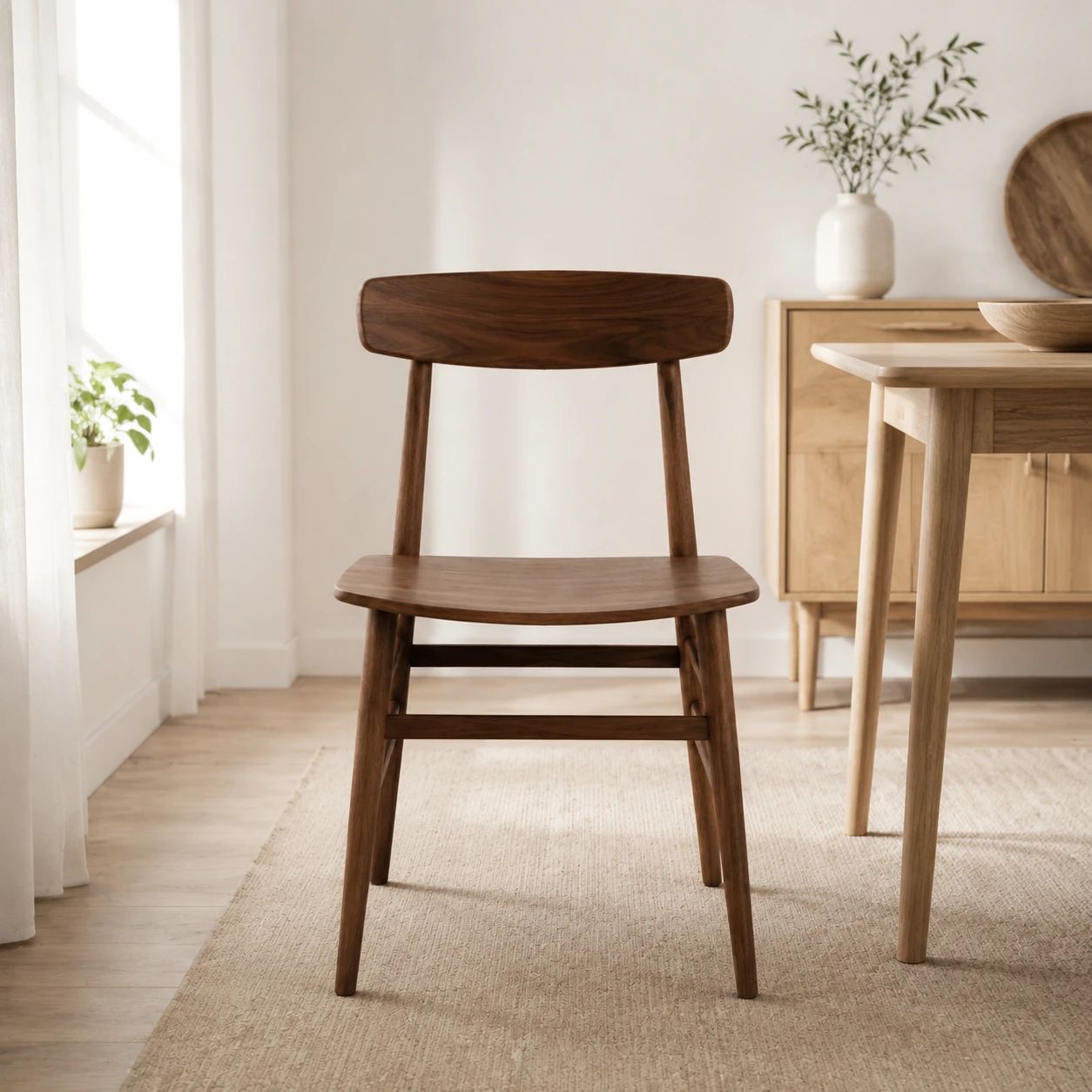
Show cookware, decor, and daily essentials in a tidy home-inspired setting with believable scale, surfaces, and light that do not overwhelm the product.
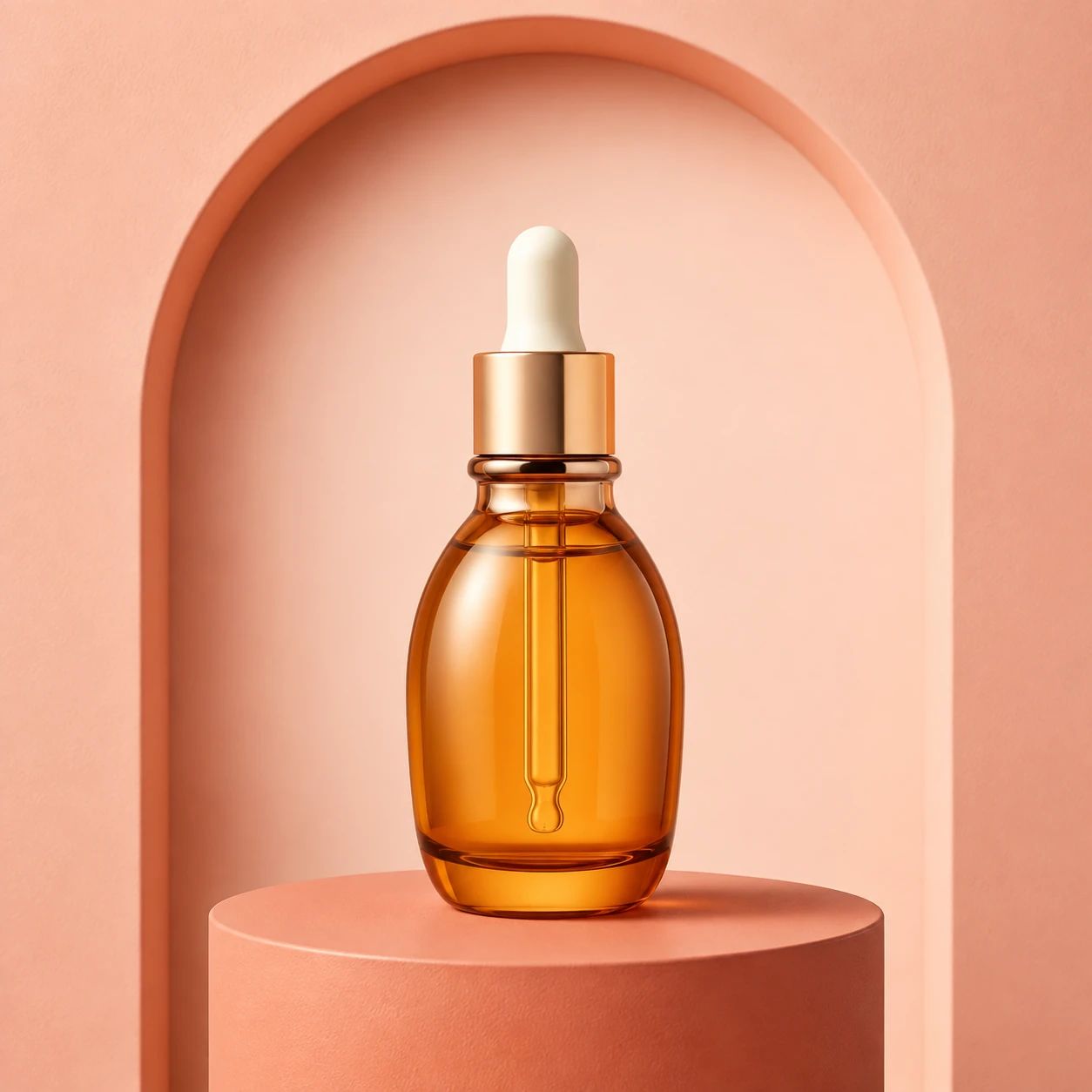
Present skincare, cosmetics, and personal-care items with a polished backdrop, then review small label text, finish, shade, and reflected color carefully.
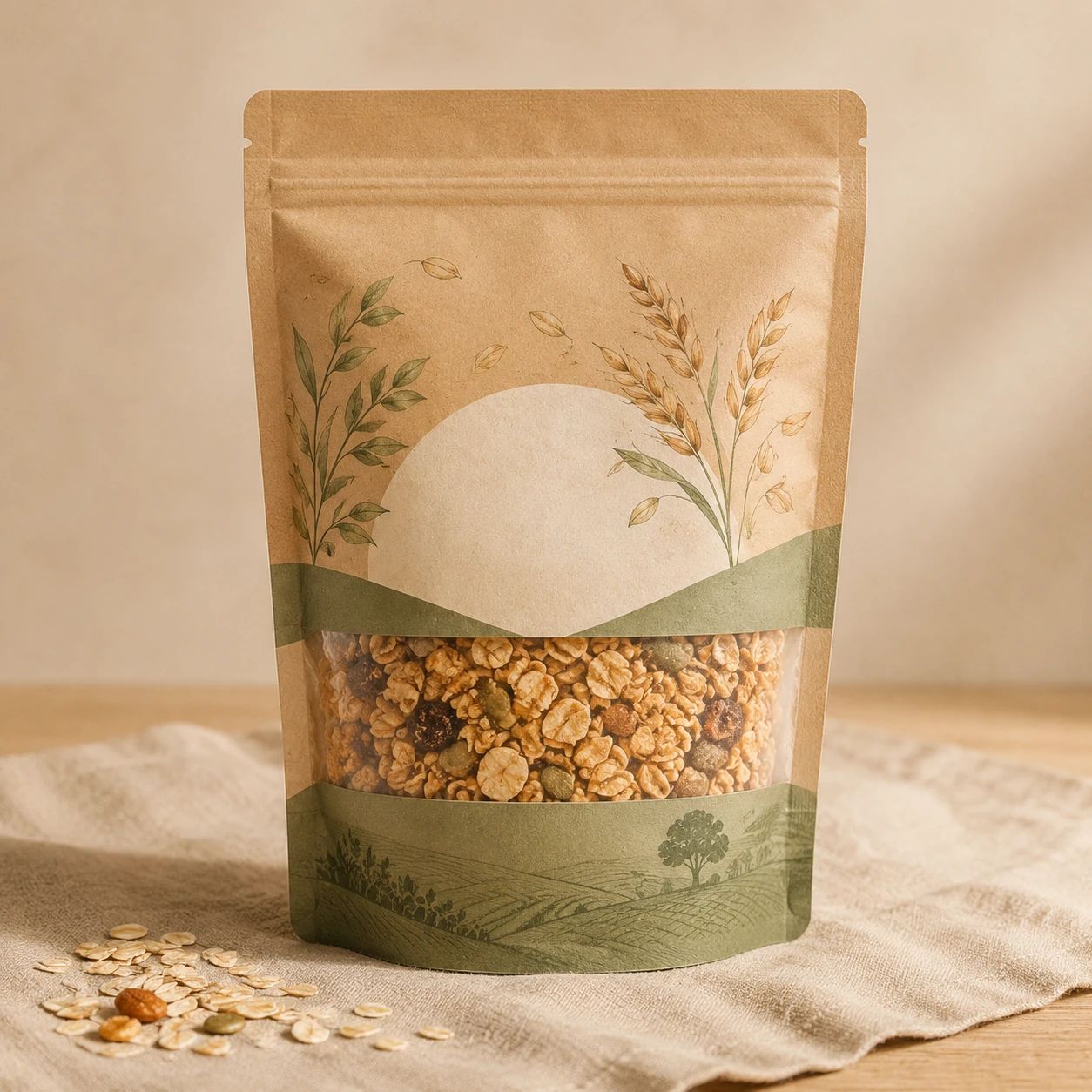
Set food and drink products in a serving, table, or ingredient-led scene that communicates occasion while preserving a clear view of packaging and proportions.

Give giftable items an occasion-ready setting for holiday or event promotions, balancing festive cues with enough open space for a focused product presentation.
Practical answers about source photos, background prompts, ecommerce channels, product accuracy, consistency, and final review.
Upload the cleanest source image available. Keep the full product visible, reasonably sharp, and evenly lit so its shape, finish, and color are easy to inspect. Leave some room around the object because a tight crop can limit the new composition. Check the source for motion blur, clipped highlights, hidden edges, heavy reflections, or details that already blend into the original background.
Describe the intended setting in practical terms: surface, backdrop, palette, lighting direction, camera distance, mood, supporting props, and negative space. Include the final placement, such as a square listing tile, vertical ad, or wide banner. State which product face, label, or material must remain visible. A specific brief gives the Product Background Replacer clearer composition guidance than a vague style phrase.
Yes. Use a studio background when the product needs a focused catalog presentation, a lifestyle scene when context helps explain use or scale, and a seasonal direction for a campaign or promotion. When you replace product backgrounds, describe one direction at a time and keep the product as the visual priority. Compare several options before choosing a scene for a live placement.
You can consider a result for a listing after reviewing it against the destination's current image requirements. Check dimensions, cropping behavior, visual rules, and category expectations yourself. Confirm that the product remains readable at the displayed size and that the background does not imply unsupported features or claims. Product background replacement is a creative step; it does not automatically establish marketplace, brand, or legal approval.
Plan each background around its intended placement. A marketplace tile may need a centered product and restrained surroundings, while a vertical ad or wide banner may need negative space in a different area. Generate and review separate compositions when one crop would hide the product or make the scene feel crowded. Keep the source photo nearby while comparing each channel-specific product image.
Treat the uploaded product photo as the reference for labels, logos, small text, proportions, materials, and approved colors. Compare those details at working size and at the final display size. Pay extra attention when color affects a purchase decision or packaging text must remain legible. Do not publish a generated product image when the product itself no longer matches the source accurately.
Inspect thin edges, handles, glass, polished metal, glossy packaging, and reflective surfaces at a larger size. Look for missing contours, false reflections, halos, color spill, or shadows that conflict with the new scene. Compare these areas directly with the source product photo. Complex materials may need a simpler background direction or another generated option before the result is usable.
Use a repeatable brief that records the backdrop, surface, camera angle, crop, palette, light direction, shadow softness, and negative space. Apply the same review checklist to every product image, but allow adjustments for different shapes and materials. Compare the collection together before publishing so background scale, contrast, and visual weight feel related rather than merely identical.
Review the result at full working size and at the size shoppers will see. Check product edges, labels, logos, text, colors, proportions, lighting, contact shadows, reflections, and negative space. Then compare the complete composition with the source photo and the intended channel. A convincing background is not enough when an important product detail has changed or the item becomes difficult to read.
Identify the specific problem before generating another option. Revise the prompt with a concrete instruction about the surface, setting, light direction, camera distance, product placement, props, or empty space. Remove unnecessary style terms when the scene becomes busy. If product edges or materials remain unclear, try a cleaner source photo or a simpler background that creates stronger separation.
Use the product background replacer to explore studio, lifestyle, or seasonal creative for a listing or campaign. AI can support early visual exploration, but start with clear product photos, describe the intended scene and placement, and review each generated product image before it enters your production workflow.
Start with one product image, a specific background direction, and a final review for edges, labels, color, proportions, lighting, shadows, and channel requirements.