Whole-frame object replacement exploration

AIObject Replacer

Use AI Object Replacer to replace or swap a prop, accessory, or contextual element from one upload, then inspect each complete result before campaign, catalog, or editorial use.

Upload one reference, describe the object replacement, and inspect the full frame.

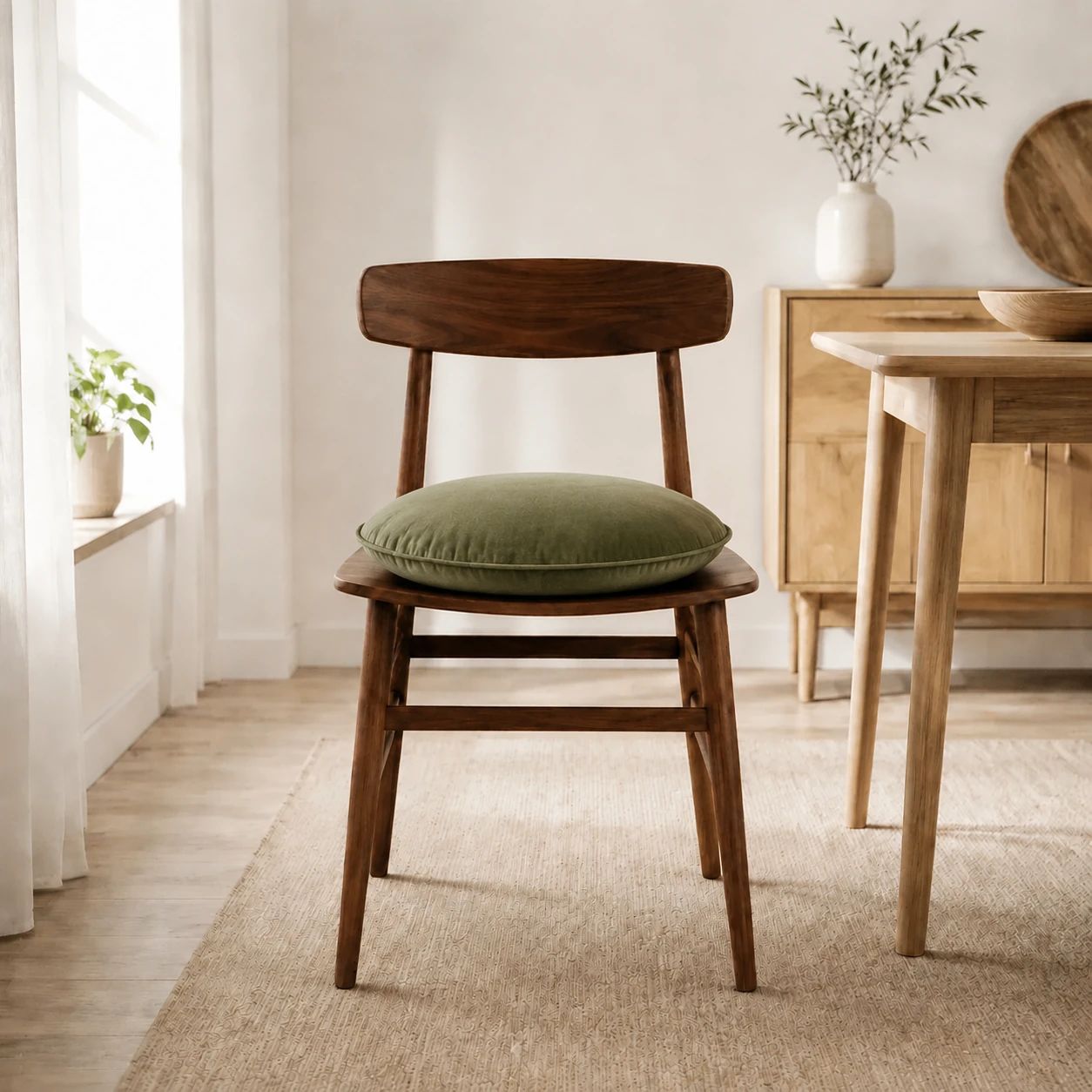
Chair cushion object replacement source image
Source
Chair cushion object replacement edited result
Result
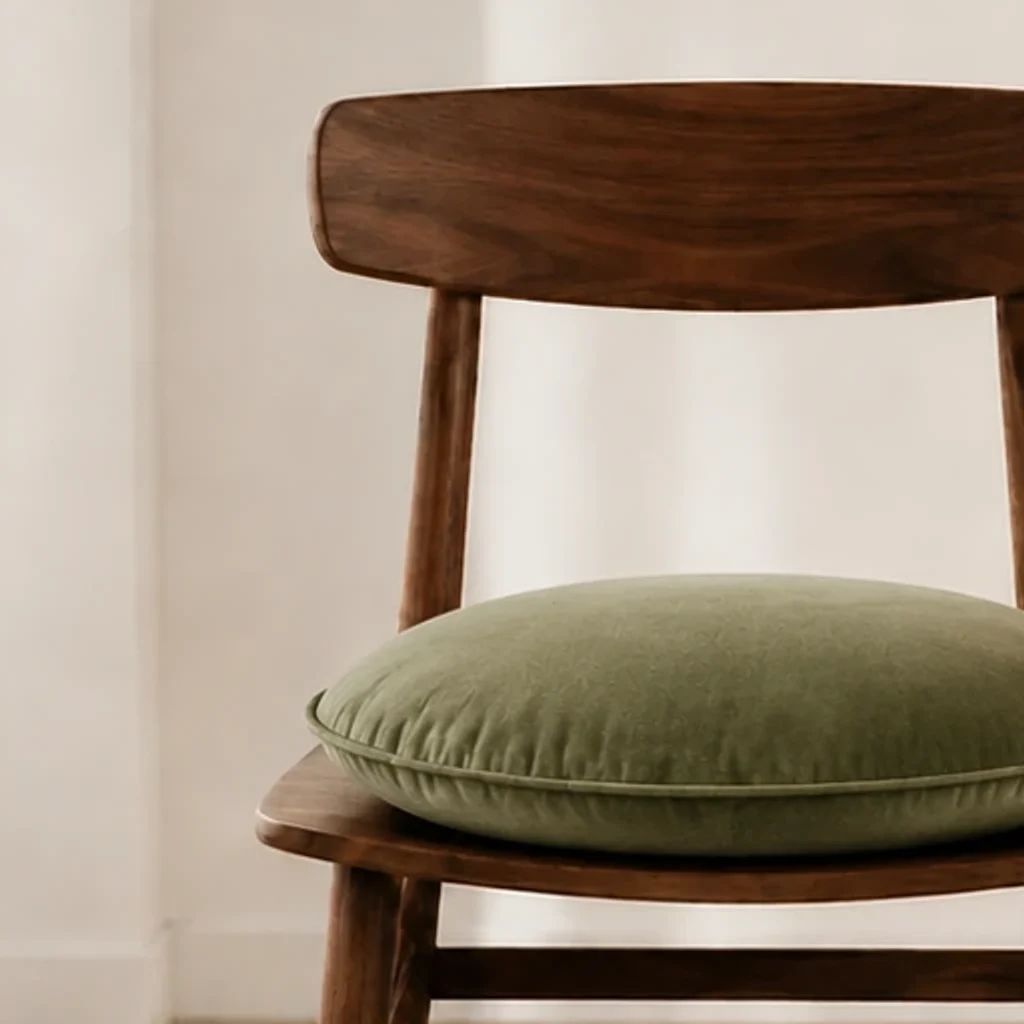
Chair cushion object replacement result detail
Detail

Object replacement examples

AI Object Replacer Examples

These AI Object Replacer examples show how a written brief can replace a prop, accessory, or contextual element from an existing upload. Treat each result as a candidate, not a finished production asset. Compare it with the original at working size and in the final crop, checking packaging, nearby materials, lighting, shadows, message, and channel context before choosing a treatment for further work.

Chair cushion object replacement source image

Packaging prop replacement

Start with a packaging shot and describe the prop you want to replace in relation to the container, surface, light, and intended crop. Check the entire composition for packaging edges, material texture, scale, contact shadows, and whether the revised layout remains clear to a shopper.

Chair cushion object replacement edited result

Accessory concept

Use a clear reference to replace an accessory or supporting prop for a catalog detail view. Give the model a concise brief, then assess the result for device features, seams, logos, reflected light, spacing, and the relationship between the main subject and the new accessory.

Chair cushion object replacement result detail

Lifestyle scene revision

For a lifestyle shot, explain the prop, atmosphere, and use context where you want to substitute a prop. Afterwards, inspect the full scene rather than one detail alone: table surfaces, repeated patterns, reflections, perspective, merchandise scale, empty space for copy, and the overall story should all suit the final placement.

Chair cushion object replacement edited result

Campaign concept review

Create an object replacement candidate for campaign discussion when an existing catalog shot needs a different context. Check the composition against the brief, merchandise facts, required copy area, brand cues, and destination rules. When it contains people, labels, claims, or difficult materials, make an especially careful check before moving forward.

Use cases

Object Replacement for Catalog Photos and Campaign Concepts

An AI Object Replacer can help a team test a substitute prop or accessory before arranging a new shoot, layout, or campaign. Begin with a defined purpose: a clearer merchandise story, a seasonal concept, an accessory idea, or more useful copy space. The result needs human judgment, not automatic approval of facts, rights, or publishing readiness.

Catalog photography planning

Replace a prop or contextual object when a catalog shot needs a different emphasis. Keep the original beside every candidate and compare package text, logos, color, proportions, finish, and key merchandise features before using a result in a listing workflow or planning meeting.

Campaign creative development

Use an object replacement concept to discuss a seasonal, editorial, or promotional treatment with the wider team. Check the whole frame for the intended message, hierarchy, copy space, background activity, and whether the merchandise remains legible at planned campaign sizes.

Content revision briefs

Swap a prop from an existing shot into a practical conversation starter when a layout needs a different supporting object or story. Record the original, written brief, and candidate chosen for discussion. Escalate to new photography when an exact merchandise attribute, fine text, complex reflection, or specific real-world context matters.

How it works

Replace an Object in a Photo with Three Review Steps

Start with one usable reference and a concise brief for the prop, accessory, or contextual element you want to replace. This page uses a whole-frame workflow rather than a precise-area editor. Generate candidates, then inspect the complete result before deciding whether it supports the brief.

  1. 1

    1. Upload a clear reference

    Upload a clear JPEG, JPG, PNG, or WEBP file with the main subject and surrounding scene visible. Choose a reference that is sharp enough to inspect at the needed size. Avoid severe blur, extreme compression, clipped highlights, or a tight crop that already hides an important edge, label, or material detail.

  2. 2

    2. Describe the object replacement

    Explain how to replace a prop or object, along with the setting, main subject, desired composition, and intended placement. Mention useful context such as a tabletop scene, a seasonal campaign, a detail-page crop, or room for headline copy. Keep the brief specific and practical rather than stacking unrelated style terms.

  3. 3

    3. Generate and inspect

    Generate one or more object replacement candidates and inspect each complete frame beside the original. Check merchandise contours, packaging, small text, colors, materials, nearby objects, shadows, reflections, repeated patterns, lighting, and perspective. Check again at the size and crop people will actually see before moving a selection into production.

Object replacement exploration

Explore Object Replacement with a Whole-Frame Check

Use AI Object Replacer to replace or substitute an object from an uploaded reference and written brief. It can support early exploration for catalog imagery, campaign planning, and editorial concepts. The person responsible should compare each candidate with the original and decide whether it communicates the intended merchandise, setting, and message clearly.

01

Specific object replacement briefs

Describe the object you want to replace, scene context, main subject, desired balance, and final placement in plain language. A useful brief gives reviewers a concrete standard for comparison. Afterwards, assess the whole frame for packaging, edges, surfaces, scale, shadows, surrounding details, and brand-critical information before keeping a candidate.

Chair cushion object replacement edited result

02

Merchandising object replacement options

Explore several object replacement options for a detail page or campaign discussion, then place them beside the original in the same crop. Check labels, logos, finishes, color, proportions, subject boundaries, reflections, and nearby materials. A candidate that looks appealing at preview size still needs closer inspection for purchase-critical information.

Chair cushion object replacement result detail

03

Scene-level object replacement check

Evaluate a substituted scene as one composition, especially when it includes repeated geometry, glossy surfaces, fabric, or small text. Check light, contact shadows, perspective, object spacing, background activity, and room for campaign copy. When an unexpected detail affects the merchandise story, refine the brief or choose a different reference for the next candidate.

Chair cushion object replacement edited result

Commerce categories

Object Replacement Ideas for Ecommerce Catalog Photography

Use category conventions as a planning aid, not a substitute for checking a generated result. Catalog shots may need different styling, crops, and detail checks depending on where they appear. Begin with the actual reference and brief, then assess every candidate for merchandise clarity, context, and the needs of the intended sales channel.

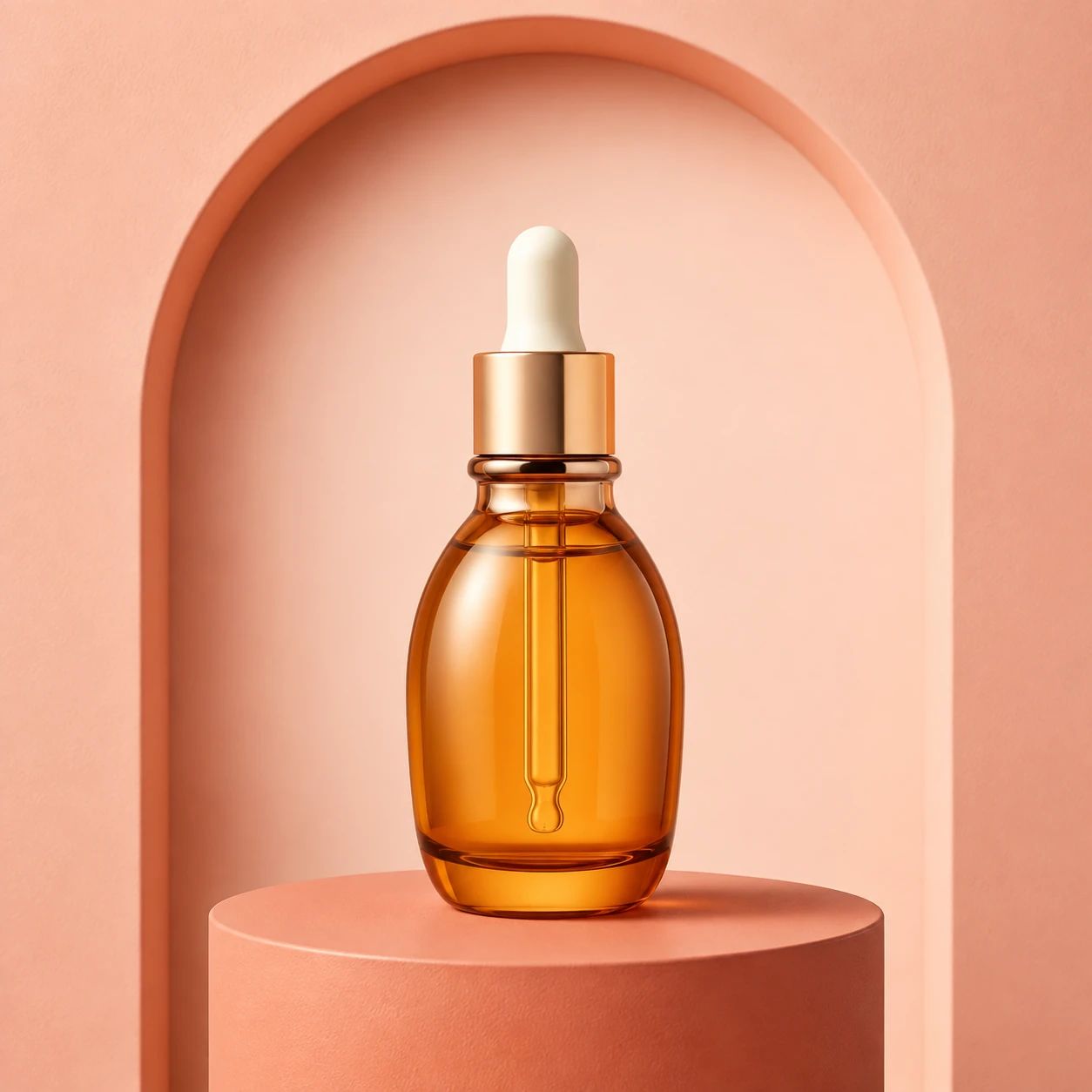
Beauty serum in a coral studio setting

Beauty and personal care

Replace a styling prop around skincare or cosmetic packaging, then inspect shade, finish, label text, reflections, cap geometry, and the package details customers need to recognize.

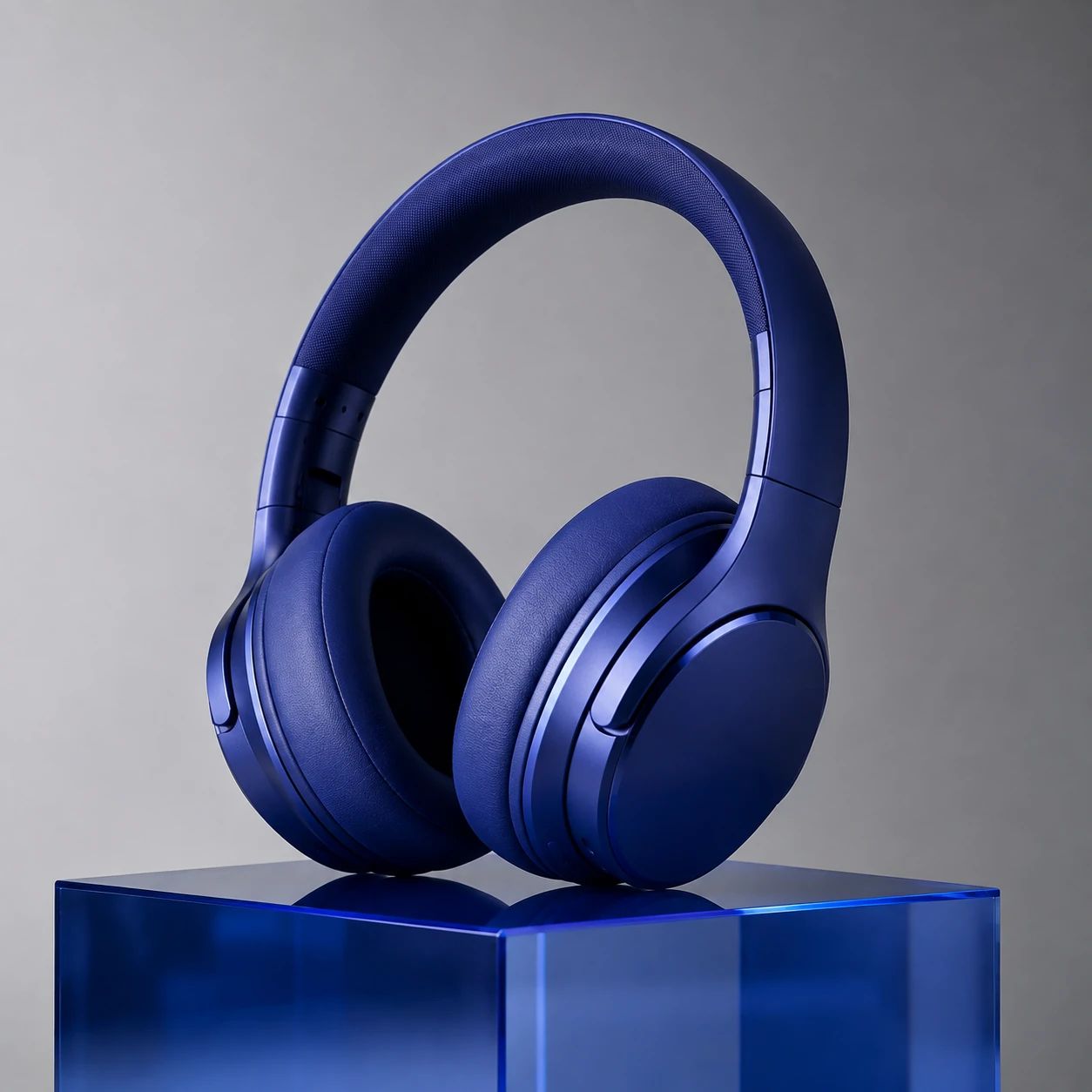
Headphones in a cobalt product setting

Electronics and accessories

Test a substituted accessory or contextual object while checking device contours, ports, seams, logos, textured surfaces, reflected color, and scale against the original catalog shot.

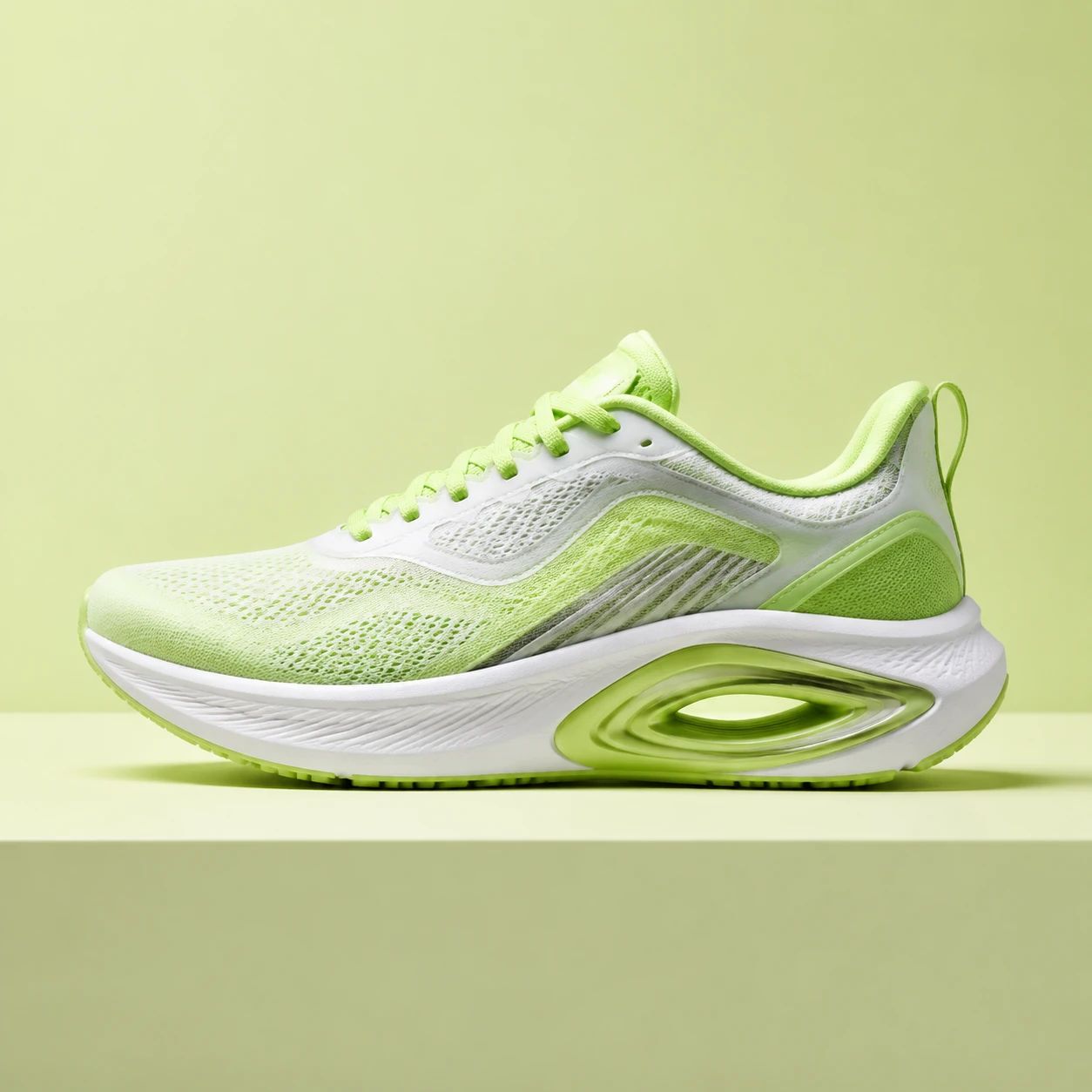
Sneaker in a lime studio setting

Footwear and apparel

Plan a campaign composition by replacing a prop around shoes or clothing, then examine laces, stitching, material texture, sole shape, sizing cues, shadows, and the balance between footwear or apparel and its scene.

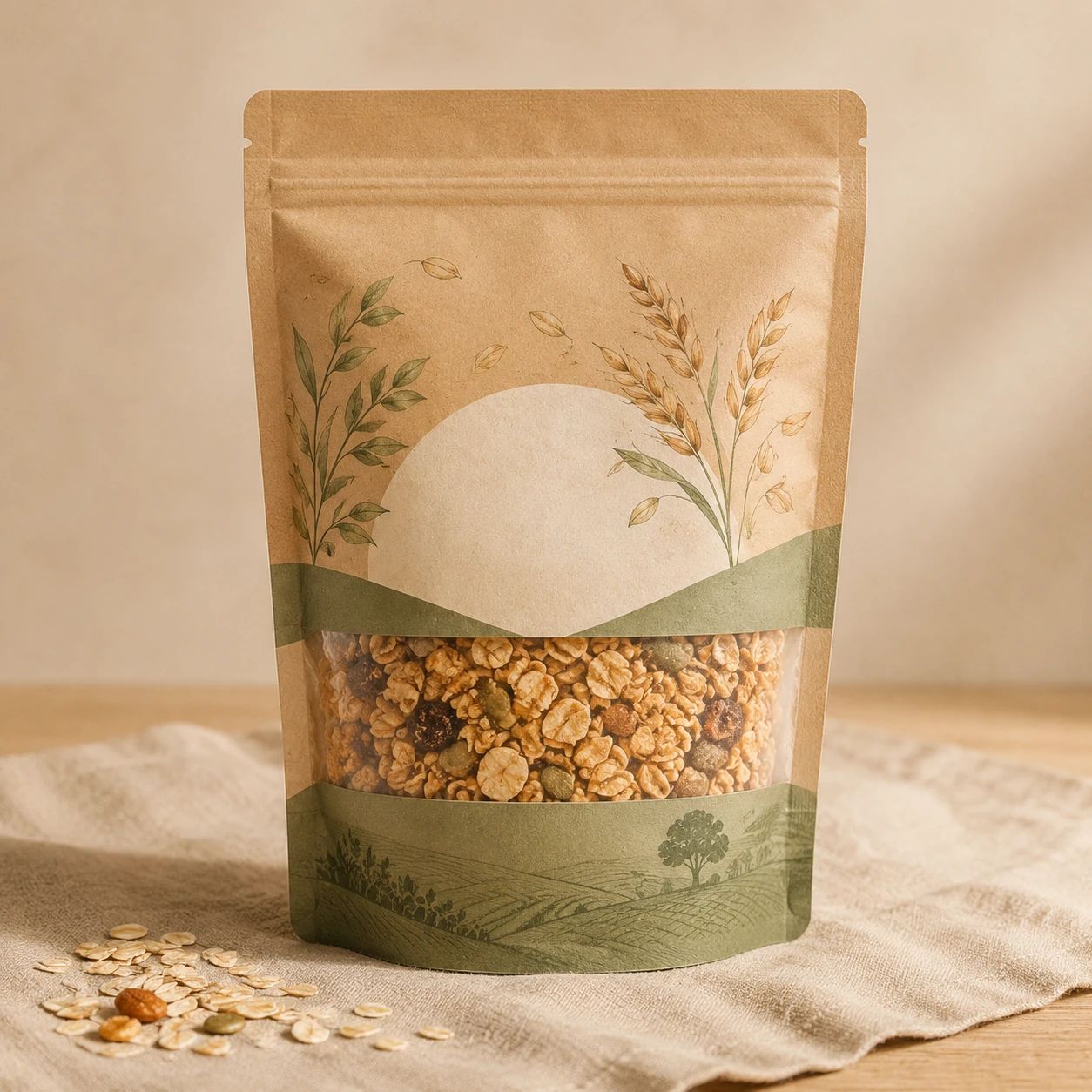
Packaged food product in a linen setting

Food and drink

Explore a serving or lifestyle object replacement that supports the merchandise story, while checking package copy, portion scale, surface detail, light, steam or reflections, and food-presentation expectations for the destination channel.

FAQ

AI Object Replacer FAQ

Practical answers about references, object replacement briefs, candidates, merchandise checks, and final placement decisions.

What can an AI Object Replacer help me explore?

AI Object Replacer can help you replace or swap an object or styling prop from an uploaded reference and written brief. It is useful for early catalog planning, campaign concepts, and editorial discussions. Treat every result as a complete candidate. Compare it with the original before use, rather than assuming a particular detail, merchandise feature, or nearby part of the scene matches your intention exactly.

Does this page include a drawing or region-control tool?

No. This page accepts one uploaded reference and an optional written brief; it does not provide a drawing or region-control interface. Describe the object replacement clearly, generate a candidate, and inspect the complete frame afterwards. The result needs a full-frame check, including the main subject, surrounding scene, lighting, shadows, material details, and any text that matters to the final asset.

Can I use AI Object Replacer for catalog photos?

Catalog photography is a useful starting point when a team wants to replace a prop, accessory, or scene element. Use a clear reference where the merchandise is easy to inspect, describe the intended purpose, and compare candidates with the original. Before publishing, check labels, logos, color, proportions, finish, material cues, and any feature that affects a shopper's understanding.

How should I write an object replacement direction?

Describe the object you want to replace, the main subject, surrounding setting, and final placement. Add practical details such as surface, lighting, camera distance, empty space, seasonal context, or campaign format when they affect the composition. Keep the object replacement brief focused on one coherent idea. Afterwards, judge whether the complete frame supports that purpose instead of judging one change in isolation.

What kind of reference should I upload?

Choose the clearest available upload with useful context around the main subject. The reference should be sharp enough to inspect edges, packaging, text, materials, and nearby surfaces. Avoid severe blur, extreme compression, heavy glare, clipped highlights, or a crop that already hides an important detail. A stronger reference gives a reviewer a better basis for comparing candidates and deciding whether an object replacement is usable.

What should I review after generating a candidate?

Check the entire frame at working size and at the crop people will see. Start with the merchandise: contours, labels, logos, small text, colors, proportions, texture, finish, and shadows. Then inspect the scene: surface transitions, repeated patterns, reflections, background geometry, lighting, perspective, and copy space. Do not accept an object replacement merely because one idea looks convincing when purchase-critical or message-critical details remain unclear.

Can I use a candidate in a catalog listing?

Consider a candidate for a listing only after checking it against the current requirements of the destination store, sales channel, or campaign. Check dimensions, crop, merchandise visibility, category expectations, and any claims conveyed by the composition yourself. AI Object Replacer supports exploration; it does not provide automatic approval for a brand, platform, rights holder, or particular publishing context.

How can a team compare several object replacement options?

Place each candidate beside the original reference and view them in the same intended crop. Use one checklist across the options: merchandise clarity, hierarchy, labels, materials, light, shadows, scene context, copy space, and destination needs. Choose the object replacement that communicates the merchandise and message most clearly, rather than one that appears dramatic in a large preview or isolated comparison.

What if a candidate includes an unexpected detail?

Pause before using the candidate and identify whether the unexpected detail affects the merchandise, scene, message, or intended crop. Try a clearer object replacement brief with fewer competing ideas, or use a stronger reference that makes the relevant context easier to inspect. When labels, materials, geometry, real-world facts, or important relationships remain ambiguous, choose another candidate or return to conventional photography.

Can AI Object Replacer replace a catalog reshoot?

It can support object replacement exploration and help a team discuss a treatment before committing to a new asset, but it does not remove the need for suitable reference photography or final quality checks. A reshoot may be better when exact color, fine package text, complex reflective materials, detailed geometry, regulated messaging, or a specific real-world setting must be represented accurately for customers or a sales channel.
Replace a Prop or Accessory in Your Catalog Shot

Use AI Object Replacer to turn one uploaded reference and concise brief into object replacement candidates for catalog, campaign, or editorial discussion. Begin with a clear original, explain the intended scene and placement, then compare every candidate with it. Check the whole frame for merchandise details, hierarchy, light, shadows, materials, copy space, and channel needs before moving a selection into production.

Start with one reference, a focused object replacement brief, and a full-frame check.

Chair cushion object replacement edited result