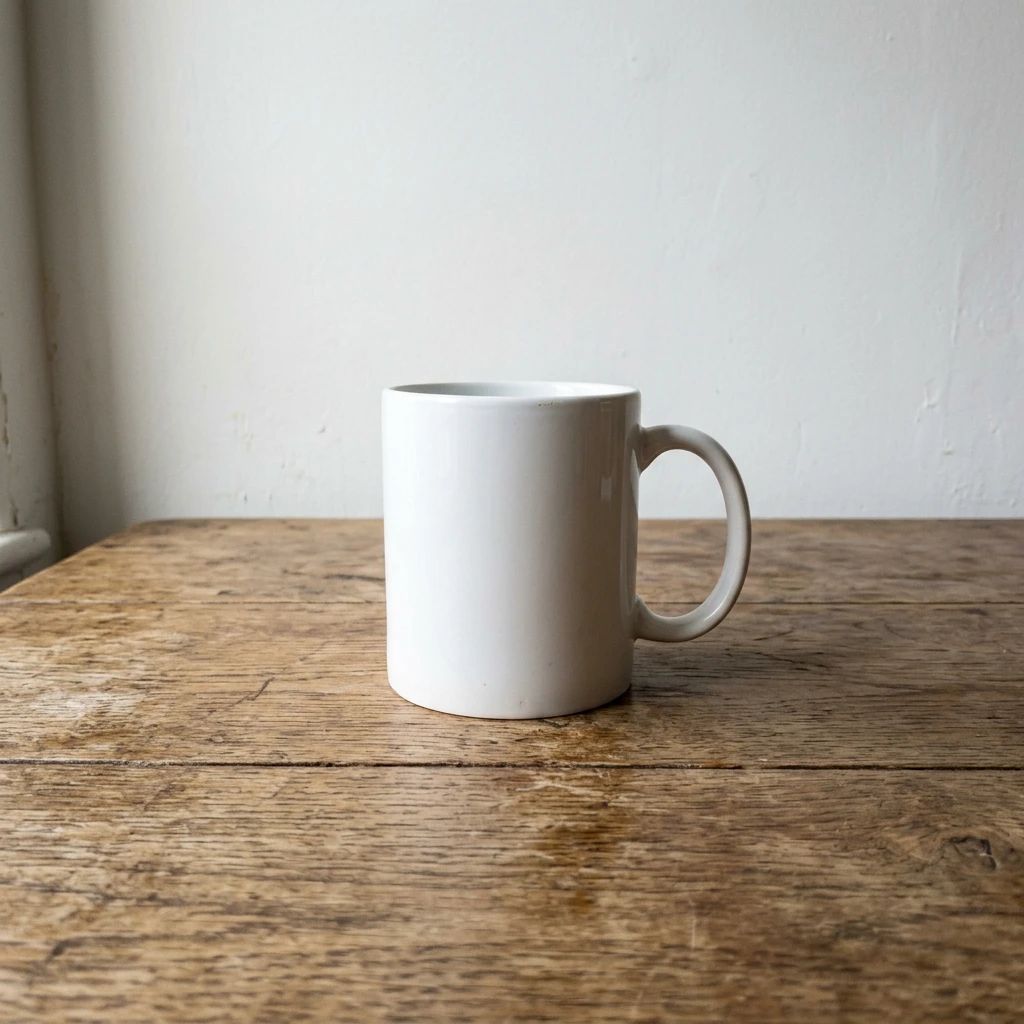
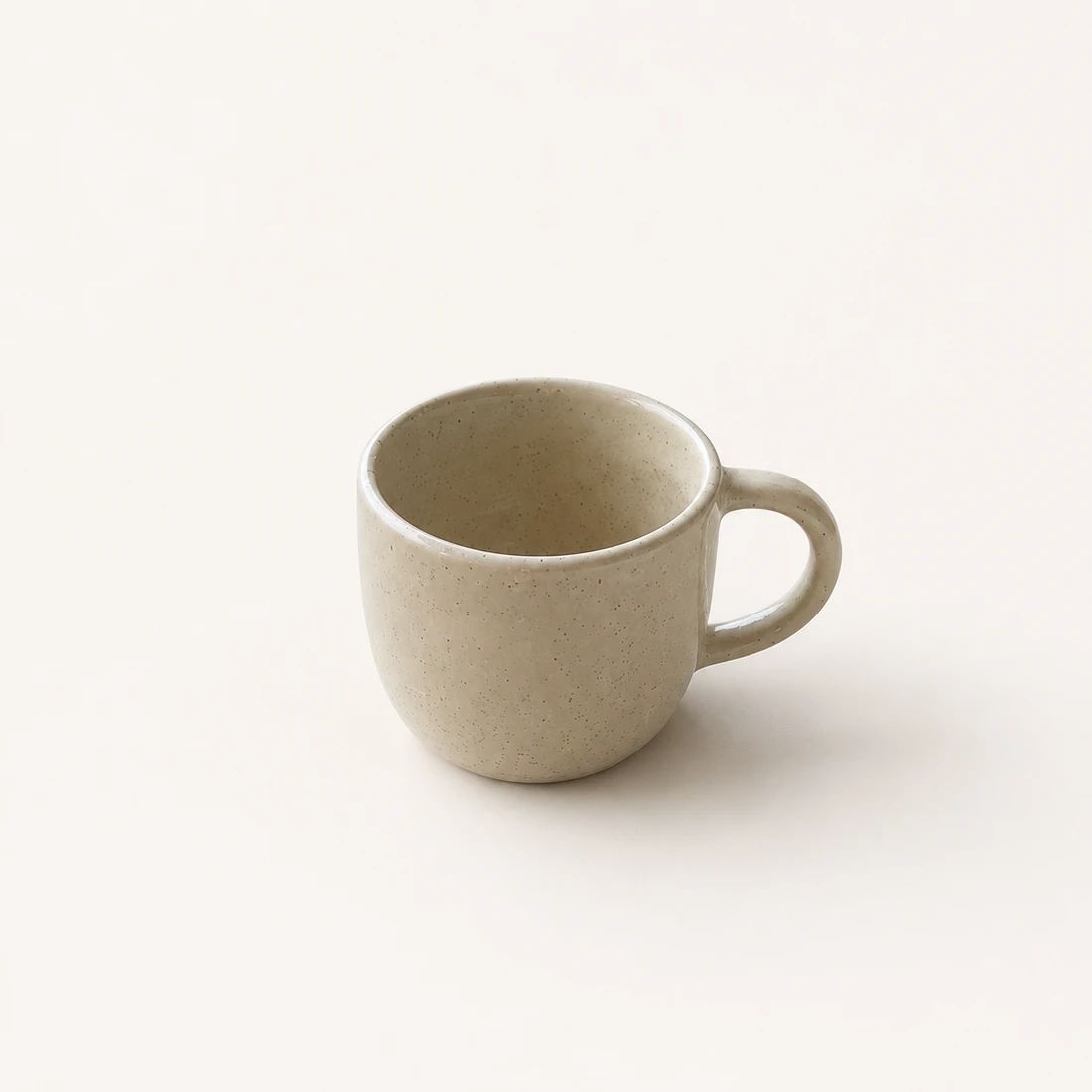
Marketplace Listings
Create clean white-background AI product photos for marketplace listings and catalog pages, where clarity and consistency matter most.
Create a White BackgroundAI Product Photography for Ecommerce
Create professional ecommerce product photos from a single image.
Upload an image. Choose a product photo tool. Generate your result.
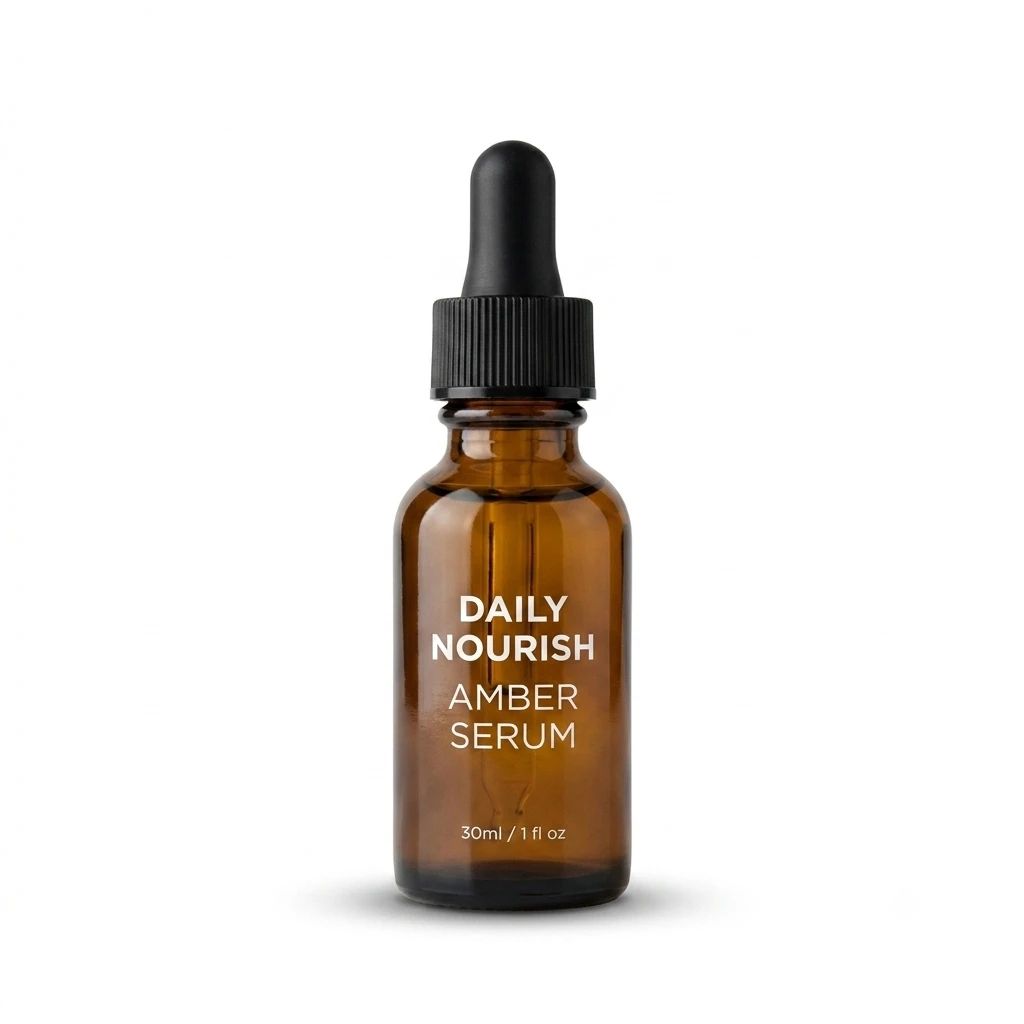
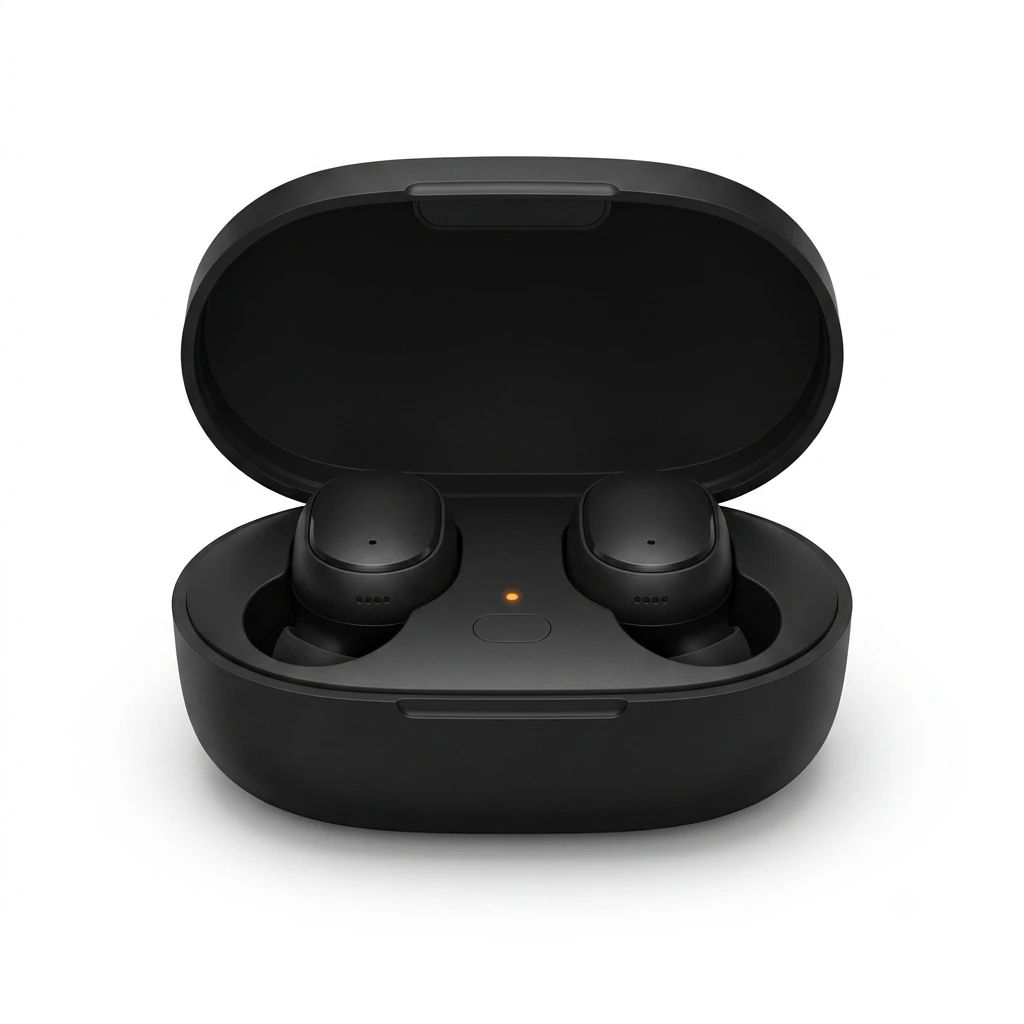
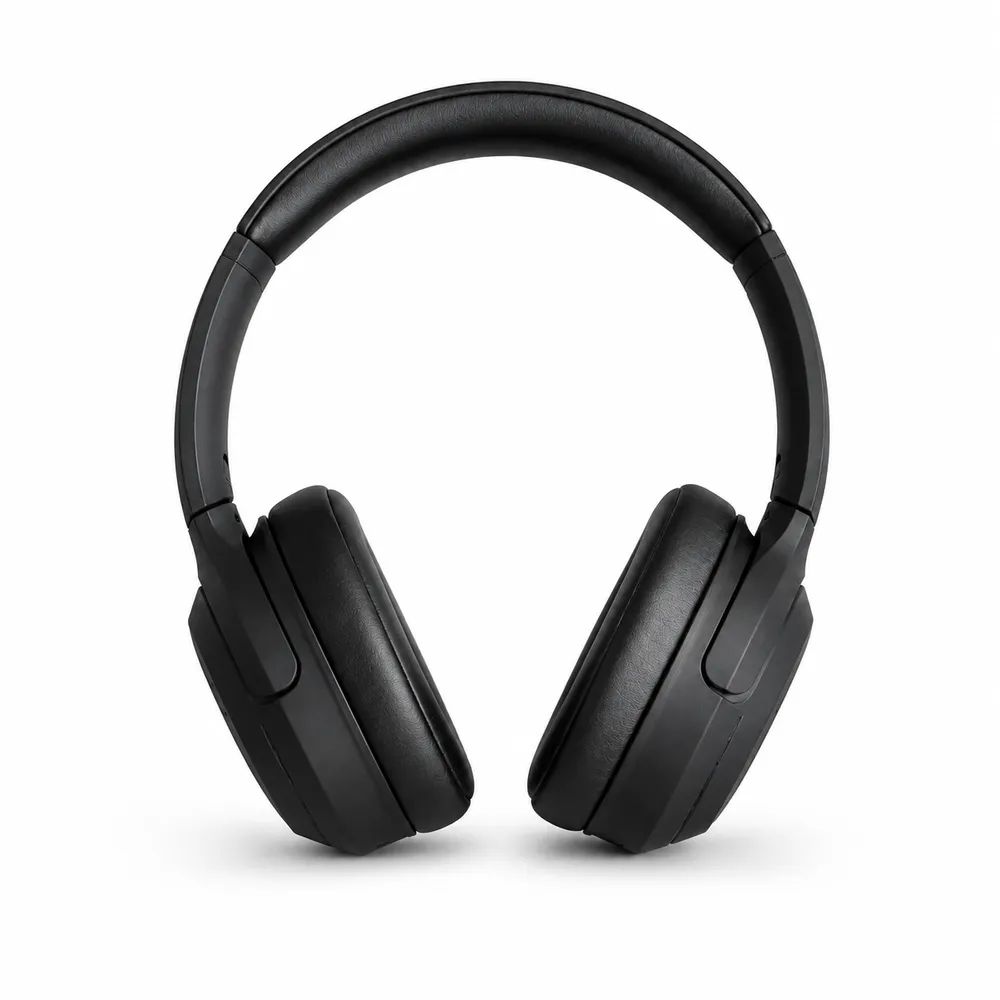
From source to storefront
Start with one product image and preview the Amazon main image, lifestyle scenes, infographics, studio shots, detail closeups, seasonal promos, human-use shots, and comparison frames you would actually sell with.
Selected case
A centered phone-shot mug workflow that turns one rough source image into a full Amazon-ready listing set.
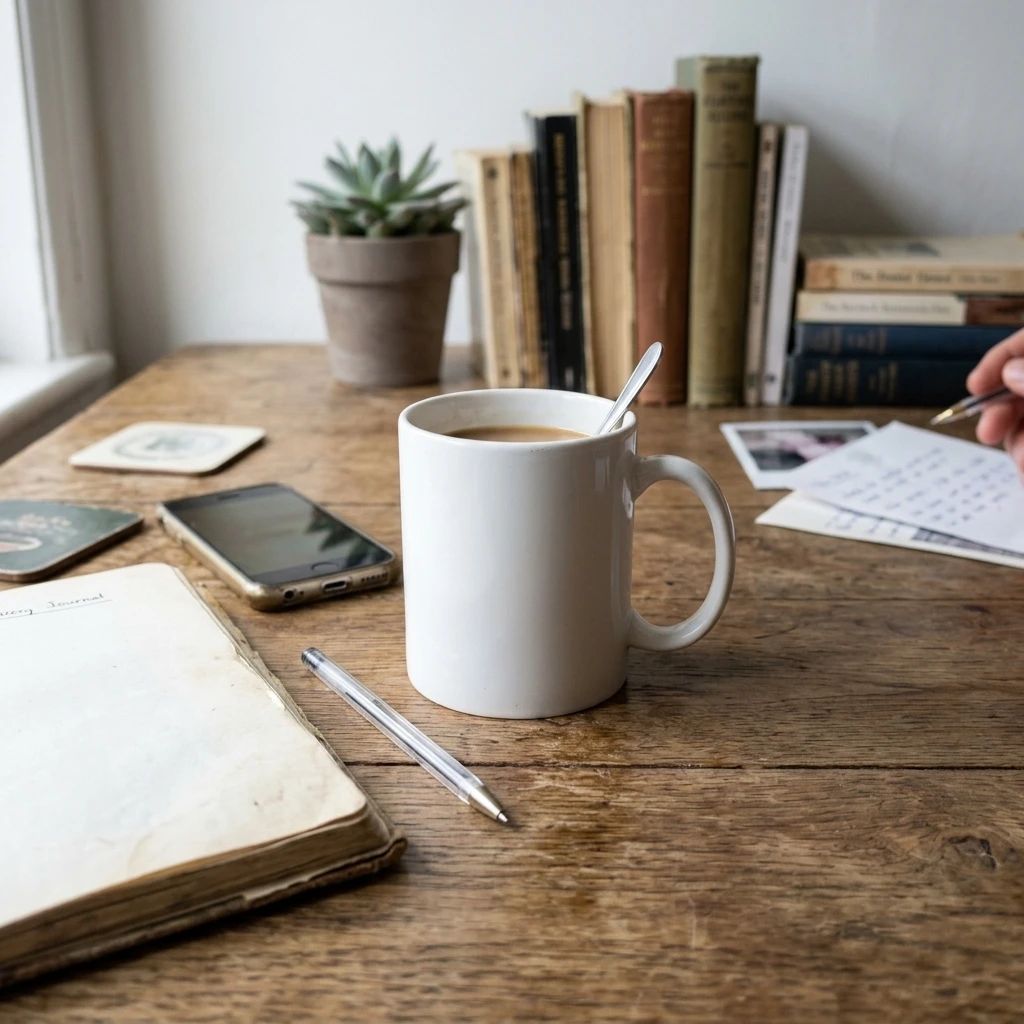 Lifestyle
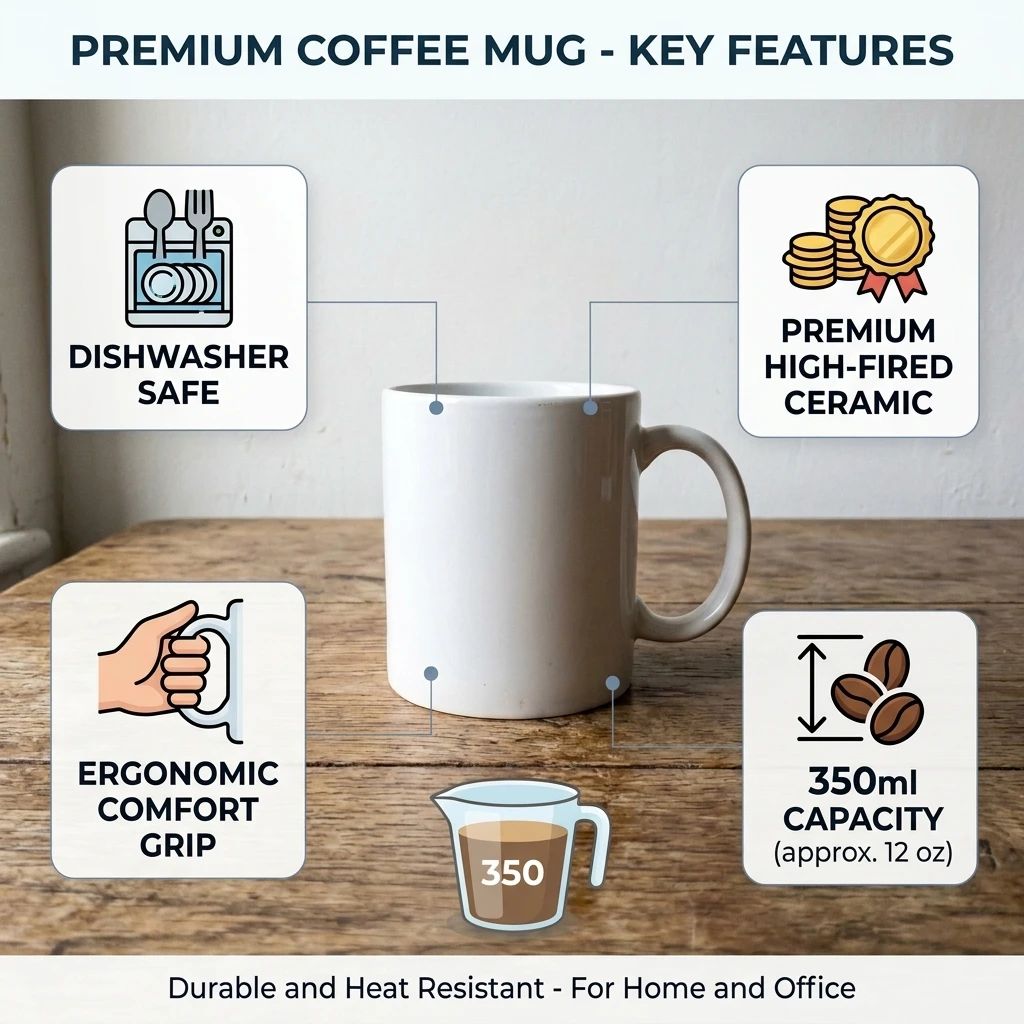 A+ Content
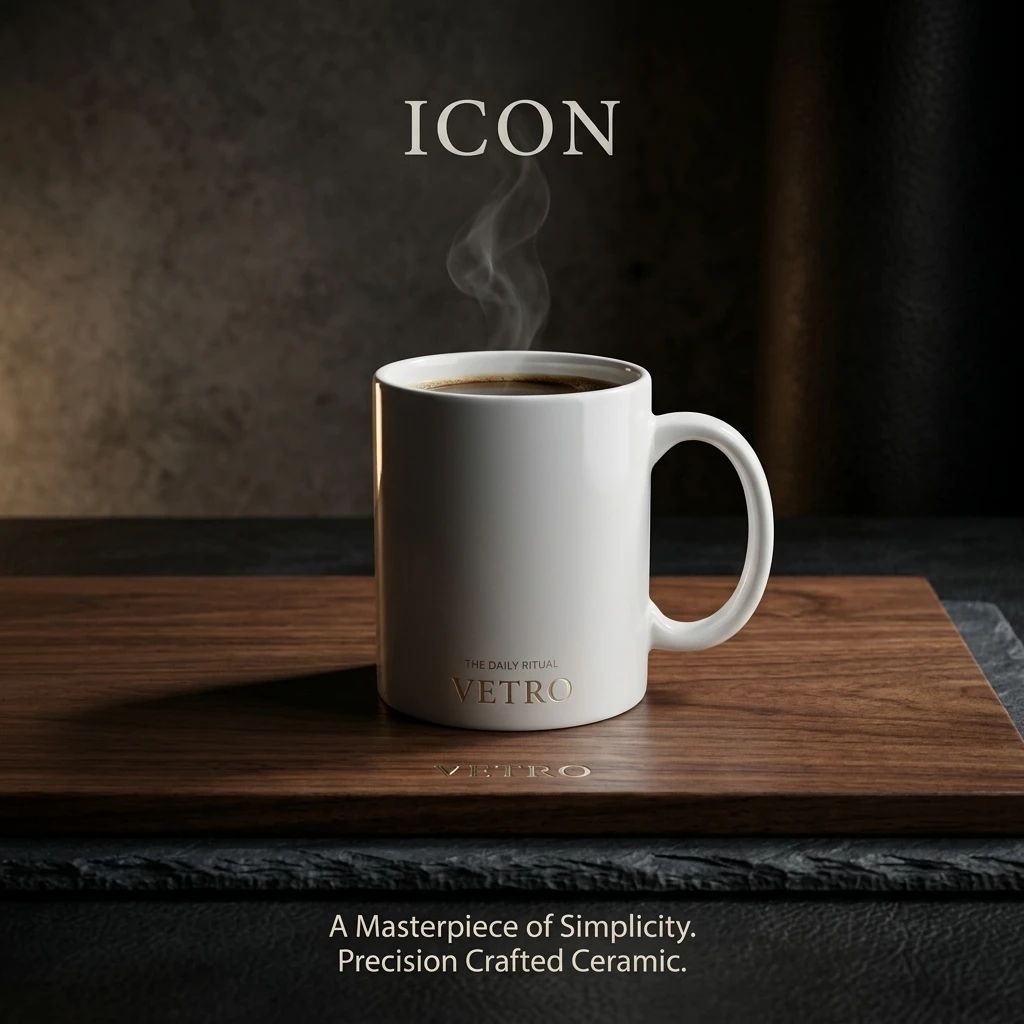 Studio
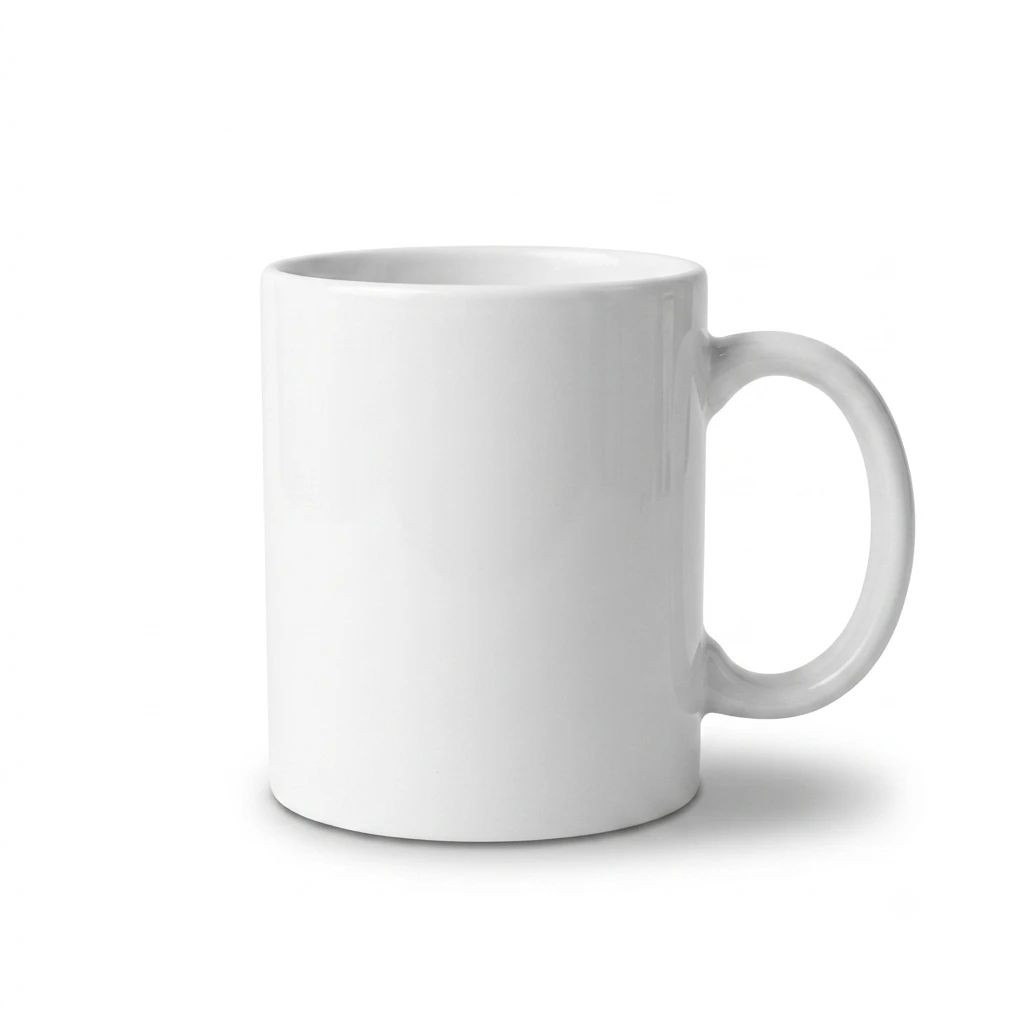 Main Image
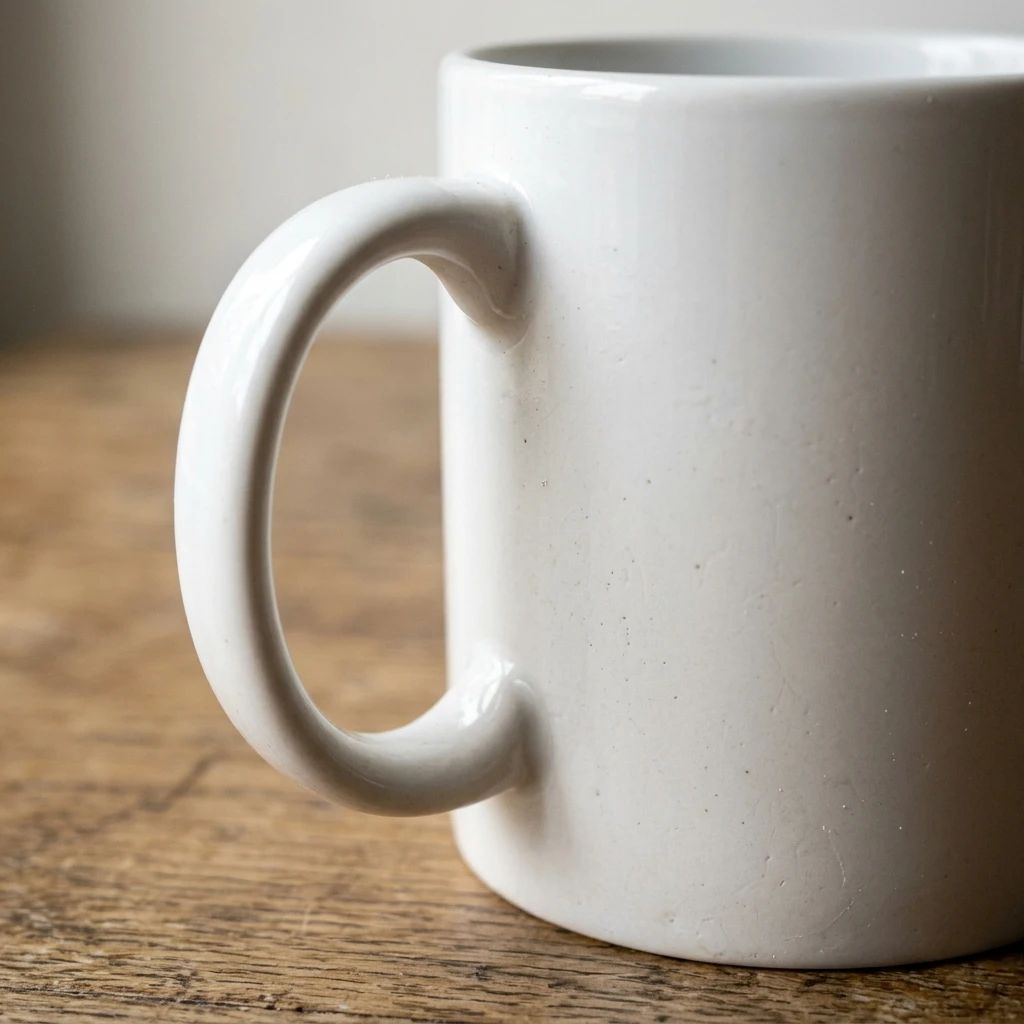 Macro
Macro Seasonal
 Human Use
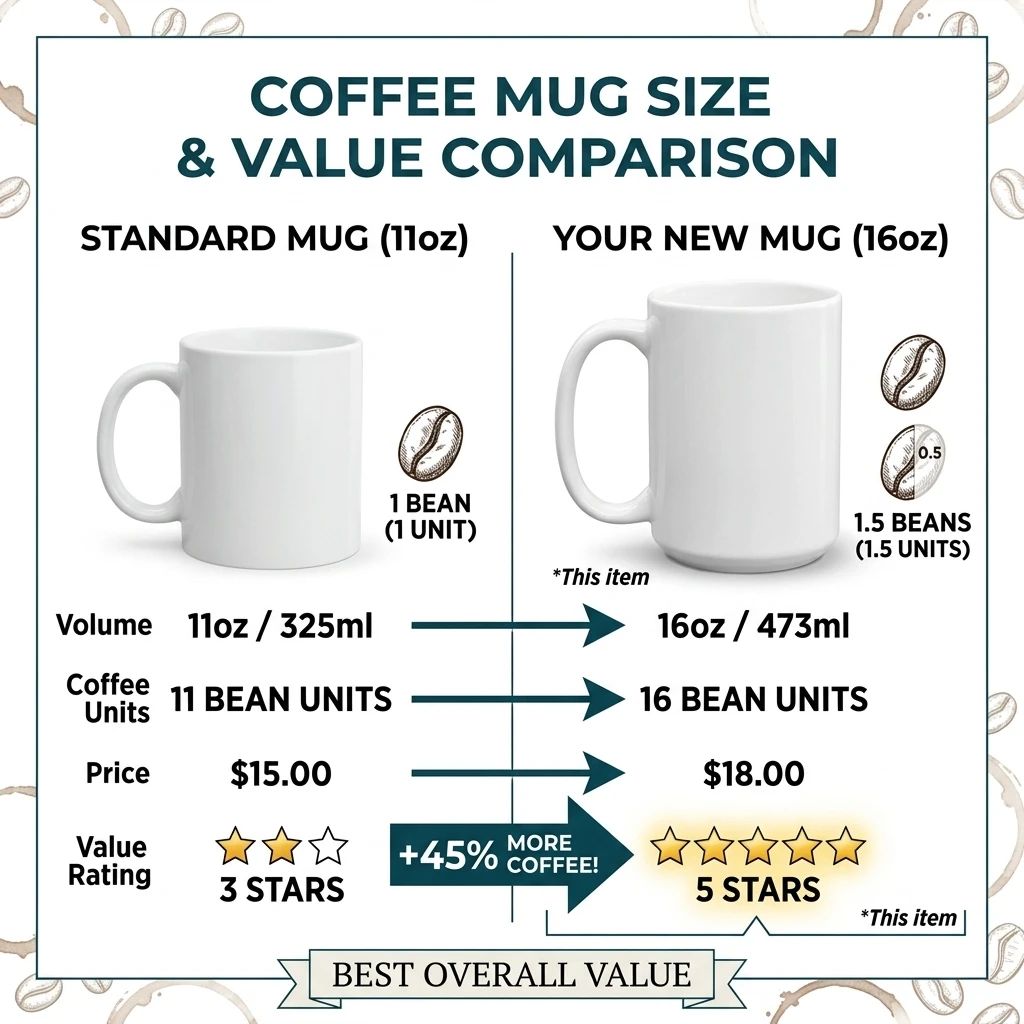 Compare
Built around ecommerce work
Create AI product photos for product listings, online storefronts, campaigns, larger product catalogs, batch image runs, and API-connected workflows from the images you already have. The same product photography workflow can move from one-off edits to repeatable production output.
Create clean white-background AI product photos for marketplace listings and catalog pages, where clarity and consistency matter most.
Create a White BackgroundBuild a more polished product gallery with styled backgrounds, improved lighting, and clearer product presentation so each AI product photo feels ready for a live store.
Replace a Background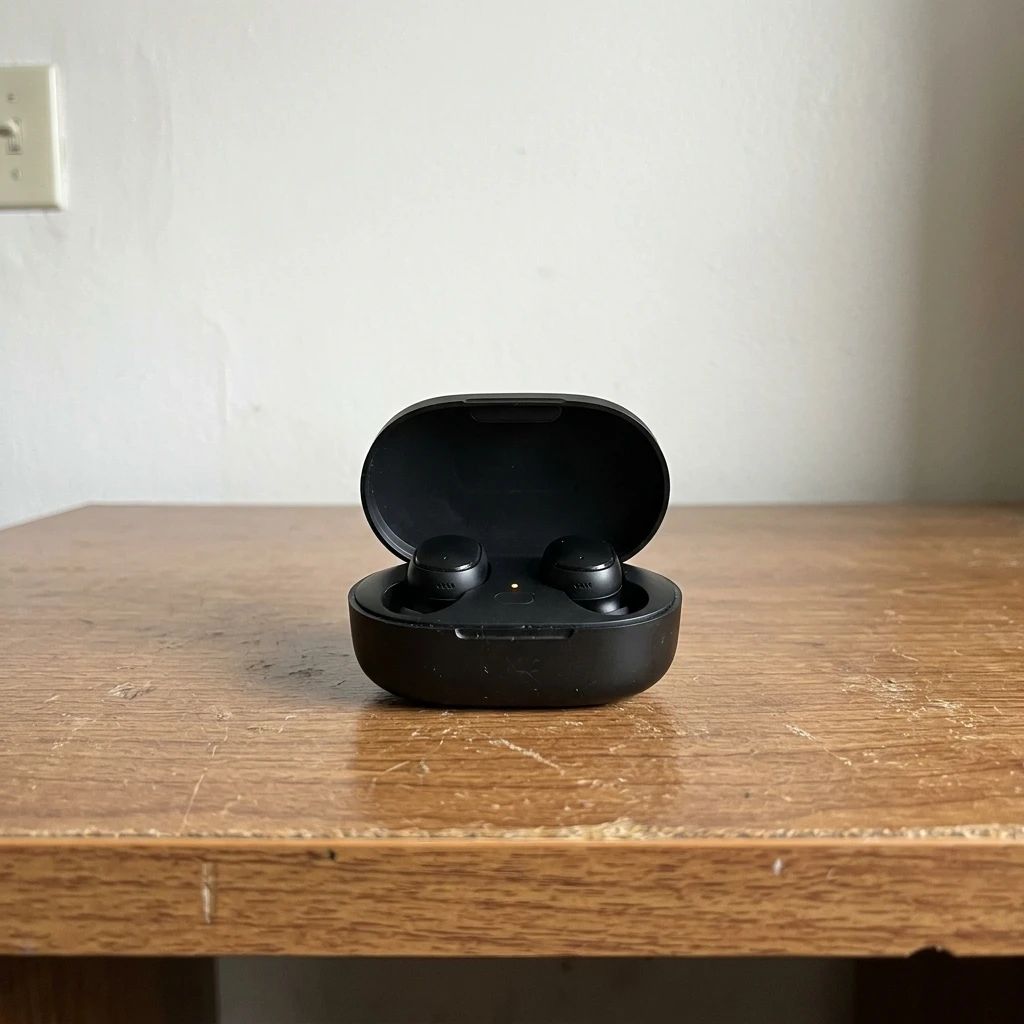
Place products in new visual settings for promotions, social posts, and campaign concepts, then reuse the same product photography direction across channels.
Create a New Scene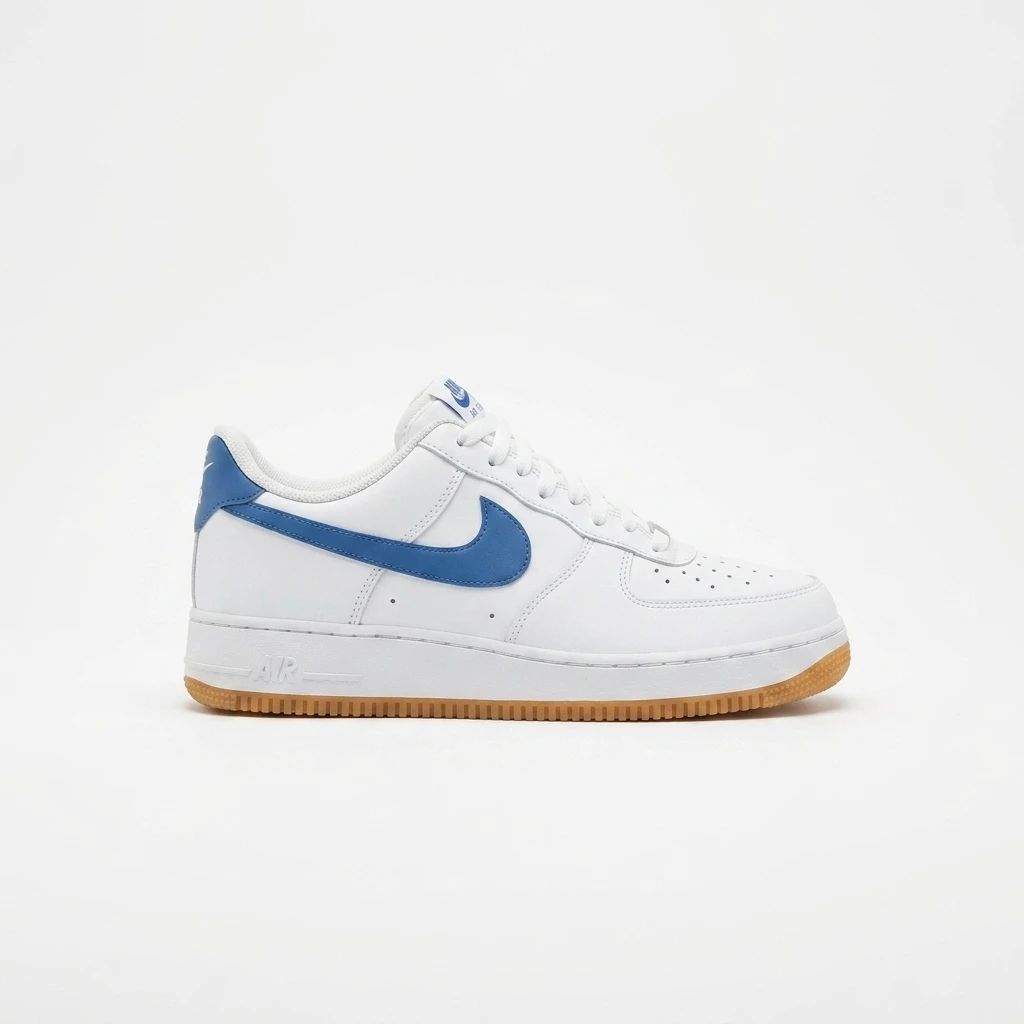
Run multiple image-generation tasks with shared prompts, aspect ratios, and resolution settings from the batch workspace, which is useful when a product photo set needs the same look across many SKUs.
Open Batch WorkspaceChoose the tool that fits your task, upload a product image, and generate a new AI product photo without a manual masking or retouching workflow. If you need a repeatable pipeline, the same product photography logic can also be routed through an API for automation.
Choose a clear JPG, PNG, or WebP image of the product you want to edit, because a stronger source image usually gives a better AI product photo result.
Remove the background, create a white backdrop, describe a new scene, add a product shadow, or improve the lighting depending on the product photography outcome you want.
Review the generated result and download the version you want to use, then reuse the same AI product photo workflow for the next image.
Purpose-built editing
Handle common ecommerce image tasks with AI product photo tools from focused, upload-first workflows. The same toolset also supports batch processing and API automation when you need to scale product photography output.
01
Separate the product from its original background and export a transparent PNG. Choose the standard model for everyday cutouts or Pro for more difficult edges and fine details when the AI product photo needs a cleaner edge.
Remove a Background
02
Place a product on a clean white backdrop for storefronts, catalogs, and marketplace product pages, and keep the result consistent with the rest of your product photography set.
Create a White Background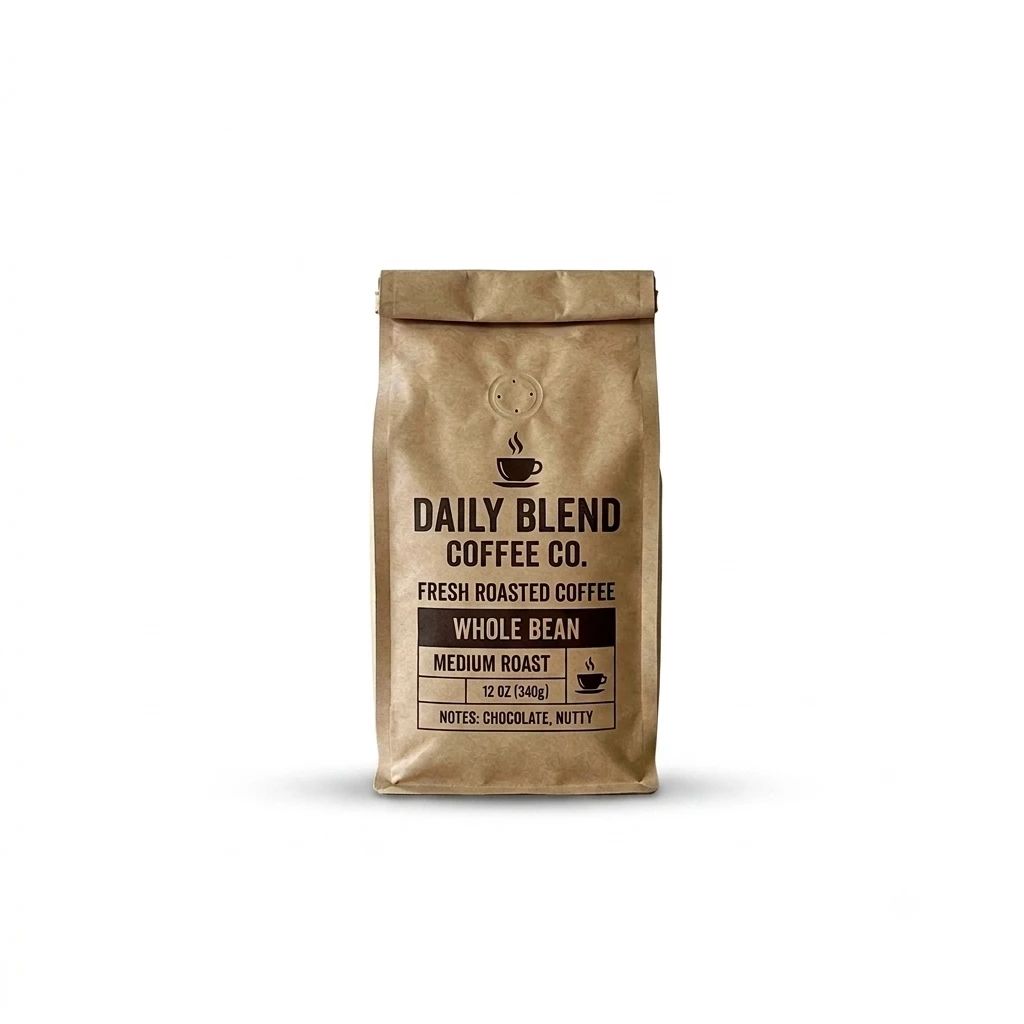
03
Trigger AI product photo generation programmatically, connect product photography tasks to your own systems, and scale repeatable ecommerce image workflows without manual repetition. This is useful when a product photo operation needs to run the same way every time.

04
Describe a new setting and generate a background replacement while keeping the uploaded product as the main subject. The result works well when you want a faster product photography variant for campaigns or storefronts.
Replace a Background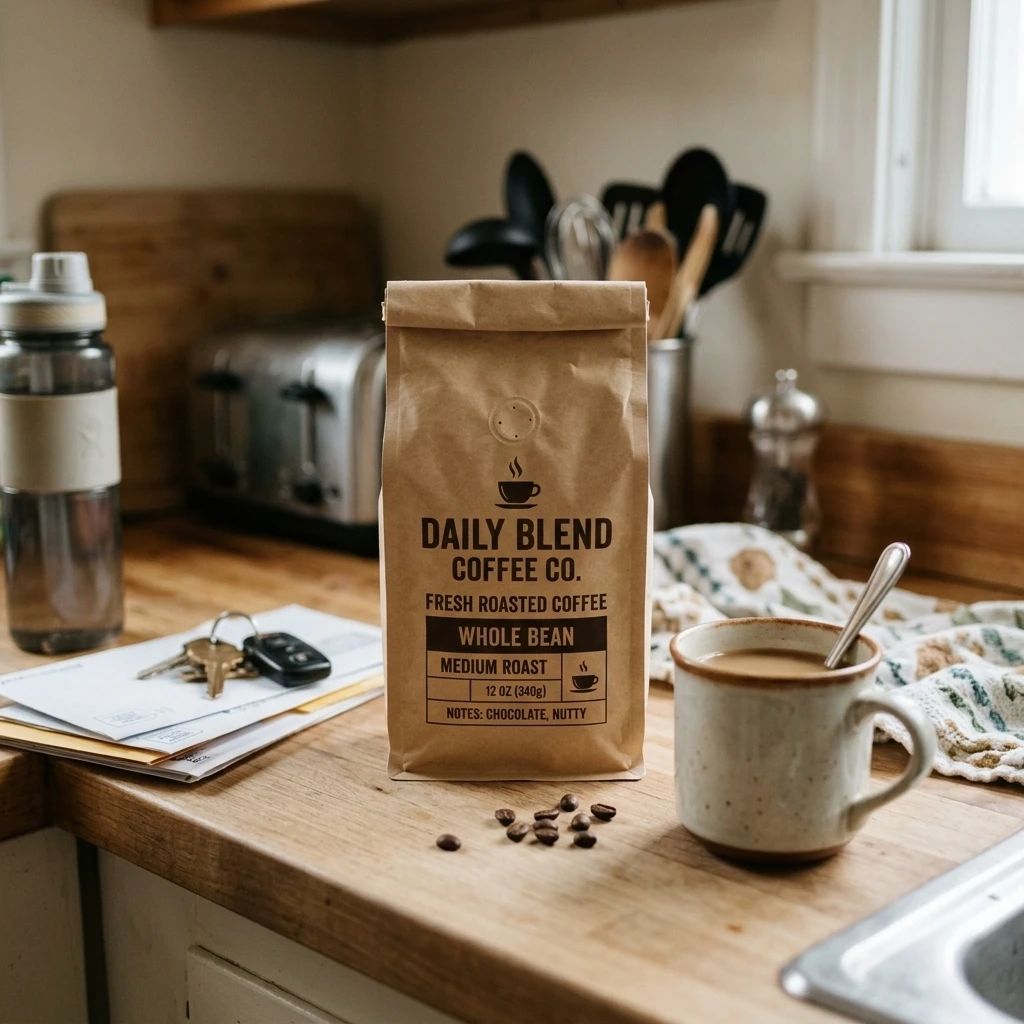
05
Add a grounding shadow or studio-style cast shadow to give flat product images more depth and make the final AI product photo feel more realistic.
Generate a Product Shadow
06
Adjust exposure, contrast, highlights, and material definition for a brighter, more polished presentation that still reads like a product photograph, not just an edited image.
Improve Product Lighting
Different products, different contexts
Explore AI product photo treatments across different shapes, surfaces, materials, and selling contexts. Use the category examples to choose the right product photography style before you publish.

Create clean packshots, natural room settings, and campaign-ready visuals for candles, drinkware, and everyday home goods with a product photography style that feels warm and usable.
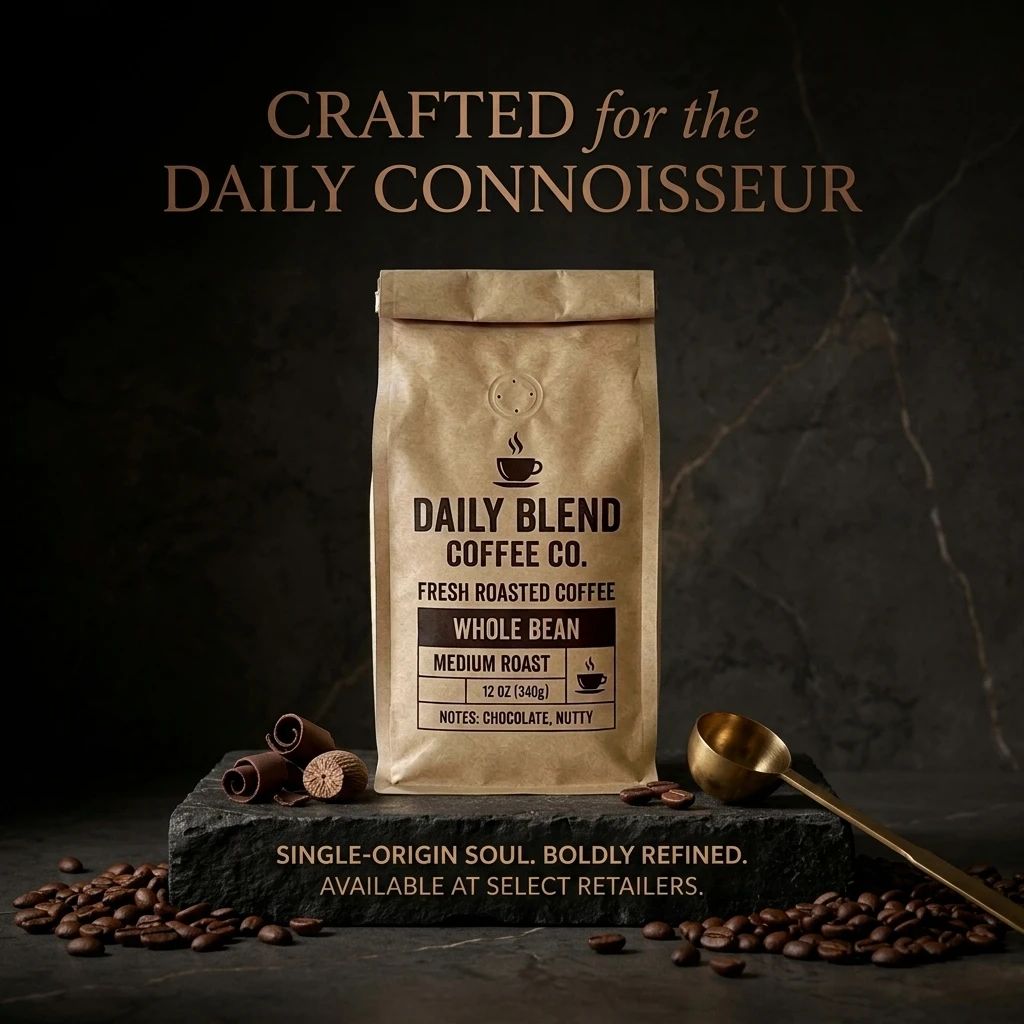
Present packaging and products in clean catalog layouts or styled tabletop scenes, especially when the product photo needs to feel fresh, stable, and commercial.
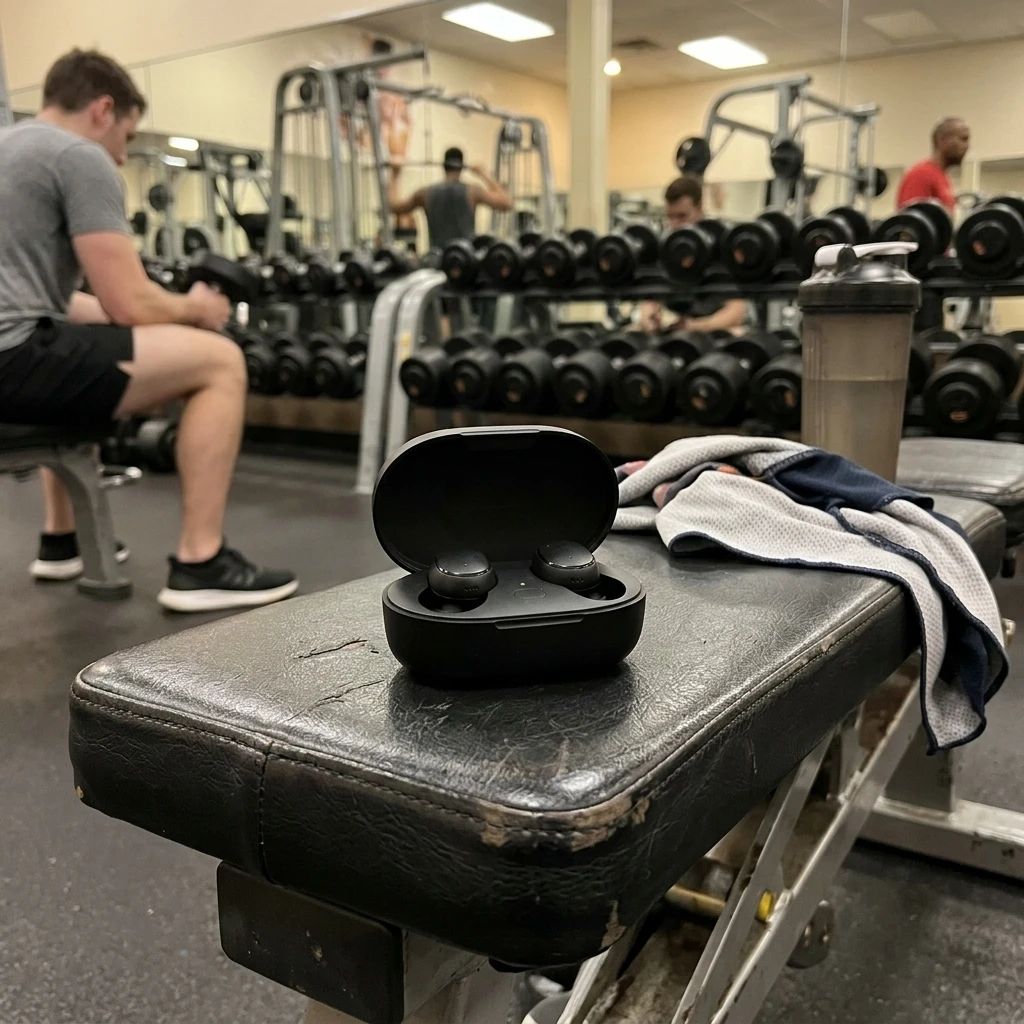
Create structured studio-style visuals for devices, accessories, and product packaging, where a precise product photography setup helps the details stay readable.
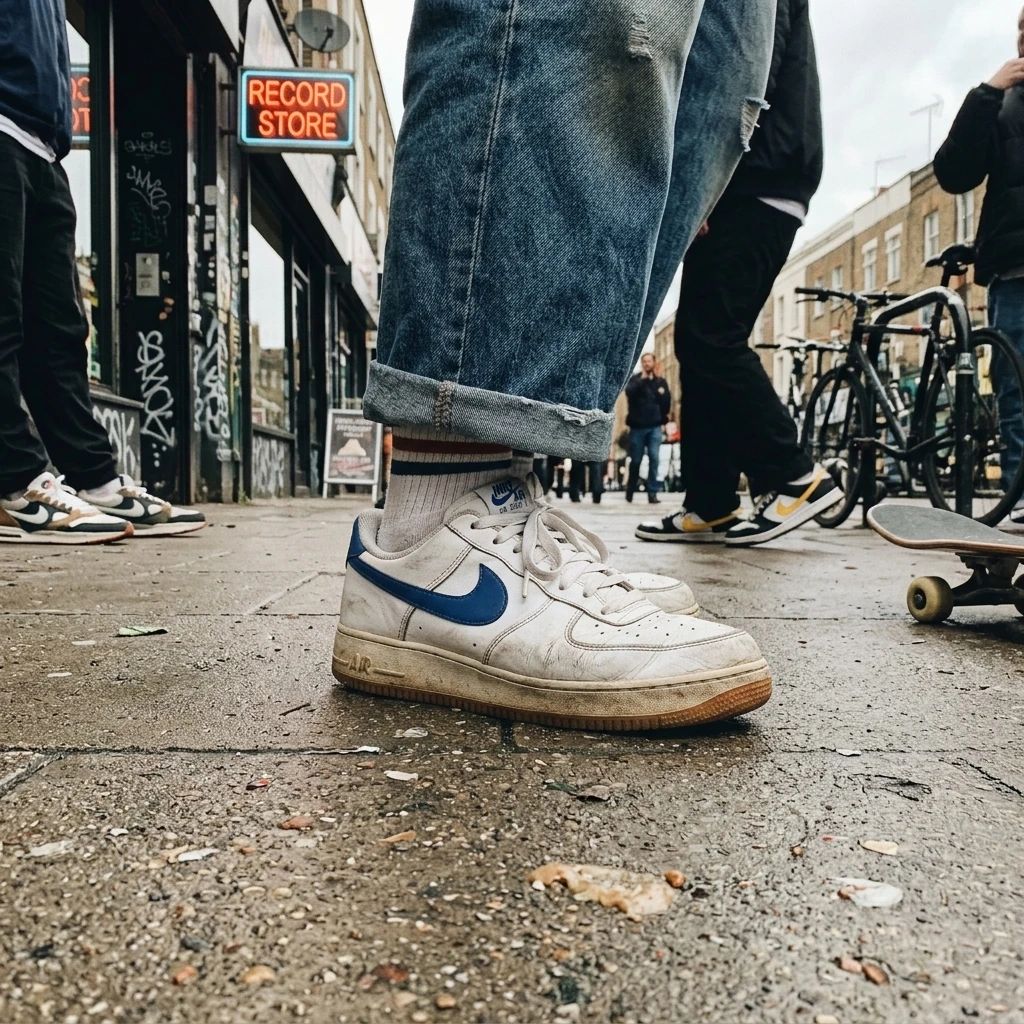
Create polished product visuals for shoes, bags, eyewear, and other accessories, and keep the same product photo language consistent across a full collection.
Work beyond one image
Use the batch workspace to run multiple AI product photo prompts against a reference image or apply one prompt across multiple uploaded images, and prepare repeatable jobs for larger catalog updates. This is the right place when bulk product photography needs consistency, speed, and a predictable output pattern.
Keep a reference product image fixed and test multiple scene or styling prompts in one batch, which is useful when you want to compare product photography options quickly.
Apply a shared prompt across a collection of uploaded images when the selected model supports image input, so the whole product photo set keeps one visual direction.
Choose supported aspect-ratio and resolution settings before starting the batch, especially when the product photography workflow must match different marketplaces or ad placements.
Check generated packaging, labels, product shape, color, and fine details before publishing, so the batch product photo set stays accurate and on brand.


Learn what you can create, which images work best, how batch processing works, and how AI product photo output usage rights apply. The answers below are written to match real product photography workflows, not just single-image edits.
AI product photography uses image-generation and editing models to transform an existing product photo. Depending on the tool, you can remove or replace a background, create a white backdrop, add a product shadow, improve lighting, or generate a new product scene. The result is a faster product photo workflow that can be repeated across many SKUs.
Use a clear image where the complete product is visible and reasonably well lit. Strong separation between the product and its background can help with cutouts, while a sharp source image gives the model more useful product detail to work from. For AI product photo workflows, the cleaner the source, the more reliable the output.
Yes. The Product White Background tool places an uploaded product on a clean white backdrop for storefronts, catalogs, and marketplace product pages. This is a common AI product photo format for ecommerce teams that want a consistent product photography style.
Yes. The Background Remover supports transparent PNG output. You can choose the standard model for everyday images or the Pro option for more difficult edges and fine details. That makes it easy to turn an ordinary product photo into a reusable asset.
Yes. Upload an image, describe the new setting, and use the Background Replacer to generate a different scene, color, or visual style around the subject. Results can vary with the source image, prompt, model, and settings, which is why product photography teams often test a few AI product photo directions before publishing.
Yes. Dedicated tools are available for improving exposure, contrast, highlights, and material definition, as well as adding grounding or studio-style product shadows. These edits help the final AI product photo feel more realistic and more commercially useful.
The batch workspace supports multiple generation tasks. You can test several prompts with a reference image, apply one prompt across multiple images when the selected model supports image input, and use repeatable batch workflows to keep large ecommerce updates organized. Batch limits and available settings depend on the selected model, but the overall AI product photo flow is designed to stay consistent.
Yes. The product photo workflow can be handled through API-driven processing for automation and integration, so teams can connect product image generation, batch jobs, and internal tools into a repeatable workflow. That is useful for catalog refreshes, scheduled exports, and other product photography operations.
No. The product photo tools use upload-first workflows with focused settings, so you do not need to perform manual masking or traditional photo retouching. That keeps AI product photo editing accessible even when your team is not using a full design stack.
Usage rights depend on how the output was generated. Under the current Terms of Service, output created with an active paid subscription benefit or paid credits is assigned to you to the extent permitted by applicable law. Output created with free access or free credits is licensed only for personal, non-commercial use. You are also responsible for ensuring that your input and use of the output do not infringe third-party rights, especially when the AI product photo is used in a commercial listing or campaign.
No AI-generated result is guaranteed to be exact. Review packaging, labels, product shape, color, and small details before publishing an image. Results can vary by input image, prompt, model, and settings, so a final AI product photo check is still important.
Choose a product photo tool, upload your image, and generate the AI product photo result that fits your next listing, catalog, or campaign. If you need more output, keep the same workflow moving through batch processing or API automation.
Free access or credits may be available. Paid credits or a plan may be required for continued use and commercial output rights.